- Home
- ProductsBrowse collectionAll productsView all ↗
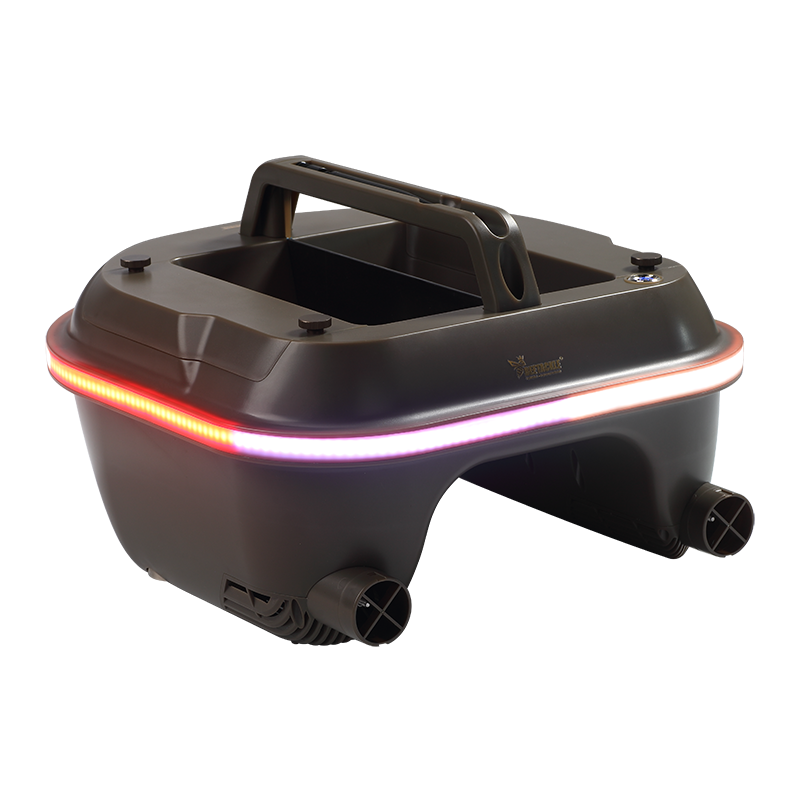 Bait BoatBait boat mini BT19↗
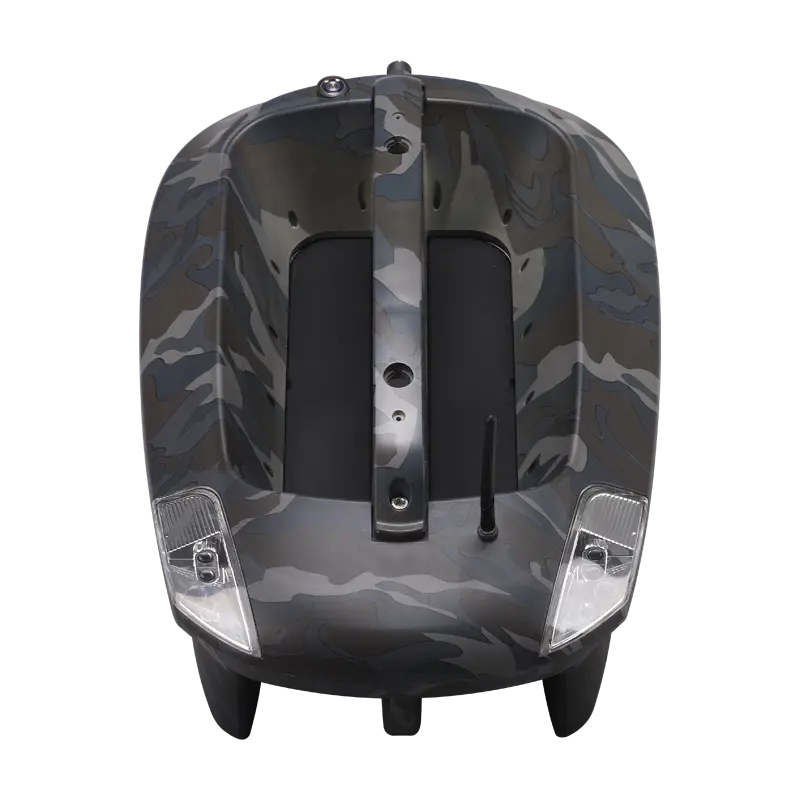 Bait BoatStandard Bait Boat (Urban camo)↗
 Bait BoatBait Boat BT2 (Camo)↗
 Bait BoatBait Boat BT3 (Green)↗
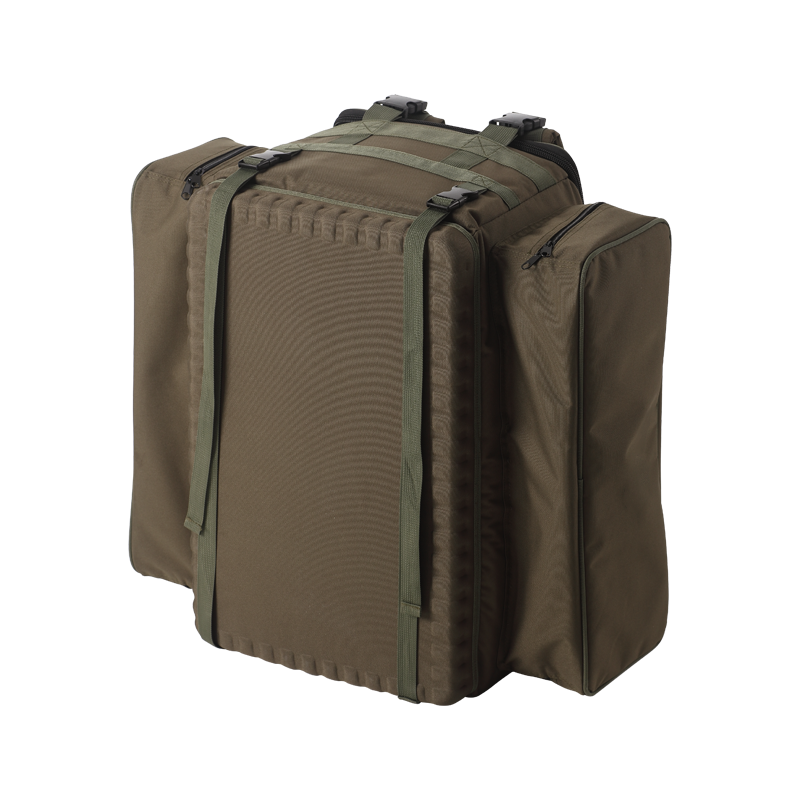 Bait BoatBaitboat Bag↗
 (1).png) Bait BoatIntegrated Sonar Bait Boat (BT8 Camo)↗
Bait BoatIntegrated Sonar Bait Boat (BT8 Camo)↗ Bait Boat16 battery pack↗
 Bait BoatHandset case↗
 Bait BoatHandset V3↗
 Bait BoatHandset V2↗
 Bait BoatUSBCHARGER↗
 Bait Boat8 battery pack for boat2↗
 SonarIntegrated Sonar BaitBoat (BT7)↗
 SonarCastable sonar (BT12)↗
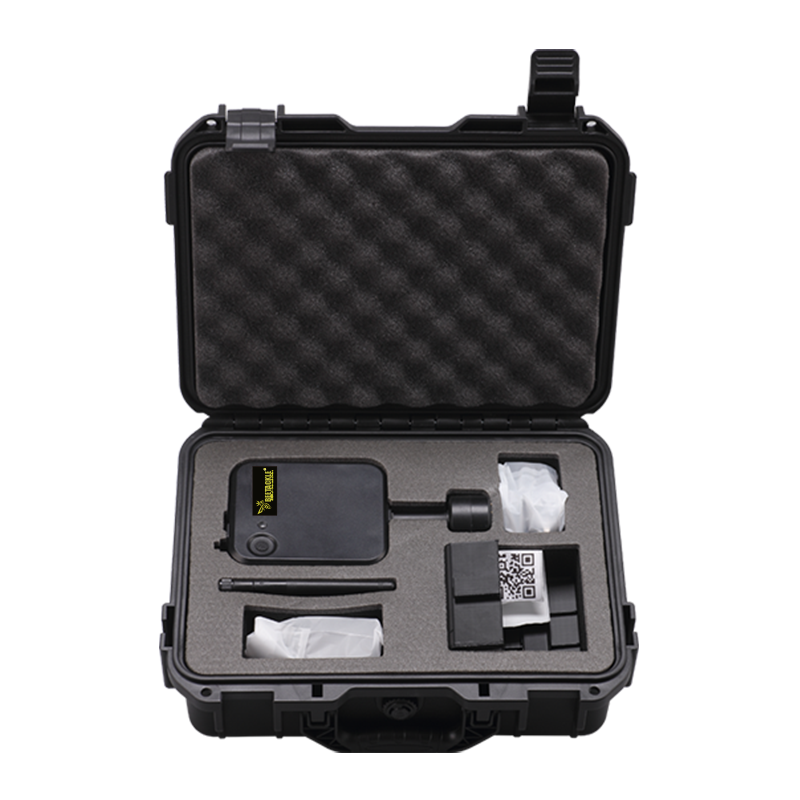 SonarMount sonar (BT5)↗
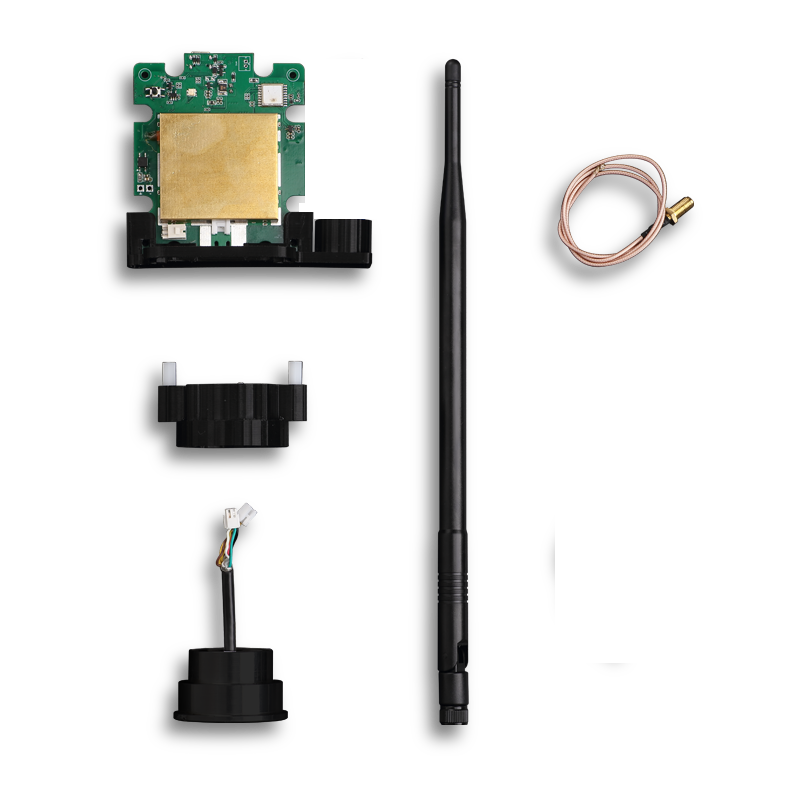 SonarBuild-in Sonar kit (BT6)↗
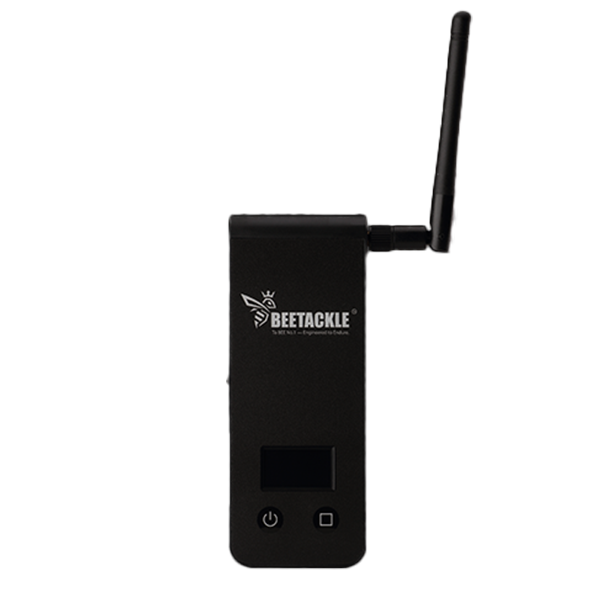 SonarWiFi extender (BT4)↗
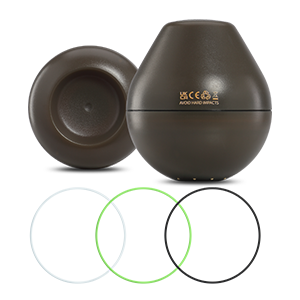 SonarCastable Sonar Colour Ring↗
 SonarPhone & controller holder (BT10)↗
 SonarPad & controller tri-stand (BT11)↗
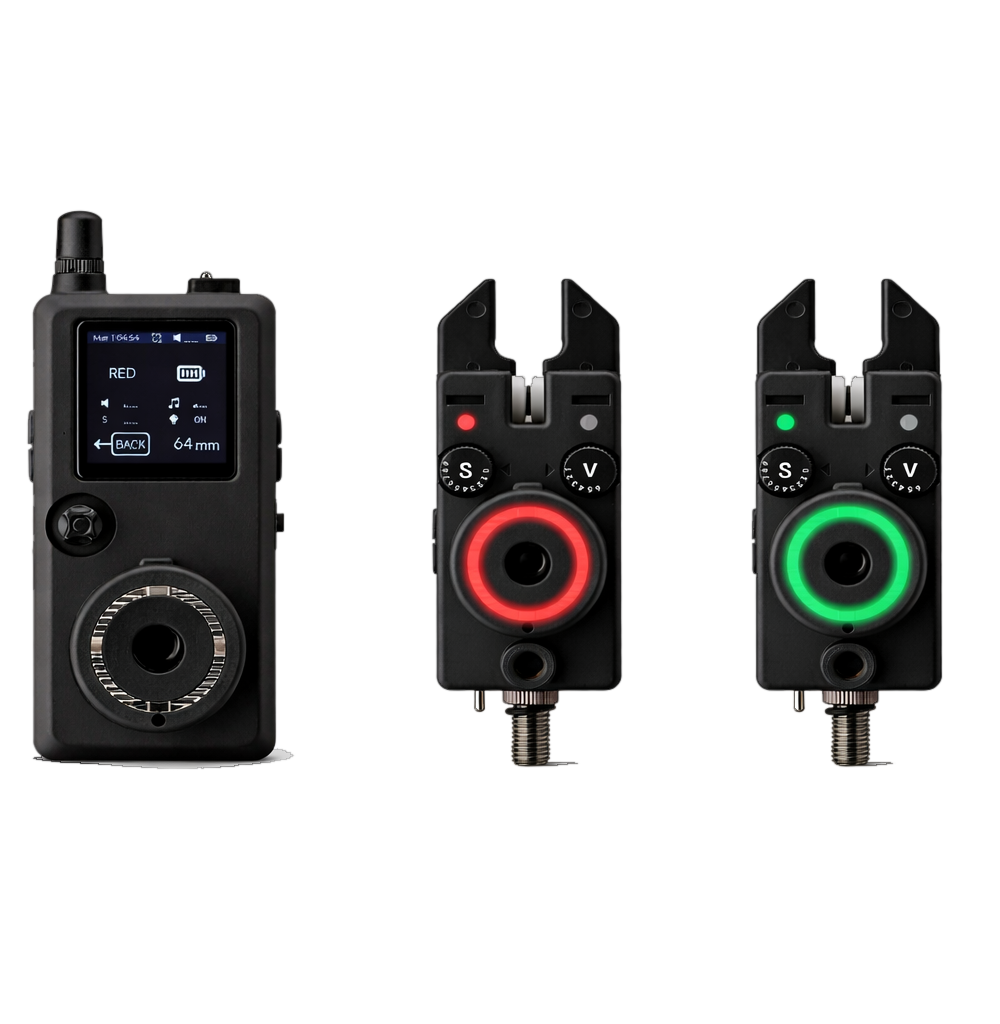 Bite AlarmK15/R15 Bite alarm set↗
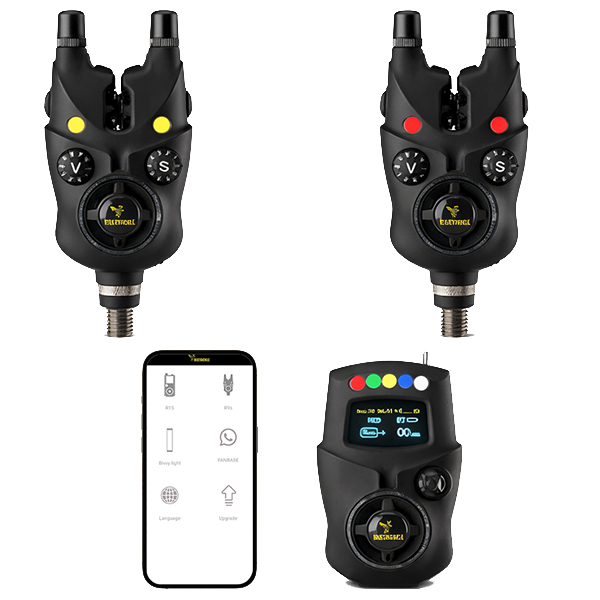 Bite AlarmNK9S Bite alarm↗
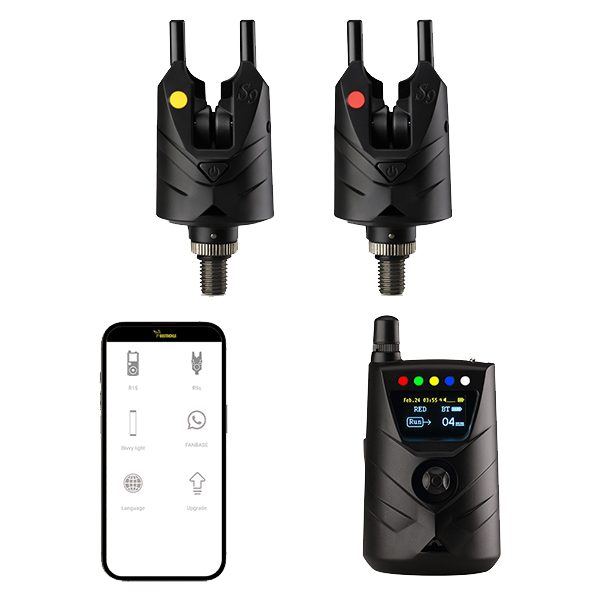 Bite AlarmNS9pro Bite alarm↗
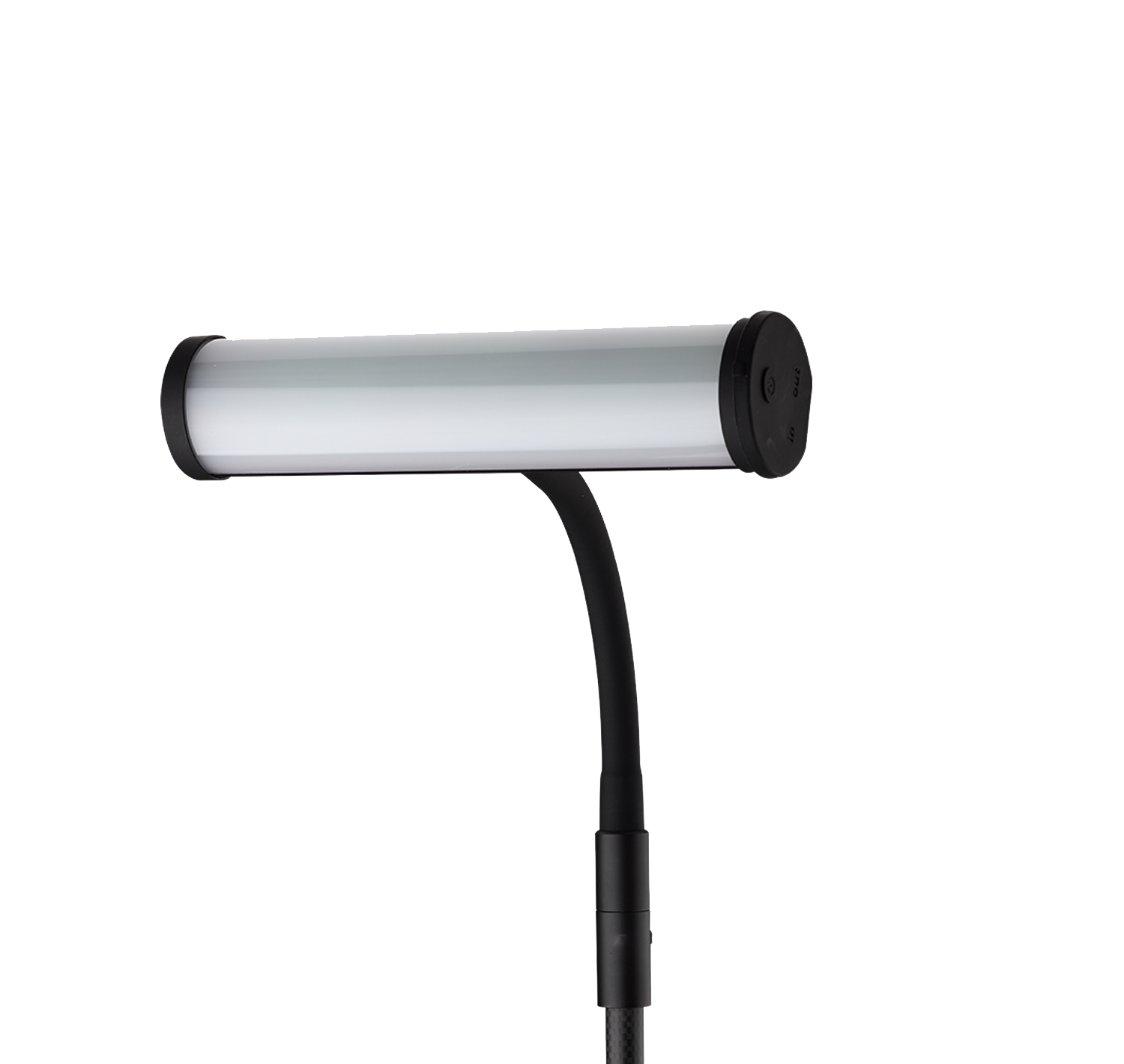 Bite AlarmSmart Bivvy Light Ultra K16↗
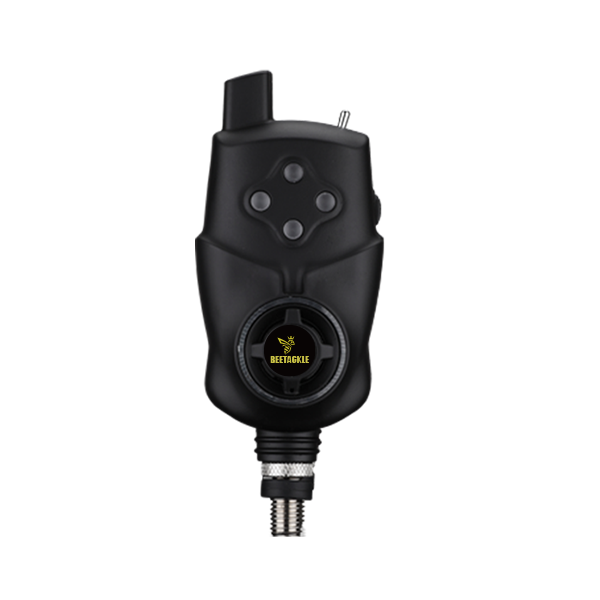 Bite AlarmAnti-theft alarm NTH9S↗
 Bite AlarmRechargeable battery pack for NK9S bite alarm↗
 Bite AlarmCR2 * 10 for NK9S/NR9S/NTH9S↗
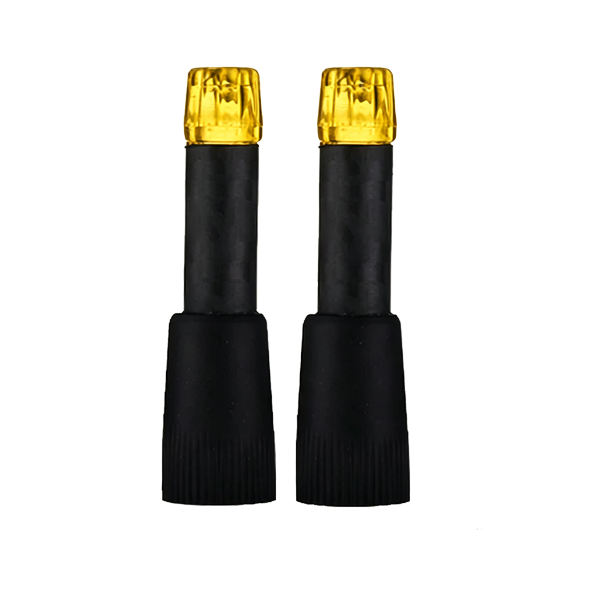 Bite AlarmYellow snagear↗
 Bite IndicatorT9 - Chain Bobbin↗
 Bite IndicatorT8 - Arm Swinger↗
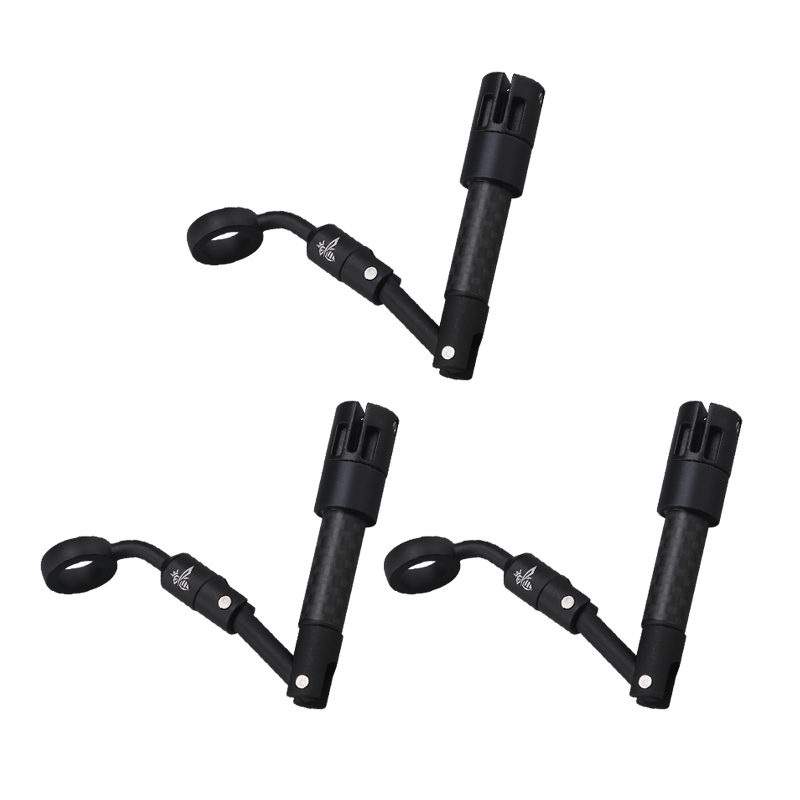 Bite IndicatorT7 - Spring Swinger↗
 Bite IndicatorT7 Plus↗
 Bite IndicatorT6 - Illuminated indicator↗
 Rod PodP8mini↗
 Rod PodGo Pod P30 - 3 Rod↗
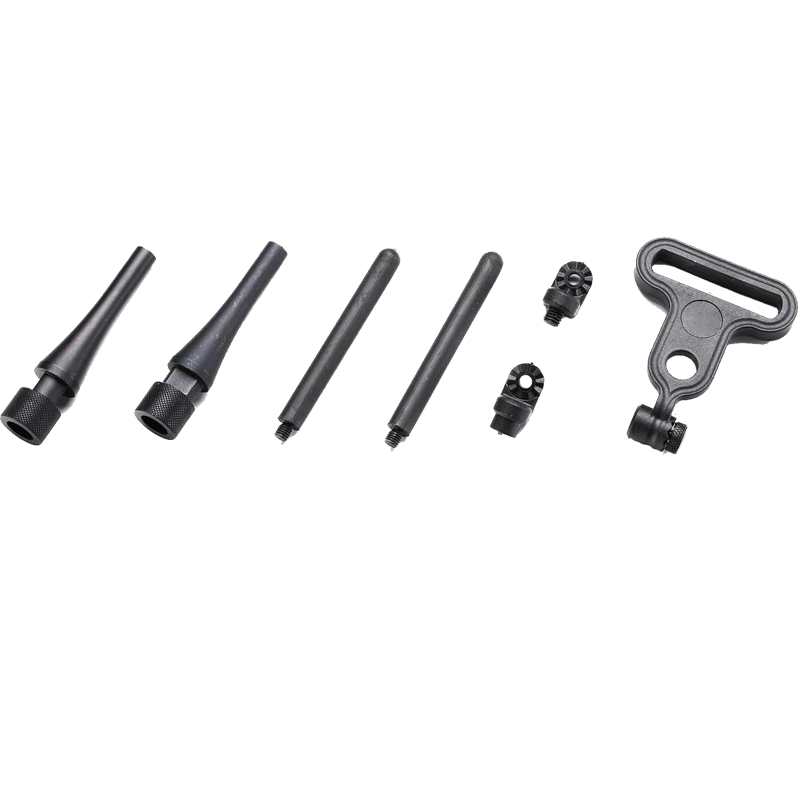 Rod PodSnag bars↗
 Bank LifeHoodie and Cap Set↗
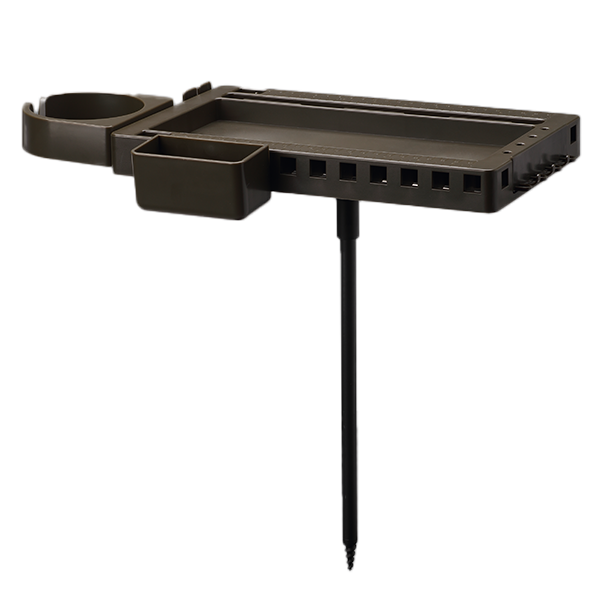 Bank LifeBankstick & Bedchair Organiser↗
 Bank LifeSmart Mug↗
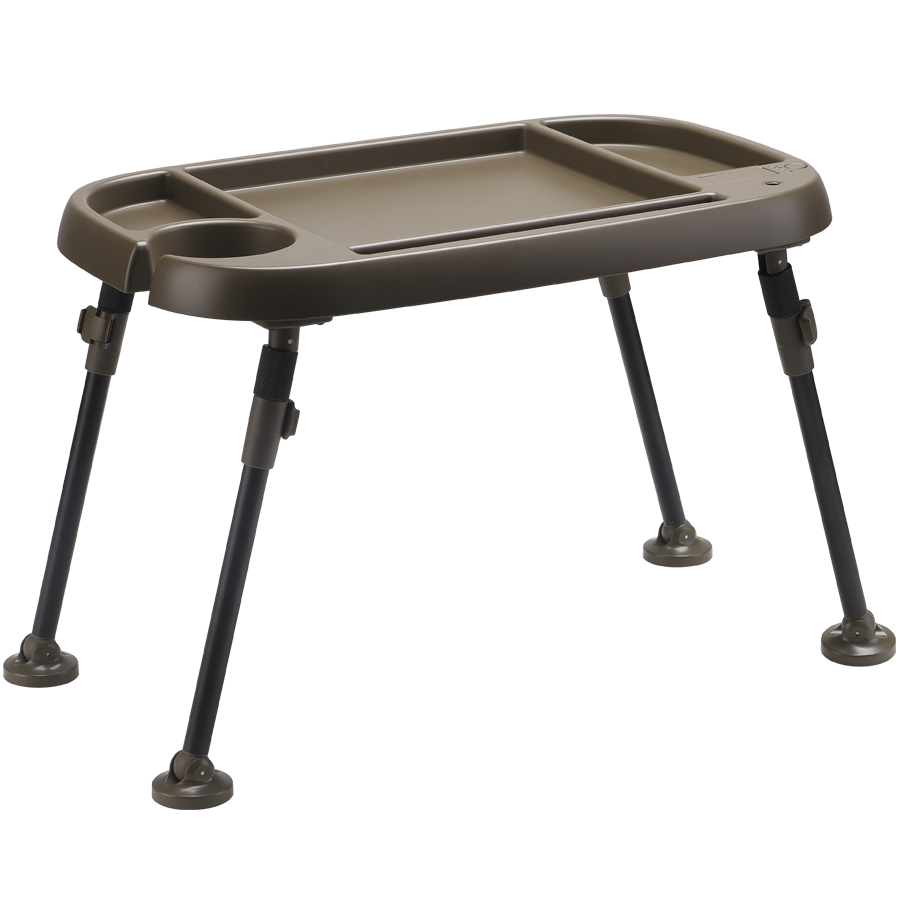 Bank LifeBivvy Table - NV9↗
.png) Bank LifePower bank - V9bp↗
Bank LifePower bank - V9bp↗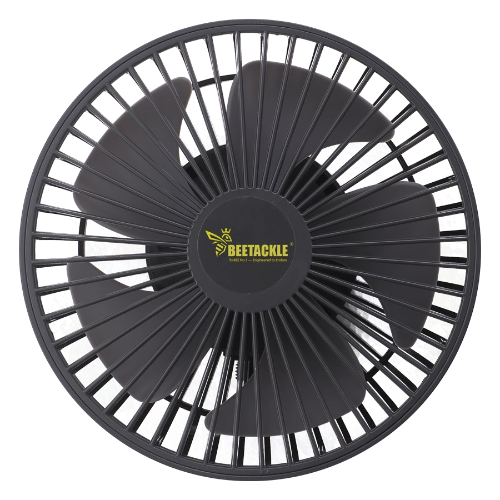 Bank LifeBivvy fan↗
 Bank LifePVC Bucket↗
 Bank LifeBank Life Kit↗
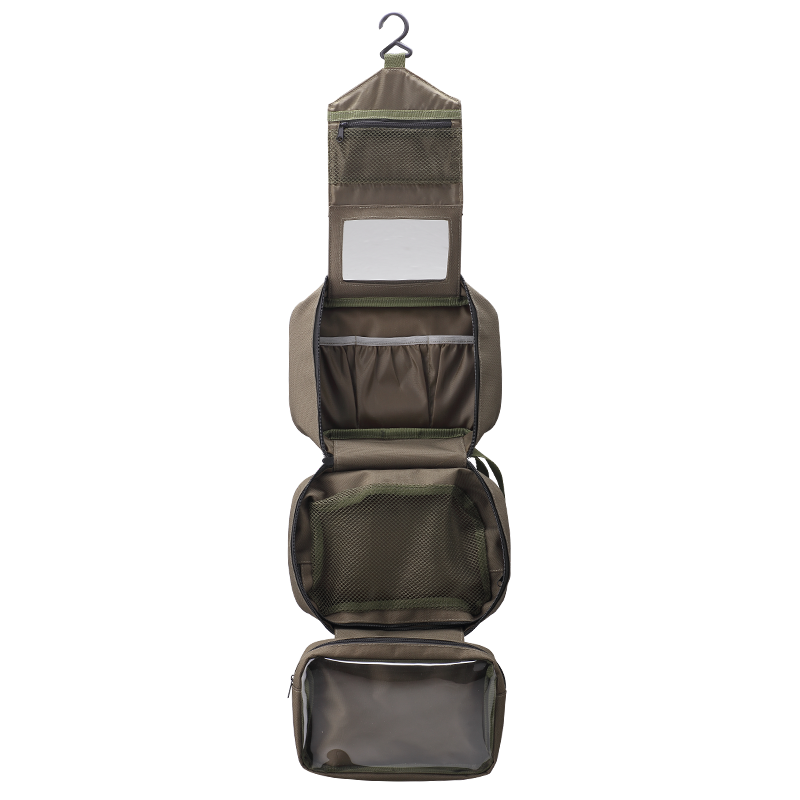 Bank LifeBank Wash Bag↗
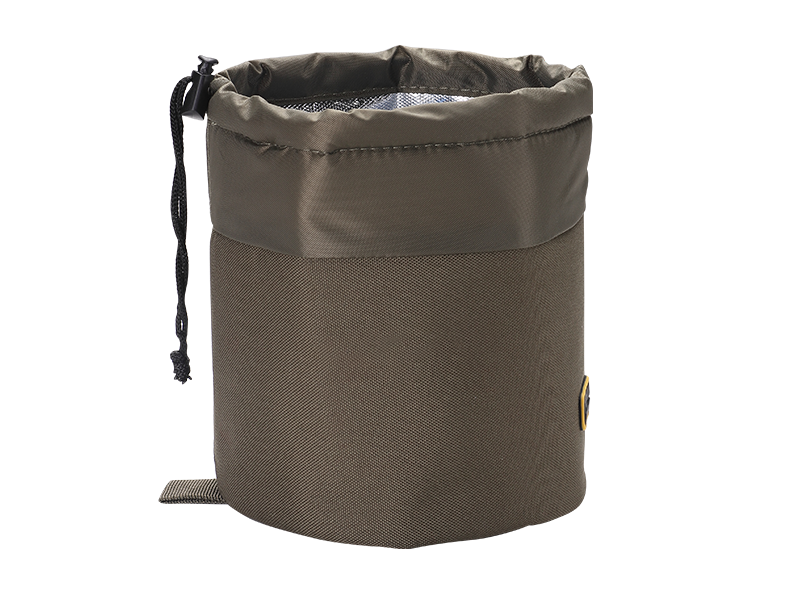 Bank LifeHeated Gas Canister cover↗
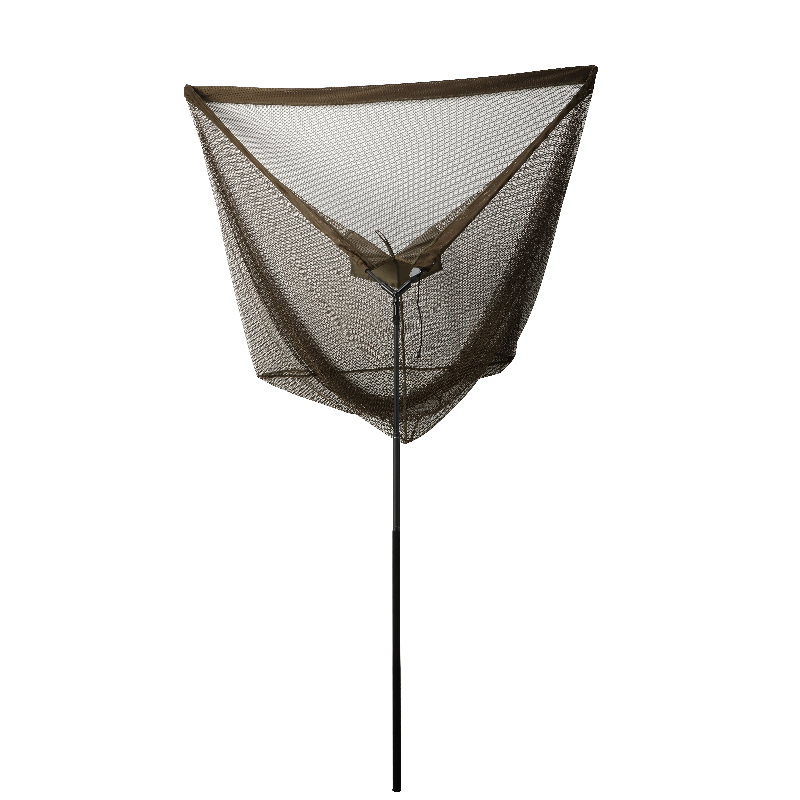 Bank LifeLanding Net 1↗
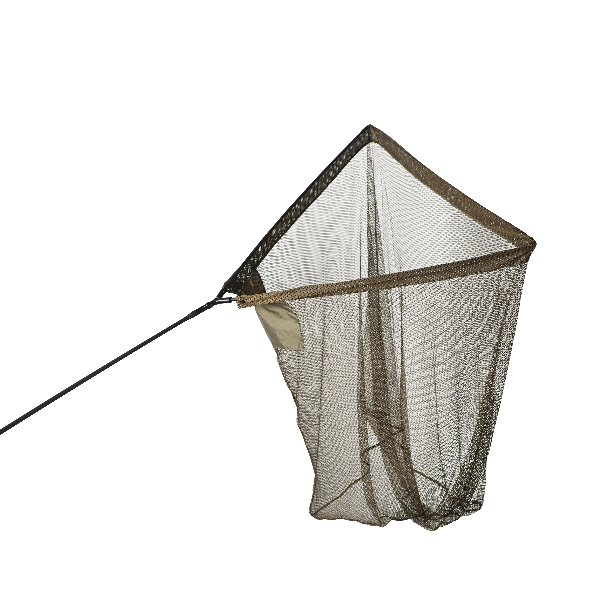 Bank LifeLanding Net 2↗
.png) Bank LifeWater pump↗
Bank LifeWater pump↗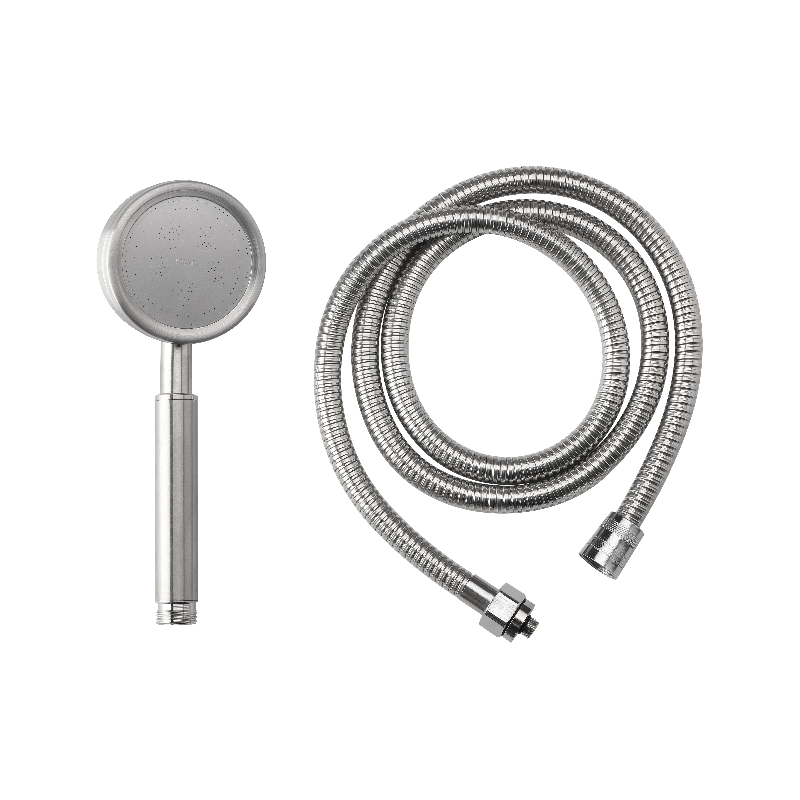 Bank LifeShower for Water Pump↗
 Accessories2 * rubber cover for boat↗
 Accessories2 Hopper weights↗
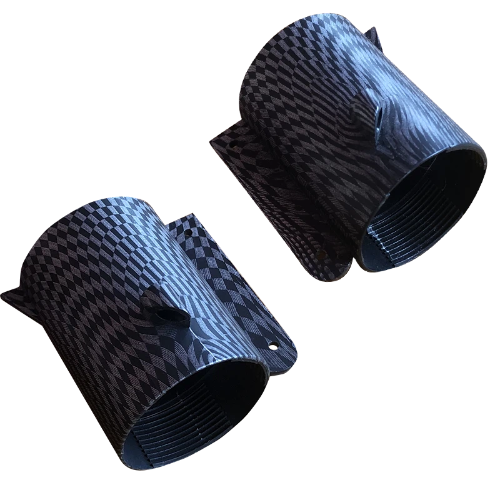 Accessoriesleft motor housing for boat2↗
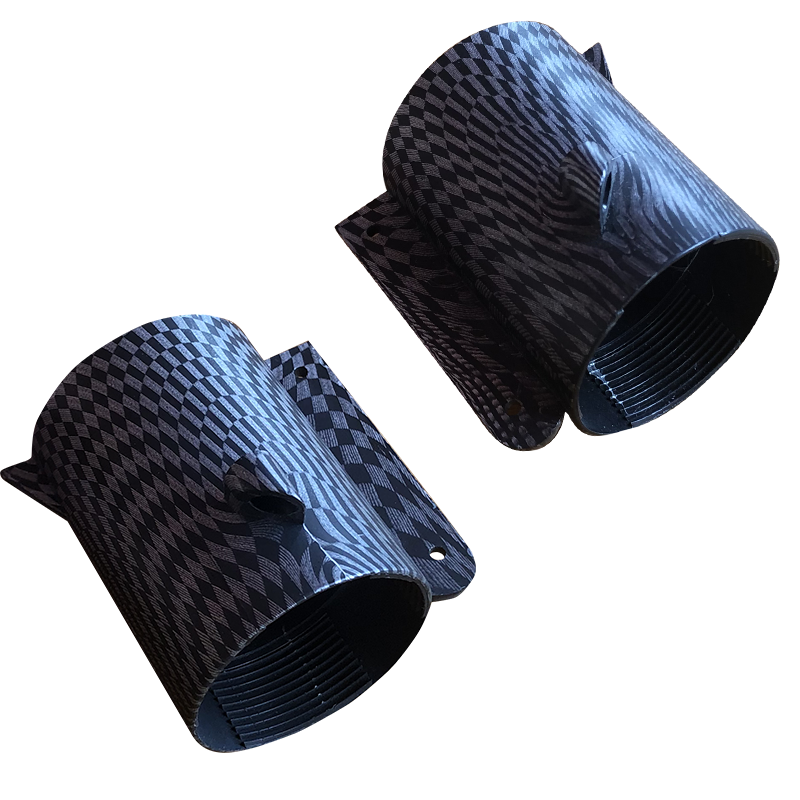 Accessoriesright motor housing for boat↗
 Accessoriesantenna for boat↗
 AccessoriesSonar Antenne↗
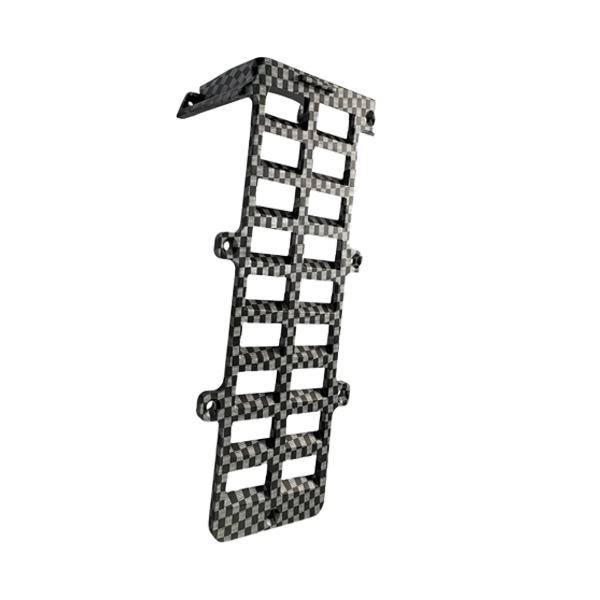 AccessoriesLeft right weed guard↗
 Accessories2 back cover for K9s↗
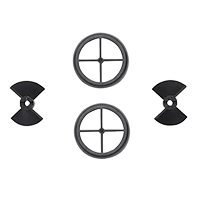 AccessoriesSpeed kit↗
 AccessoriesVS knobs for K9s↗
 Accessories2Rubber band for P8↗
 - Products
- Timeline
- Support
- About us
- Login
BEETACKLE Bait Boat - Technical User Manual (Online) (BT1,BT2,BT3)
For quick guide to BEETACKLE Integrated sonar bait boat, please click here
For instructions on using the BEETACKLE FISH FINDER APP, please click here
BEETACKLE mount Sonar Quick Guide, please click here
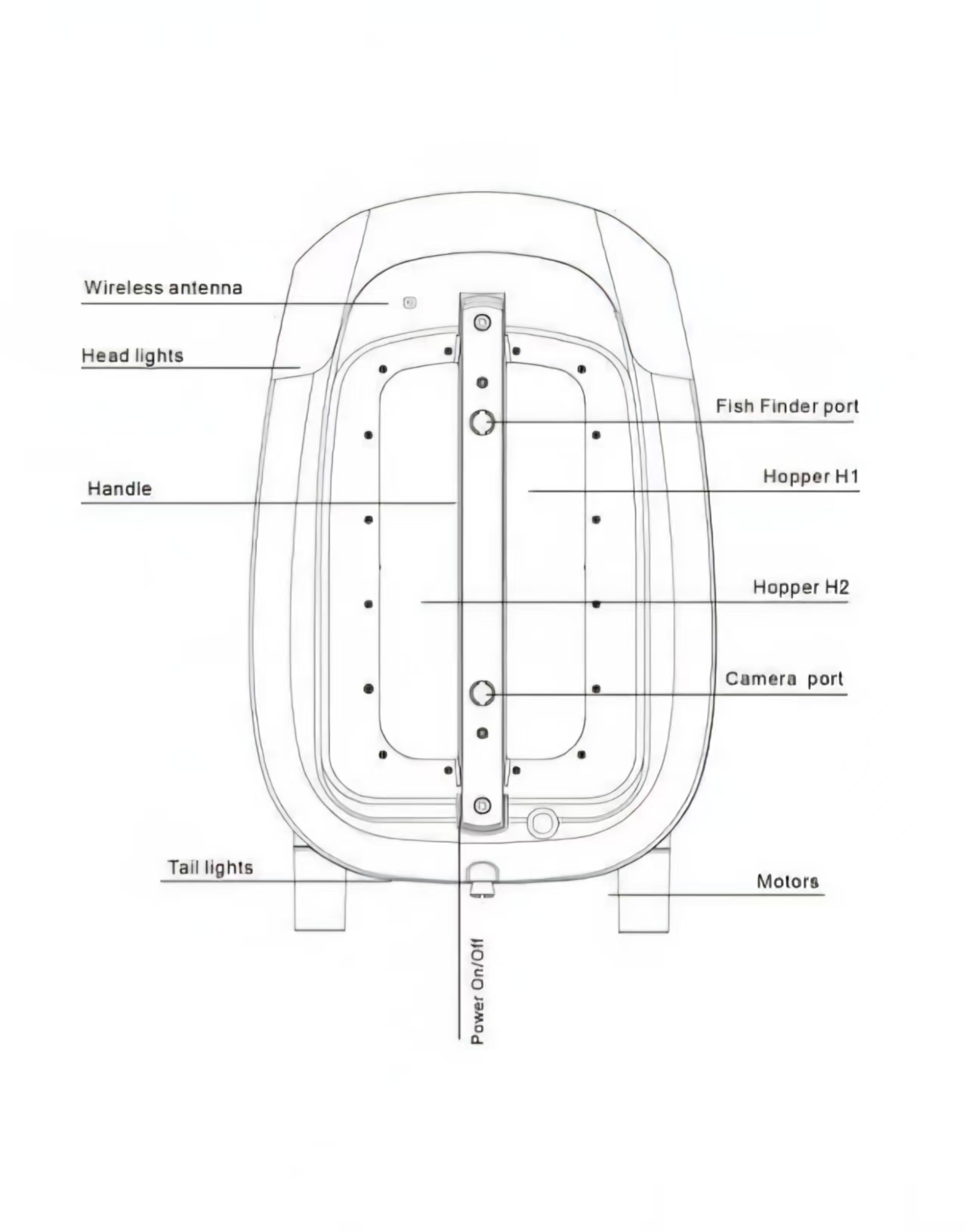
Overview
.jpg)
Download BEETACKLE FISH FINDER APP
Android

iOS

For instructions on using the BEETACKLE FISH FINDER APP, please click here
Sonar Quick Guide, please click here
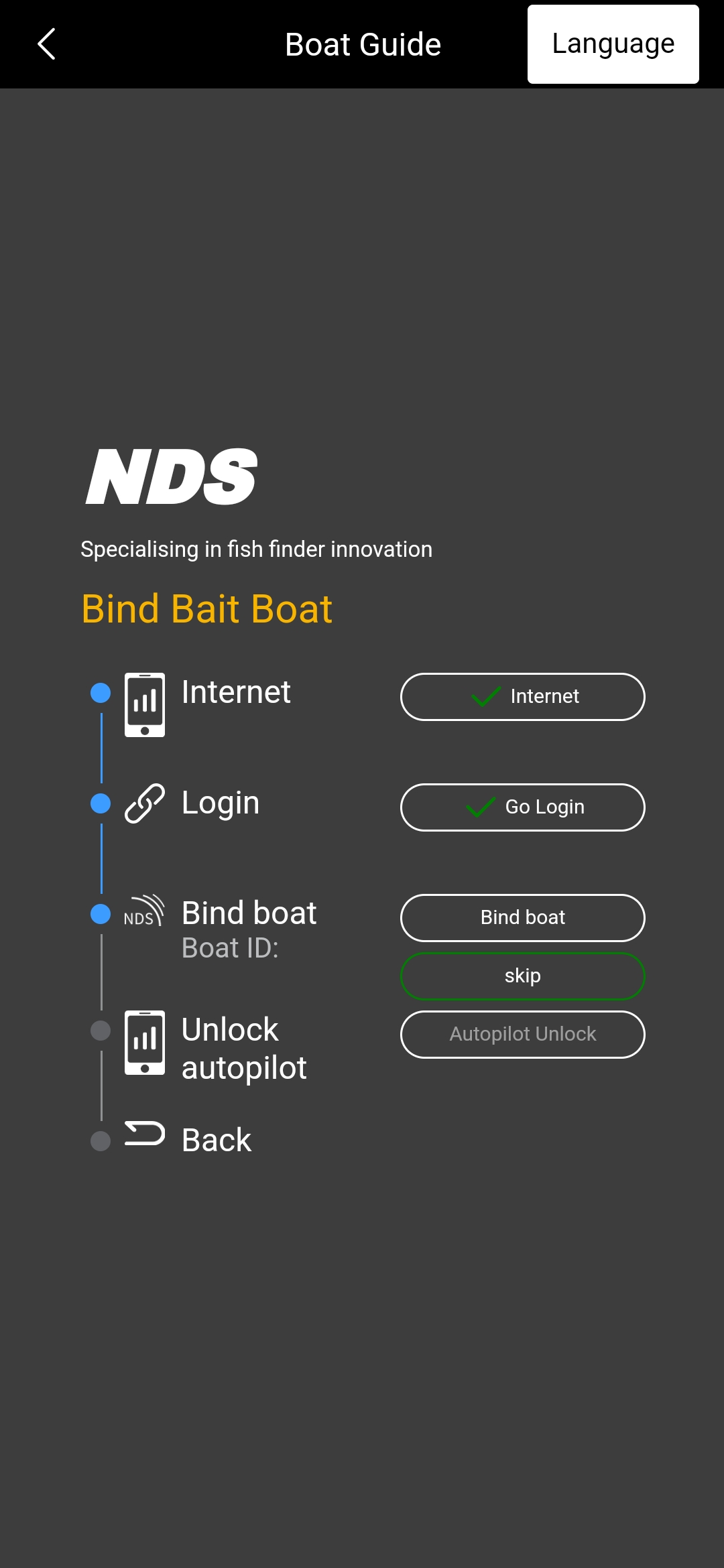
How to bind your boat with BEETACKLE FISH FINDER APP
1. Make sure the Bluetooth on your phone is turned on.
2. Open the BEETACKLE FISH FINDER APP, tap the BEETACKLE icon, and then select the boat usage guide.
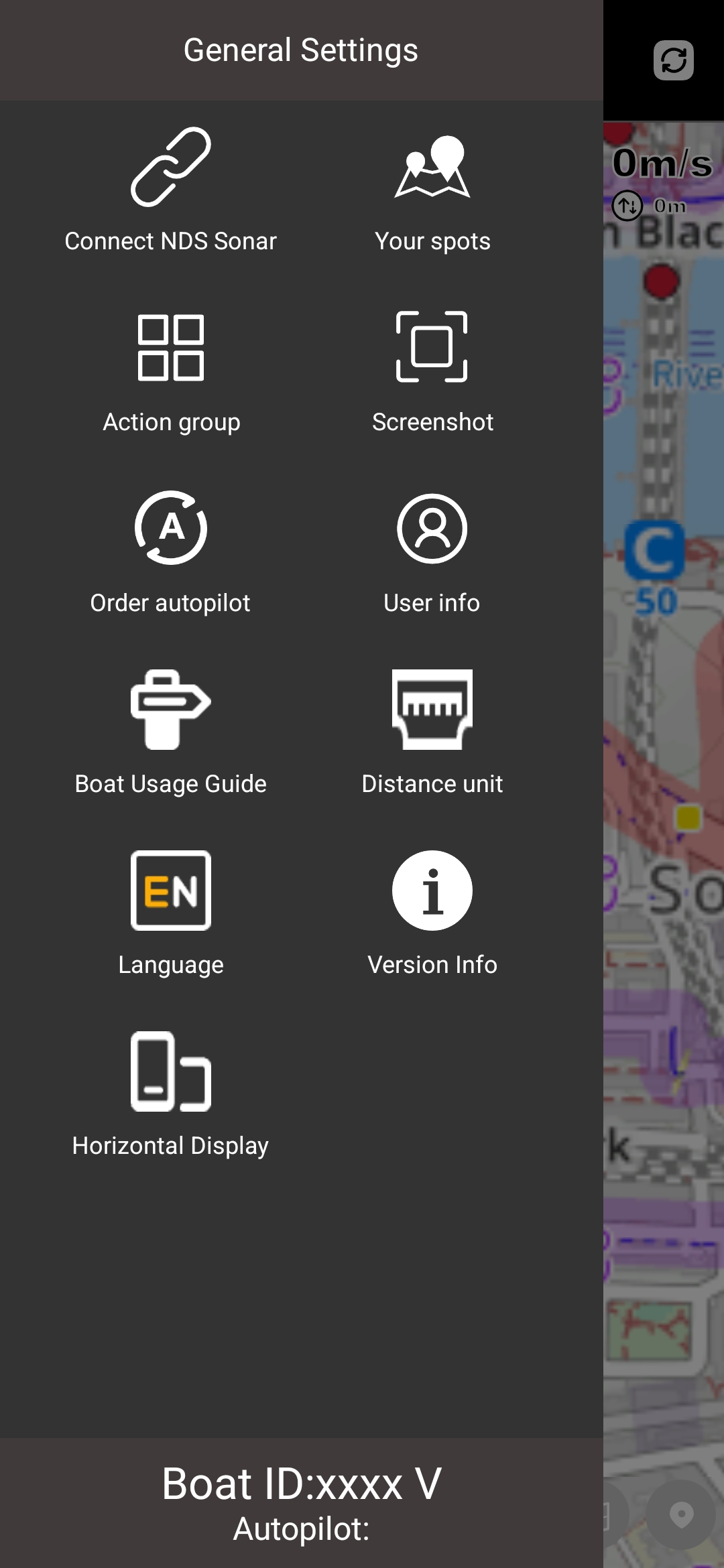
3. Follow the steps on the page to complete the process.
The new firmware update (2025-09-12) includes:
1. *Spot-Lock: Upon reaching the designated spot, the bait boat will lock within a 1-meter range. If the boat drifts beyond this range due to water currents, it will automatically return to the spot until the user triggers the joystick press operation.
2. *Low Voltage Return-to-Home (LV RTH): When the boat's battery voltage drops below 14V, it will automatically initiate the return-to-home operation (At the same time, all LEDs on boat will flash). You can also exit the return-to-home mode by pressing the joystick. However, all the boat's LEDs will still flash. We recommend charging the battery pack immediately.
3. *Spot Slowdown: When the boat approaches within 1 meter of the target spot, it will automatically reduce its speed.
4. Improved GPS Accuracy: Enhanced GPS positioning precision for better accuracy.
5. Adjustable Speed: After the firmware upgrade, the cruising speed can be controlled via the APP with 10 adjustable levels. To avoid user confusion, the boat will automatically revert to the highest speed mode after reboot.
5. Stealth Mode: Press and hold C + D to activate stealth mode, where all lights and beep prompts will be turned off. The boat will return to standard mode after reboot.
7. Hold Press for Constant Speed: Push and hold the joystick forward for 5 seconds to enter constant-speed cruise mode, which remains active until the user presses the joystick down.
8. New 3D Bathymetric Mapping.
Note:
1. Despite the new firmware upgrade, features marked with * require an Autopilot subscription to be activated.
2. After all modules are successfully upgraded, please re-pair the handset with bait boat
3. Please restart the APP, handset, bait boat after the upgrade is completed.
If you have any questions:
- You can watch the video guide.
https://www.youtube.com/watch?v=3AirWczdxjE
- You can also join the BEETACKLE fanbase group
https://chat.whatsapp.com/D9agFzsUlt1CbVqvR1DMWY
- Online user manual of Integrated Sonar Bait boat:
https://beetackle.co.uk/uk/onlineusermanual?id=87
If you encounter a PCB mismatch issue during the firmware upgrade, please follow these steps:
1. Restart the BEETACKLE Fish Finder App, bait boat, and handset.
2. Make sure the phone, handset, and bait boat are kept within 1 meter of each other.
3. Holding the handset’s antenna may help with upgrading the firmware.
4. Avoid interference from Wi-Fi routers or other electronic devices.
In most cases, following the above will allow the upgrade to complete successfully.
Charging & Maintenance
Boat Battery: Use the original charger ( Green light = Fully charged, Red light =Charging).If storing long-term, recharge every 6 months.Remote Control Battery: Charge via USB cableFlashing = charging,Stops flashing = charged,No flashing at all = charge NOT required and/or doesn't need charging
How to Pair Handset with Bait Boat
1. Power on the handset.
2. Press and hold the control stick on the handset for 3 seconds.
3. The GPS indicator light on the handset will begin flashing.
4. Power on the bait boat.
5. Wait 4 seconds for the GPS light to stabilize. Once it stops flashing, the boat and handset are successfully paired.
NOTE: Three consecutive 'Bi,Bi,Bi' beeps after successful pairing indicate failure to acquire GPS signal. Move the Boat to an open outdoor area and keep stationary for 3-5 minutes. The GPS indicator will resume blue flashing upon successful signal reception.
How to Activate Autopilot Service
Key Advantages of Activating Autopilot:
1. Enables automatic return upon signal loss.
2. Triggers auto-return when the boat battery drops to 14V ( All LEDs on the boat will flash ).
3. Supports automated navigation to preset spots: A/B/C/D/E/F/G/I/J.
4. Mapping: Automatically scans and maps designated areas.
5. Spot-Lock: Keeps the boat stable within a 1-meter radius of the target spot, preventing drift due to water currents.
These features enhance safety, precision, and efficiency during operations.
1. Launch the BEETACKLE Fish Finder application.
2. Tap the BEETACKLE logo in the top navigation bar to access the menu.
3. Select 'Order Autopilot' from the menu options.
4. Payment Setup:
○ Choose preferred payment method: PayPal or Credit/Debit Card
○ Check the agreement confirmation box
○ Tap 'Order' to proceed
5. Connection Verification:
○ Ensure your boat remains powered on
○ Tap 'Test Connection' to validate device communication
○ Confirm successful connection and tap 'Next'
6. Complete Payment:
○ On the payment confirmation screen, tap 'Payment'
○ You will be redirected to a secure payment gateway
(PayPal or Stripe)
○ Note: No payment credentials are stored in our system
7. Post-Payment Activation:
○ Upon successful payment, success info will display
○ Tap the < Back arrow in the top-left corner to return to the app
○ Autopilot will automatically activate within 10 seconds
8. GPS Initialization:
○ Position the boat in an open area with clear sky visibility
○ Wait until GPS signal is acquired (indicated by solid blue light)
○ You may now save spots and choose to automatically drive to your spots
9. Troubleshooting:
○ If activation fails despite payment confirmation:
a. Force-close and restart the BEETACKLE Fish Finder app
b. Reconnect the handset
c. Autopilot will self-reactivate
○ For persistent issues, email screenshots of:
◆ Payment receipt
◆ Boat ID (Menu > Boat ID )
To: info@beetackle.com
How to Calibrate the Compass on the Bait Boat
If the bait boat follows a curved path during autopilot operation, you may try calibrating the compass.
1. Turn on the handset and the bait boat.
2. Place the bait boat in water.
3. Long press the "EN" and "CH" buttons simultaneously.
4. The bait boat will rotate in circles until it stops, indicating the calibration is complete.
Autopilot Operation with Mini Handset
A. Set 'HOME' Location
1. Long-press the CH button for 3-5 seconds.
2. The HOME indicator light will illuminate to confirm successful registration.
B. Assign Navigation Points (A/B/C/D)
1. Short-press CH to cycle through available points (A → B → C → D).
2. When desired point flashes, press EN to lock selection.
3. Corresponding point indicator (A/B/C/D) will turn solid upon successful assignment.
C. Activate Autopilot Navigation
● Return to HOME: Press H to initiate automated return.
Audible confirmation beep will sound.
● Navigate to Saved Points:
Press A, B, C, or D to start autonomous navigation to the selected waypoint.
Flashing indicator transitions to solid when target is reached.
The above operations require additional purchase of autopilot
Reset All Saved Spots
1. Simultaneously long-press Buttons A + B for 3 seconds.
2. All indicator LEDs will deactivate, confirming deletion of all stored locations on the bait boat.
3. If the handset is paired with the mobile app, it will Force-refresh the app's map interface1.
Error Signals & Troubleshooting
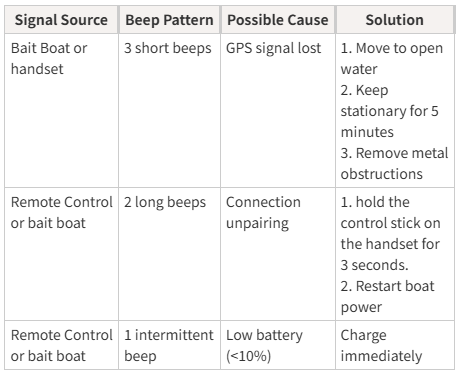
Triggers auto-return when the boat battery drops to 14V ( All LEDs on the boat will flash ), the feature requires autopilot to be enabled.
BEETACKLE Bait Boat System Maintenance Protocol
Operation Sequence Power-On Sequence:
Always activate the Mini Handset first → then power on the bait boat.
Shutdown Sequence:
Deactivate the bait boat first → then turn off the Mini Handset.
Purpose: This sequence prevents signal loss during shutdown.
Environmental Protection Water Resistance:
Handset: IPX4-rated splash resistance (non-submersible).
Bait Boat:
Ensure the battery compartment cover and waterproof rubber seals are fully secured before deployment.
Storage Conditions:
Temperature: 10°C – 30°C (50°F – 86°F).
Humidity: <60% relative humidity.
Avoid: Prolonged exposure to direct sunlight or extreme temperatures.
Battery Management Short-Term Storage (<1 month):
Charge batteries to 80% capacity (optimal for LiPo longevity).
Long-Term Storage (>1 month):
○ Recharge cycle: Every 8–12 weeks.
○ Storage voltage: Maintain 3.8V per cell (use a LiPo storage charger).
Signal Performance Guidelines Effective Range:
Up to 300 meters in open water with minimal interference.
Range Reduction Factors:
| • Condition | • Performance Impact |
|---|---|
| • Heavy rain (>5mm/hr) | • –30% range |
| • RF interference (urban) | • –50% range |
| • Physical obstructions | • –70% range |
Environmentally Responsible Disposal
Legal Requirement:
Old electrical appliances must never be disposed of with household waste. They require separate processing through designated recycling channels.
Disposal Process:
Free drop-off for private individuals at government-approved collection points.
Owners are legally obligated to transport devices to certified facilities.
Environmental Impact:
Proper disposal enables:
Recovery of valuable raw materials (copper, rare-earth metals).
Safe neutralization of hazardous substances (lead, mercury).
BEETACKLE After-Sales Service Protocols
Warranty Services: https://beetackle.com/uk/guarantee
Return Policy: https://beetackle.com/uk/returns