- Home
- ProductsBrowse collectionAll productsView all ↗
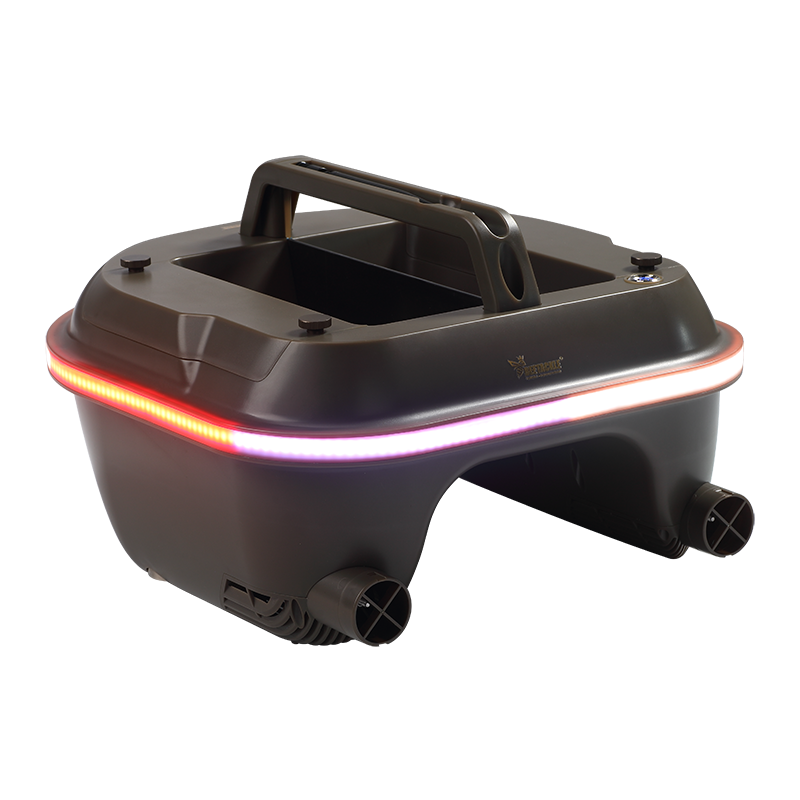 Bait BoatBait boat mini BT19↗
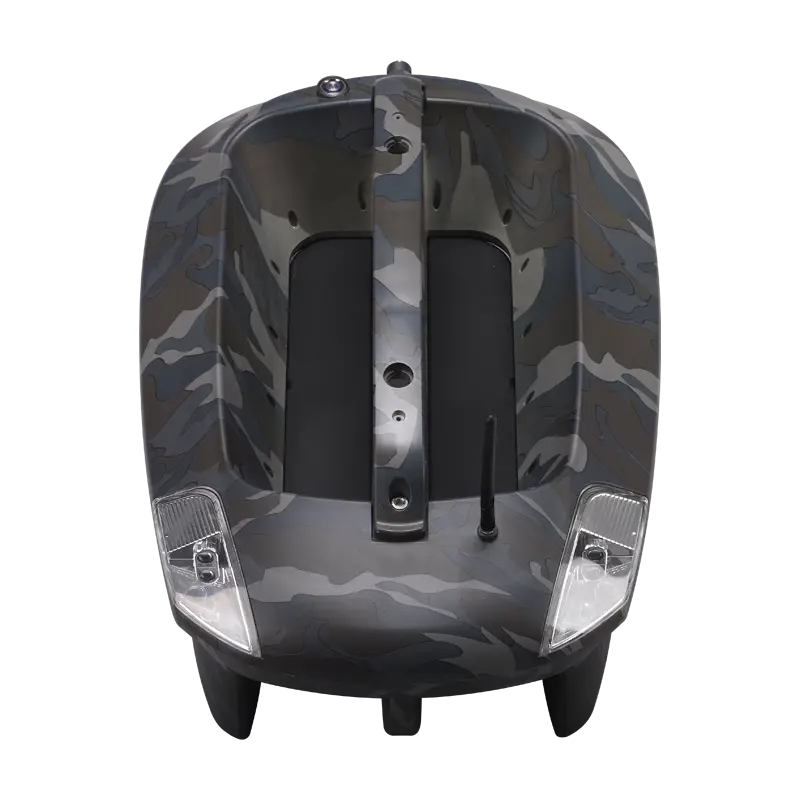 Bait BoatStandard Bait Boat (Urban camo)↗
 Bait BoatBait Boat BT2 (Camo)↗
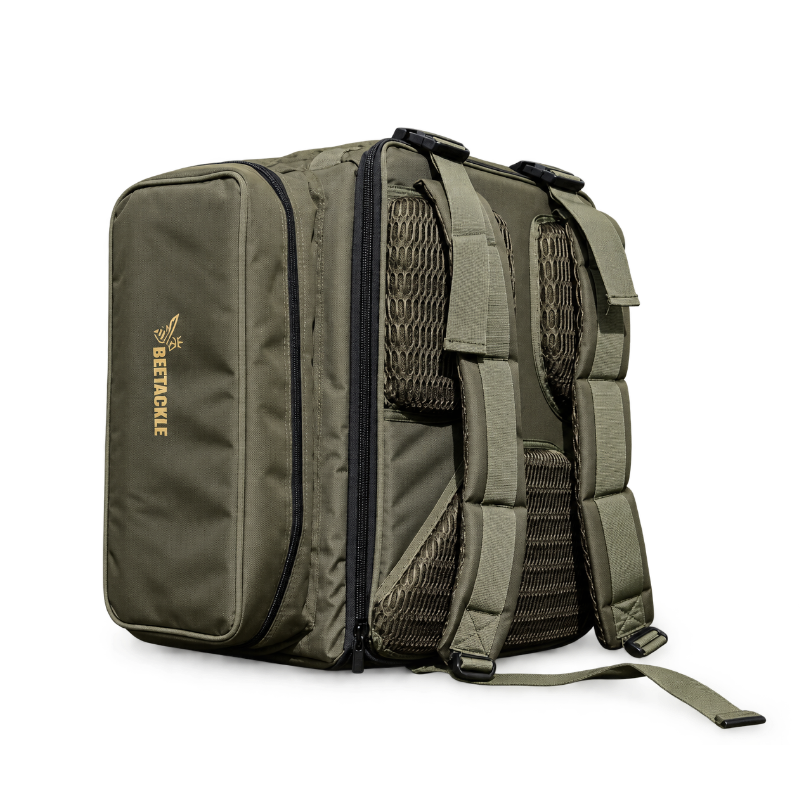 Bait BoatBT19 Boat Bag↗
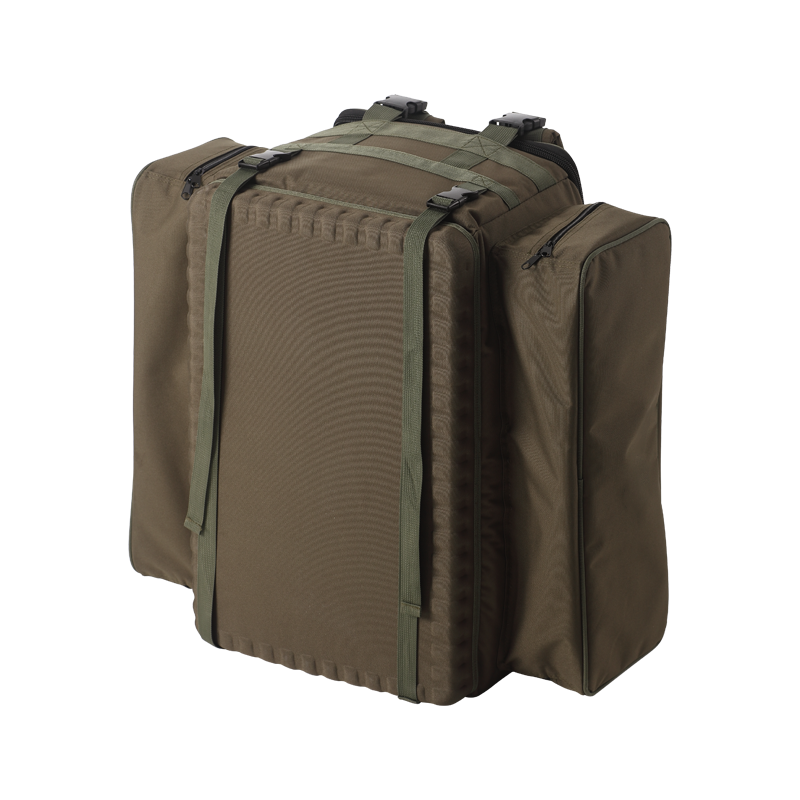 Bait BoatBaitboat Bag↗
 (1).png) Bait BoatIntegrated Sonar Bait Boat (BT8 Camo)↗
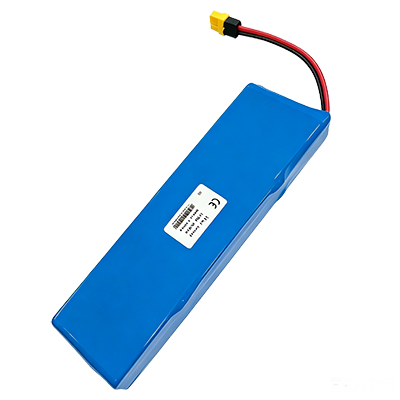 Bait Boat16 battery pack↗
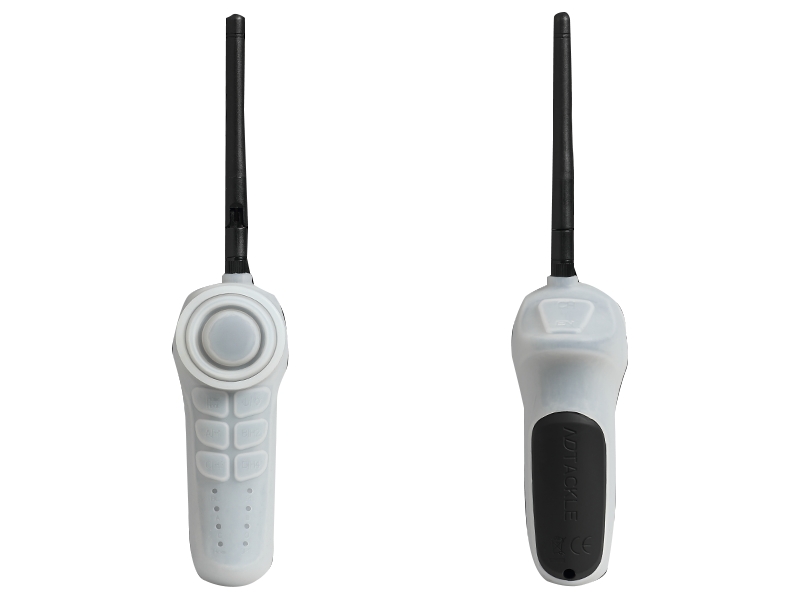 Bait BoatHandset case↗
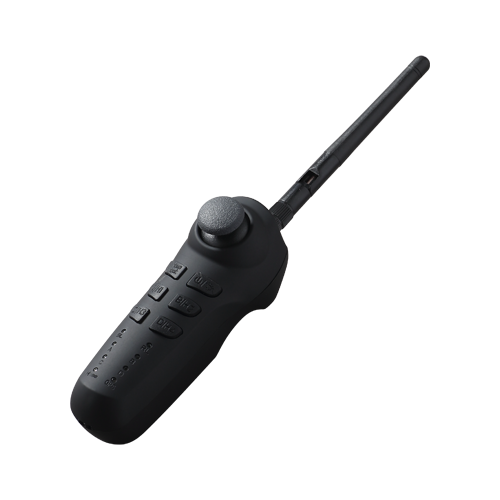 Bait BoatHandset V3↗
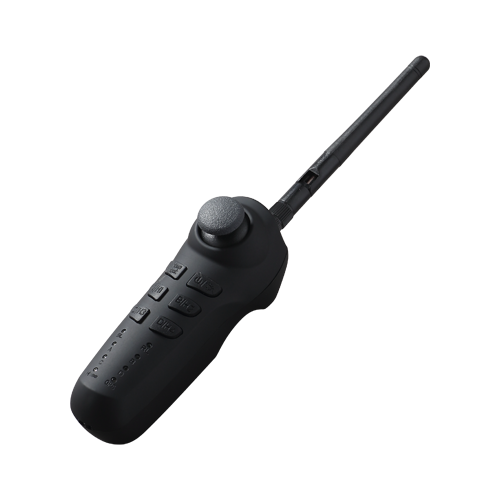 Bait BoatHandset V2↗
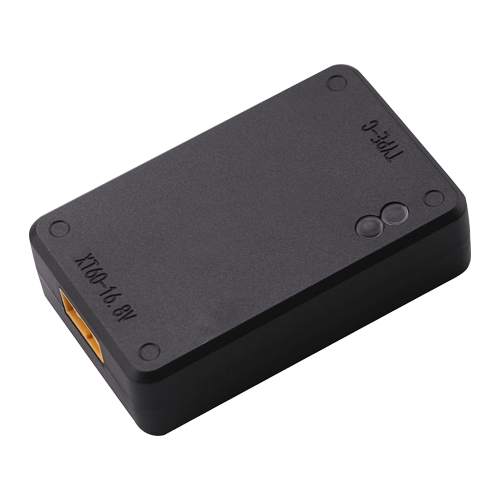 Bait BoatUSBCHARGER↗
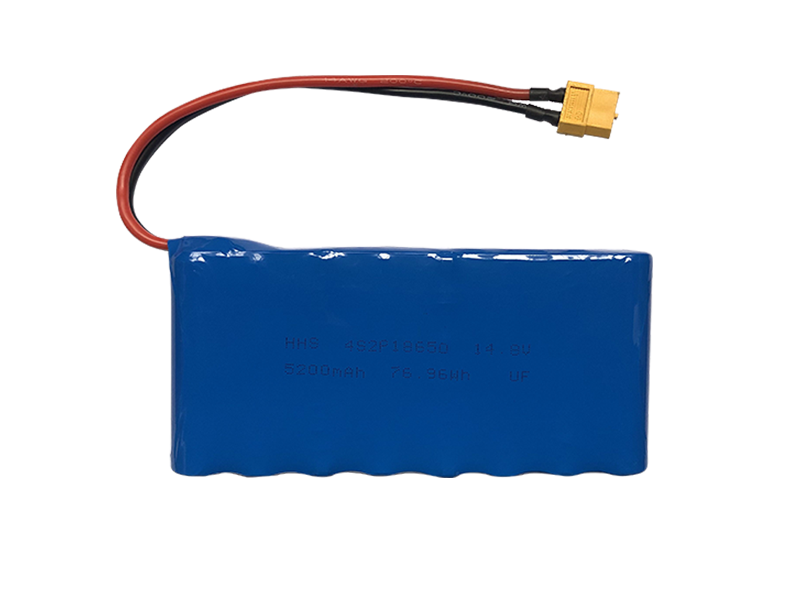 Bait Boat8 battery pack for boat2↗
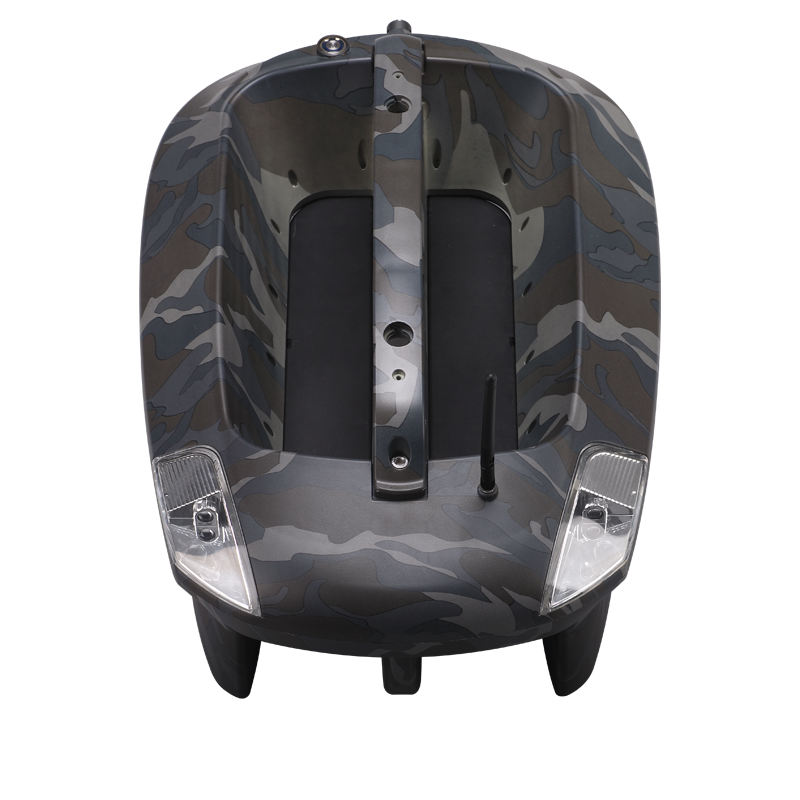 SonarIntegrated Sonar BaitBoat (BT7)↗
 SonarCastable sonar (BT12)↗
 SonarMount sonar (BT5)↗
 SonarBuild-in Sonar kit (BT6)↗
 SonarWiFi extender (BT4)↗
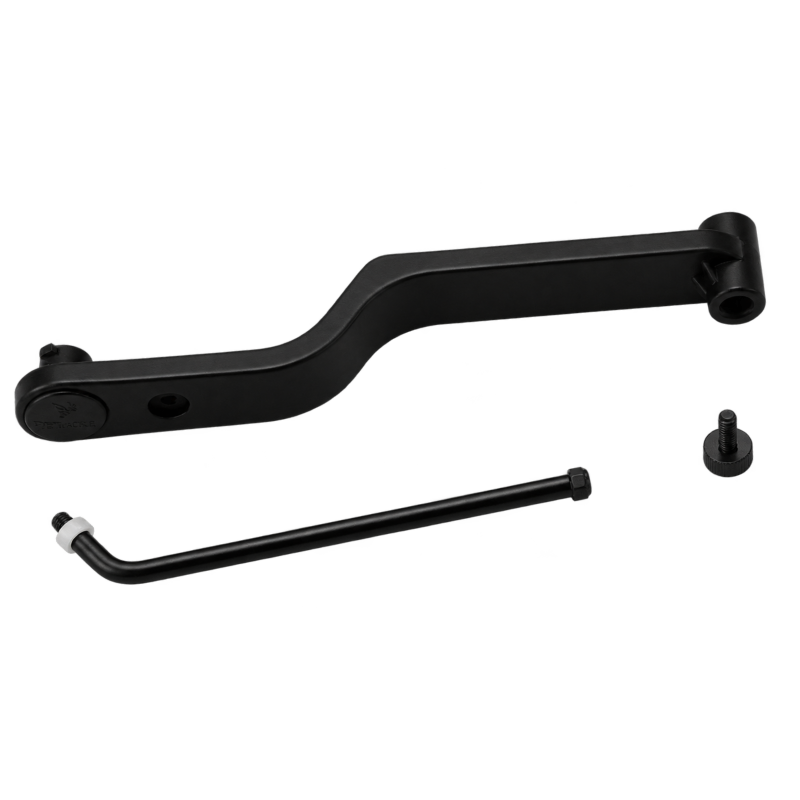 SonarFish Finder Mount for Bait Boat V2/V3/V4↗
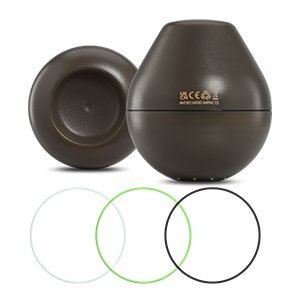 SonarCastable Sonar Colour Ring↗
 SonarPhone & controller holder (BT10)↗
 SonarPad & controller tri-stand (BT11)↗
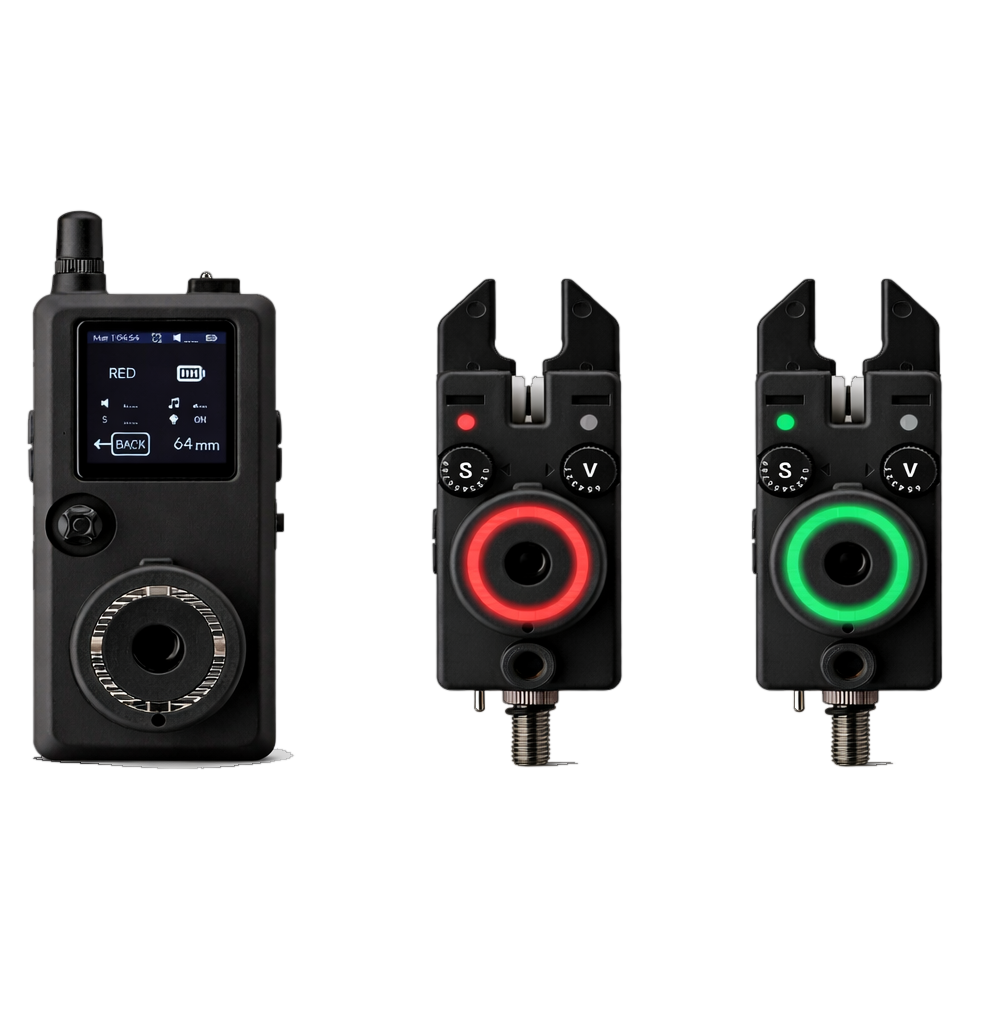 Bite AlarmK15/R15 Bite alarm set↗
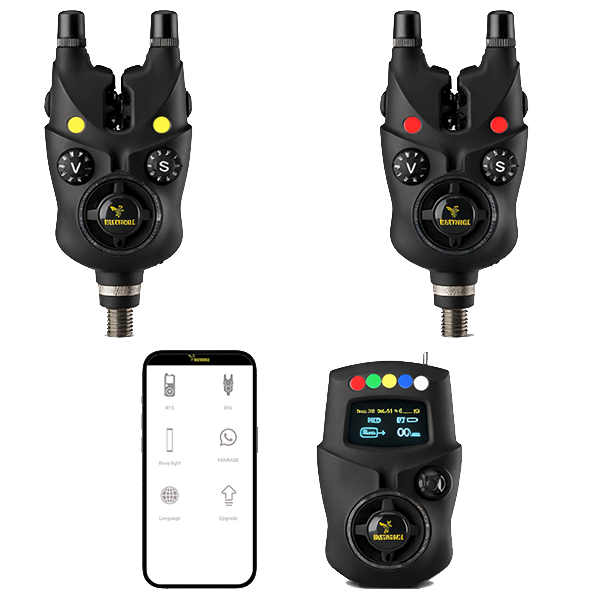 Bite AlarmNK9S Bite alarm↗
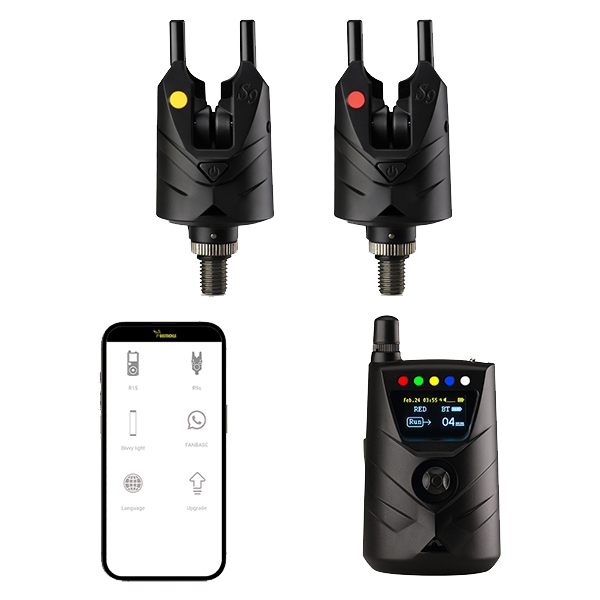 Bite AlarmNS9pro Bite alarm↗
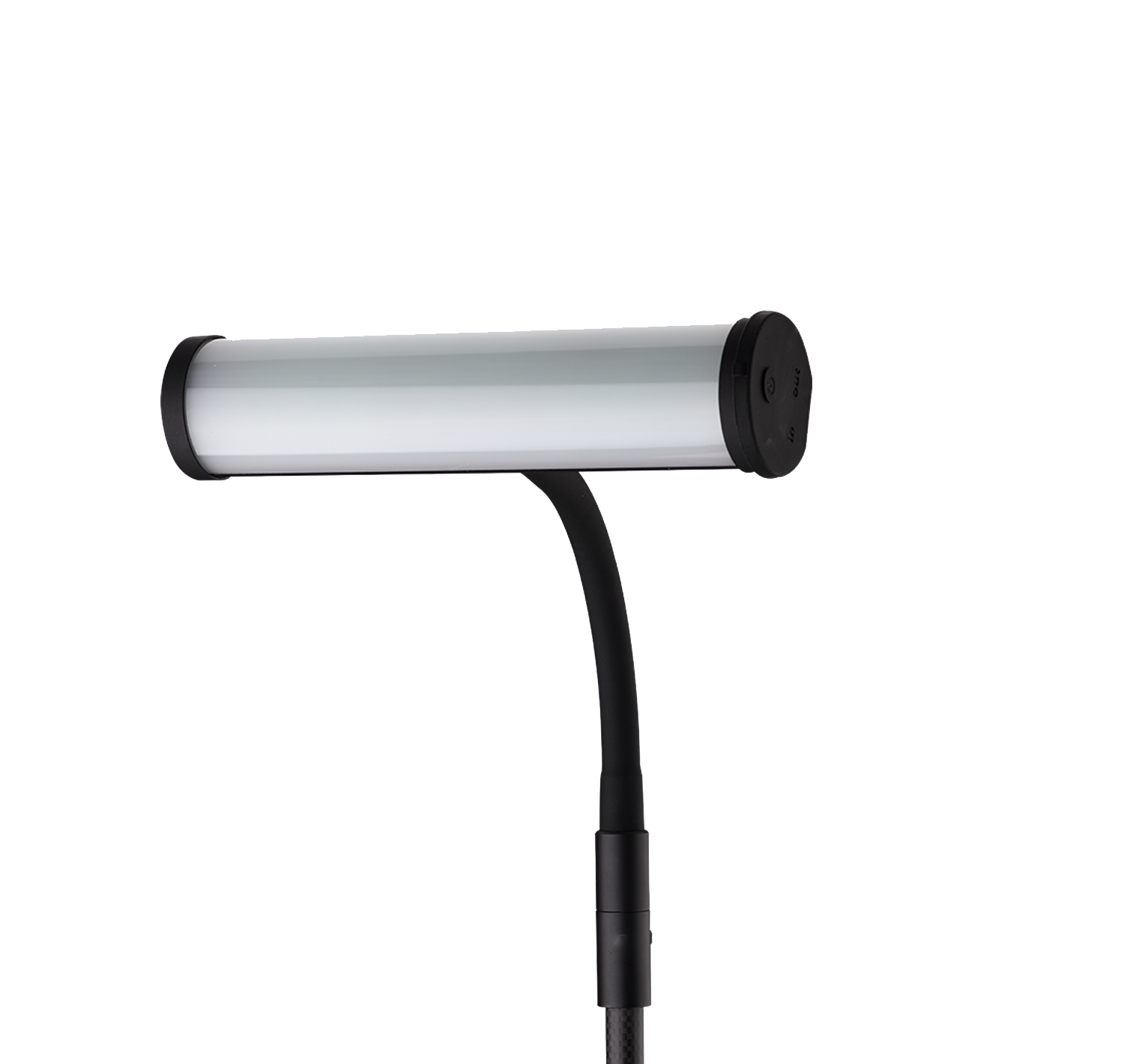 Bite AlarmSmart Bivvy Light Ultra K16↗
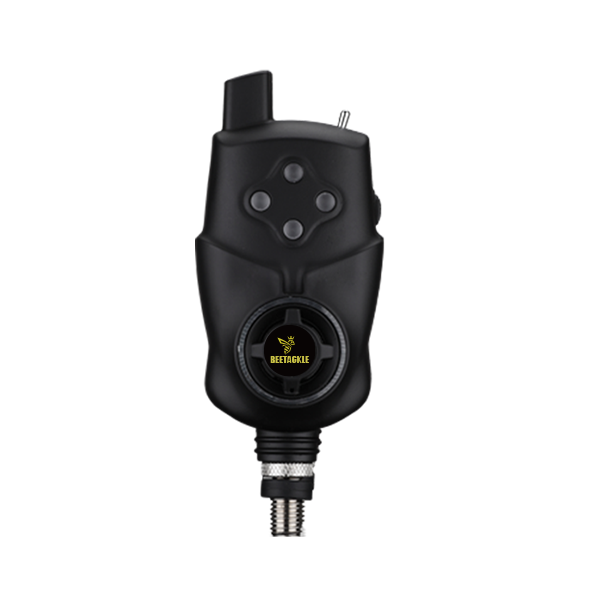 Bite AlarmAnti-theft alarm NTH9S↗
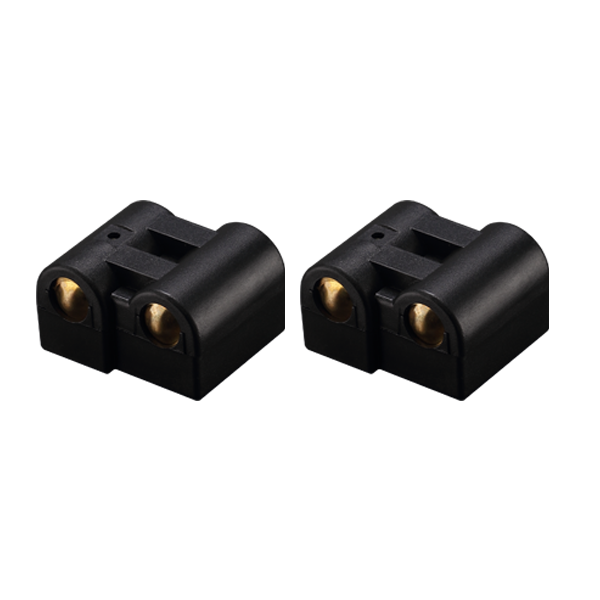 Bite AlarmRechargeable battery pack for NK9S bite alarm↗
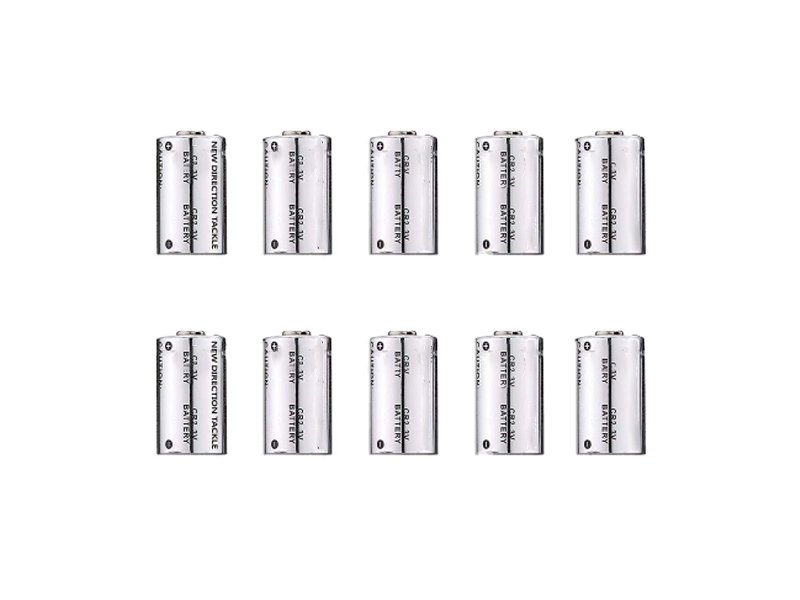 Bite AlarmCR2 * 10 for NK9S/NR9S/NTH9S↗
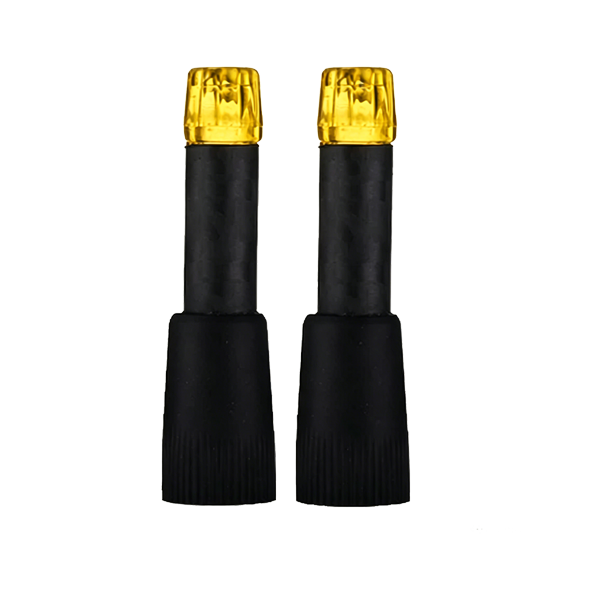 Bite AlarmYellow snagear↗
 Bite IndicatorT9 - Chain Bobbin↗
 Bite IndicatorT8 - Arm Swinger↗
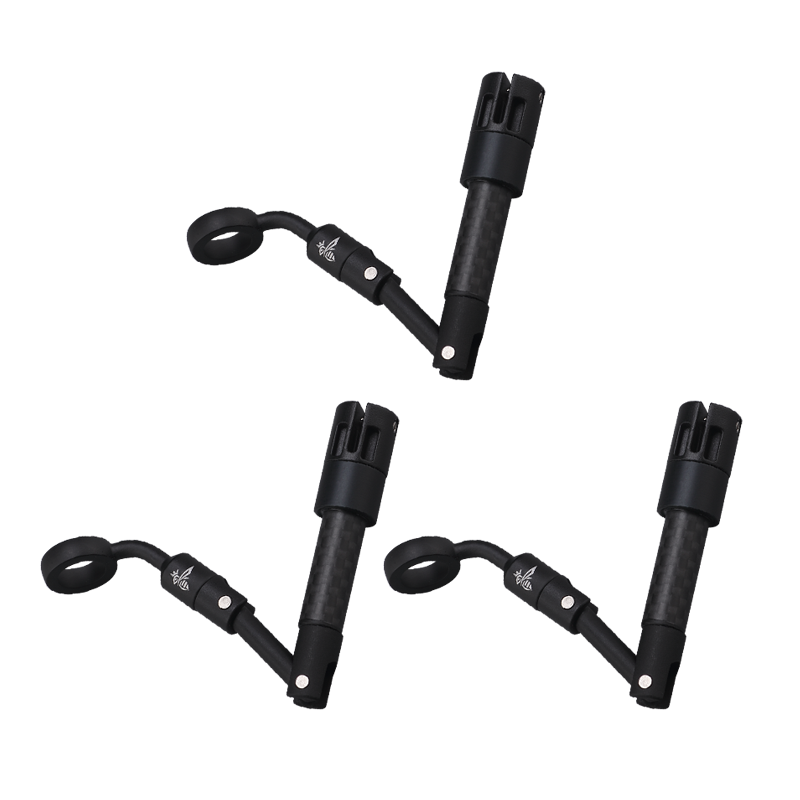 Bite IndicatorT7 - Spring Swinger↗
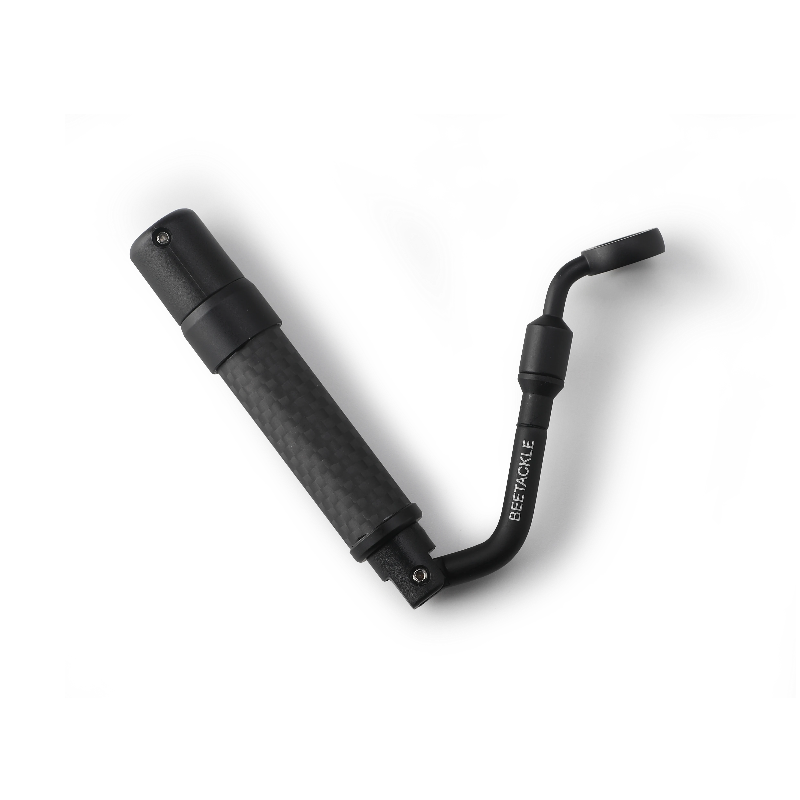 Bite IndicatorT7 Plus↗
 Bite IndicatorT6 - Illuminated indicator↗
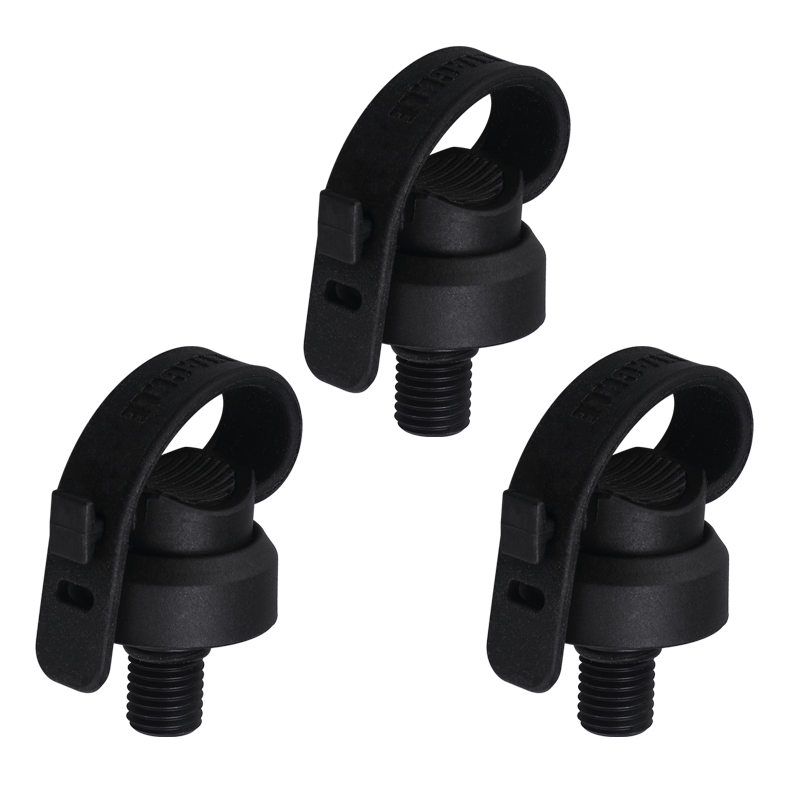 Rod PodP8mini↗
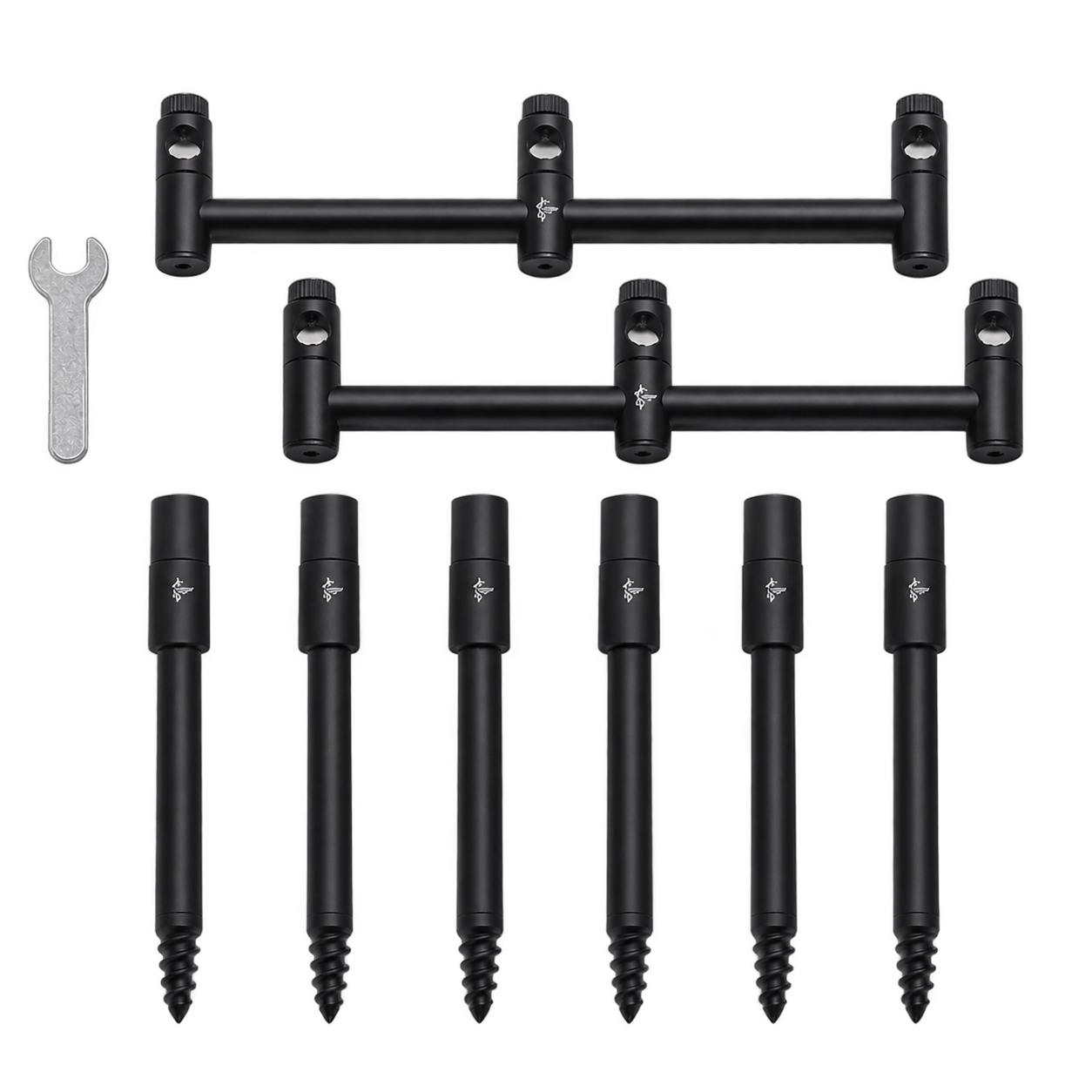 Rod PodGo Pod P30 - 3 Rod↗
 Rod PodSnag bars↗
 Bank LifeHoodie and Cap Set↗
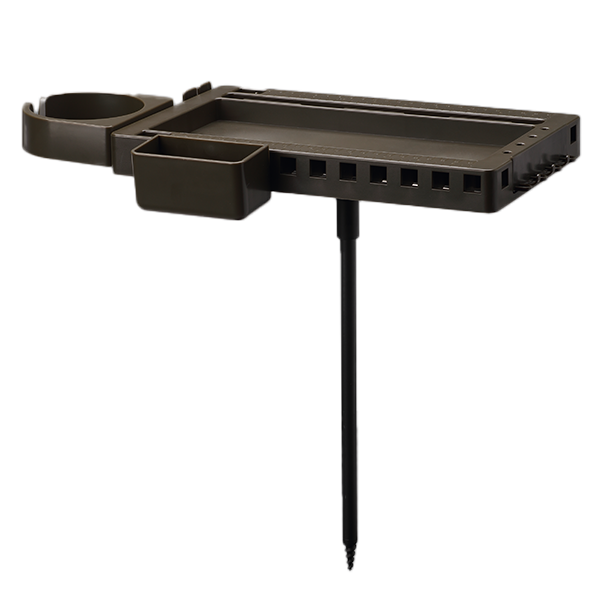 Bank LifeBankstick & Bedchair Organiser↗
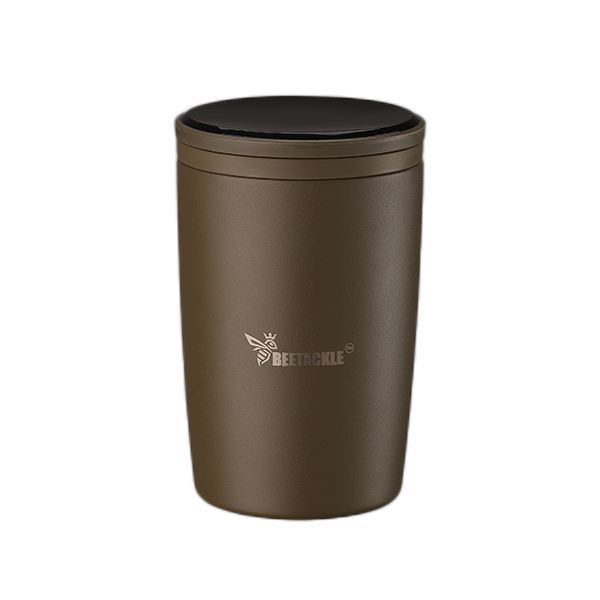 Bank LifeSmart Mug↗
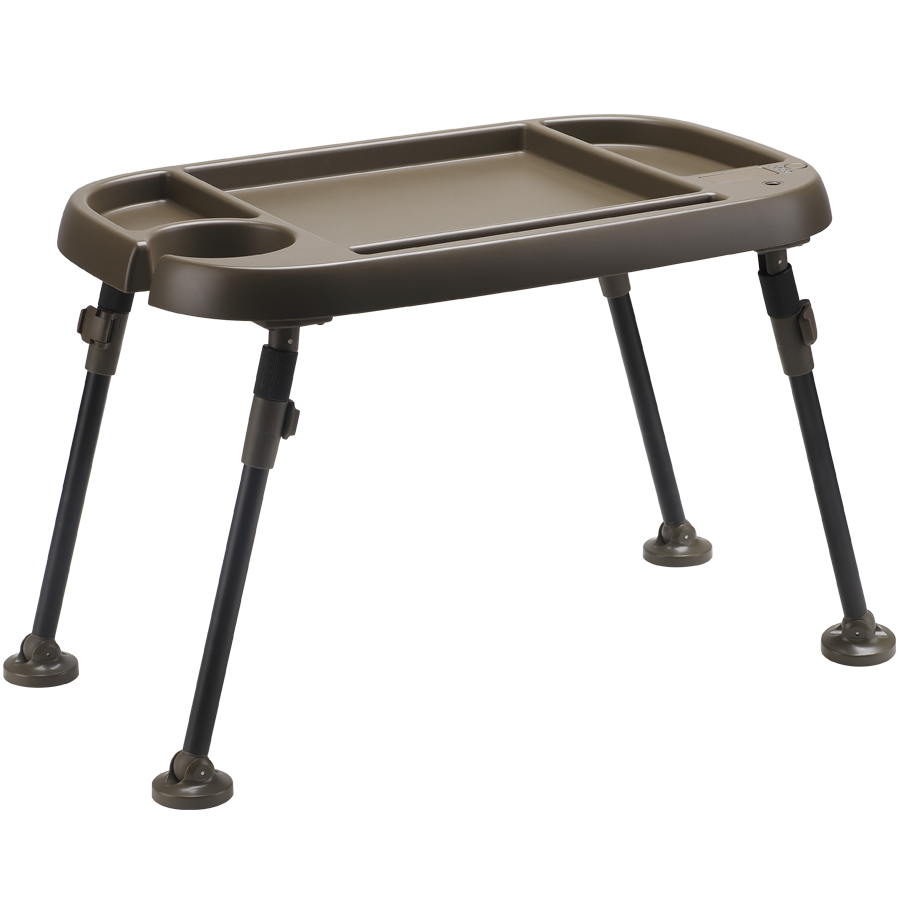 Bank LifeBivvy Table - NV9↗
.png) Bank LifePower bank - V9bp↗
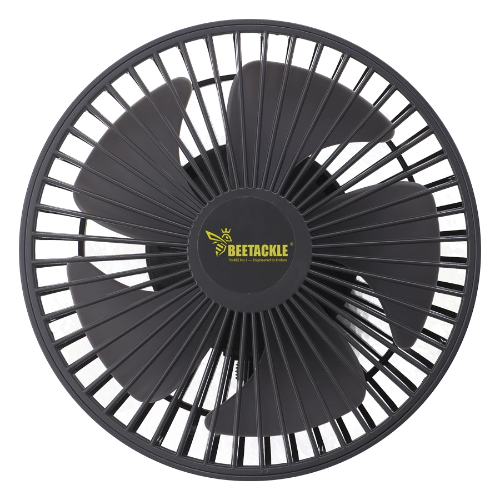 Bank LifeBivvy fan↗
 Bank LifePVC Bucket↗
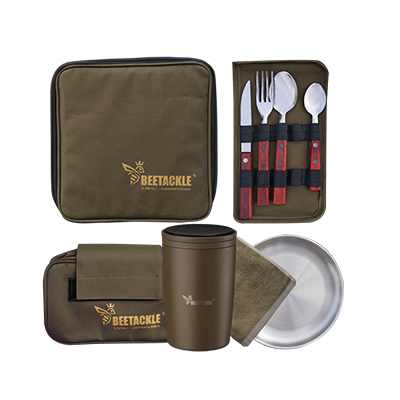 Bank LifeBank Life Kit↗
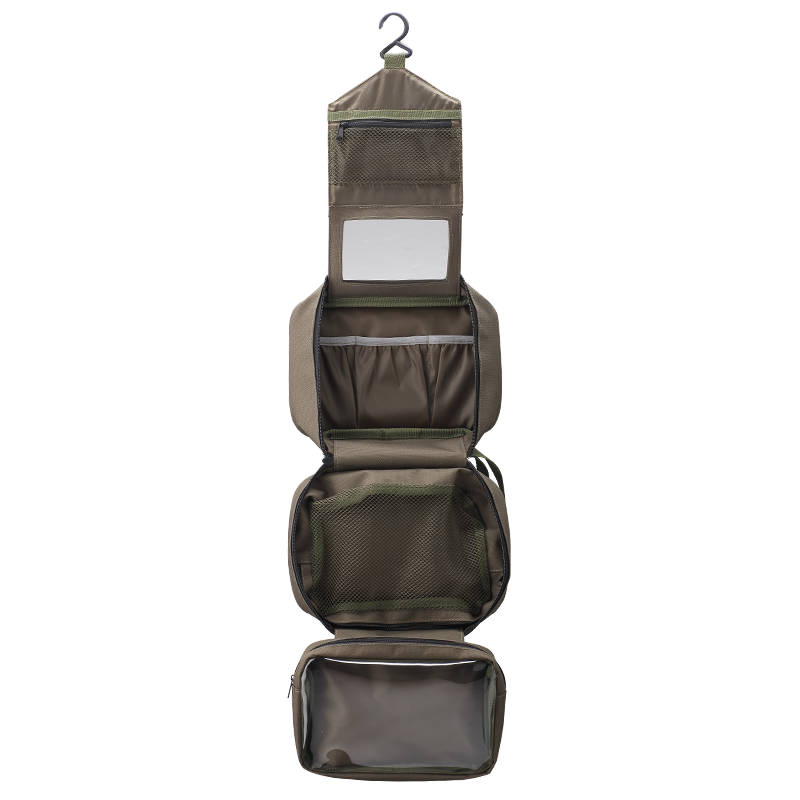 Bank LifeBank Wash Bag↗
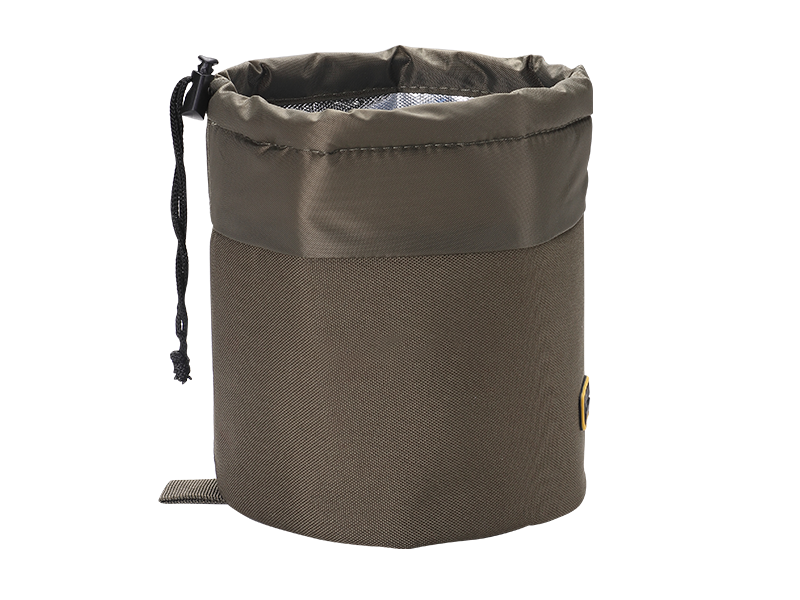 Bank LifeHeated Gas Canister cover↗
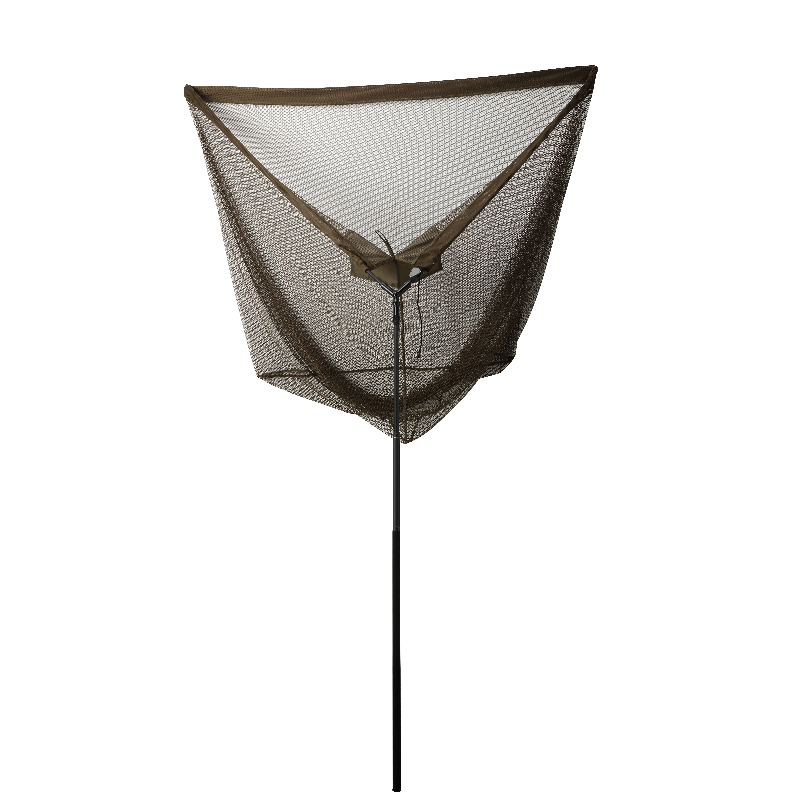 Bank LifeLanding Net 1↗
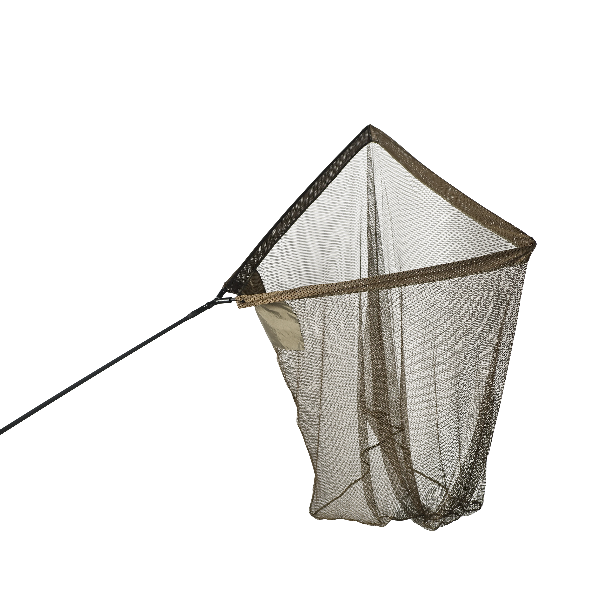 Bank LifeLanding Net 2↗
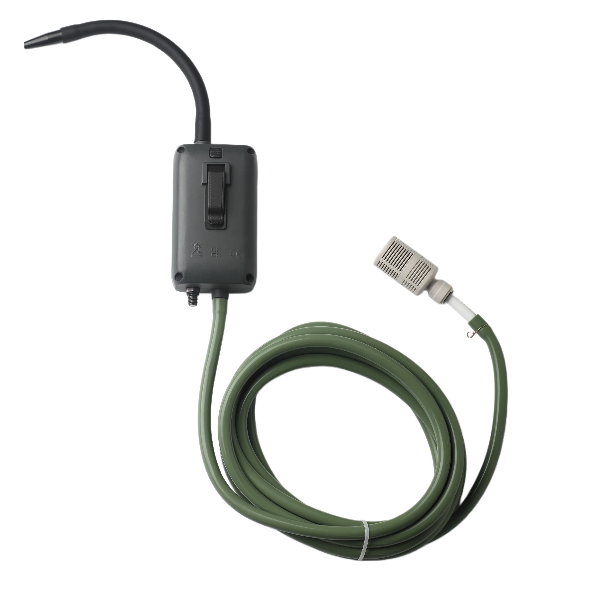 Bank LifeWater pump↗
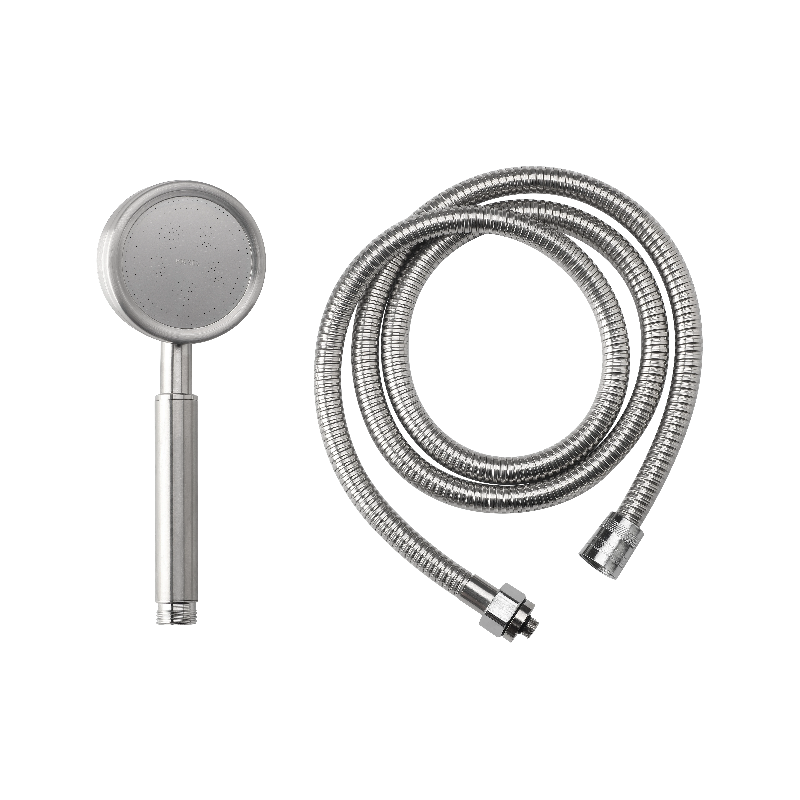 Bank LifeShower for Water Pump↗
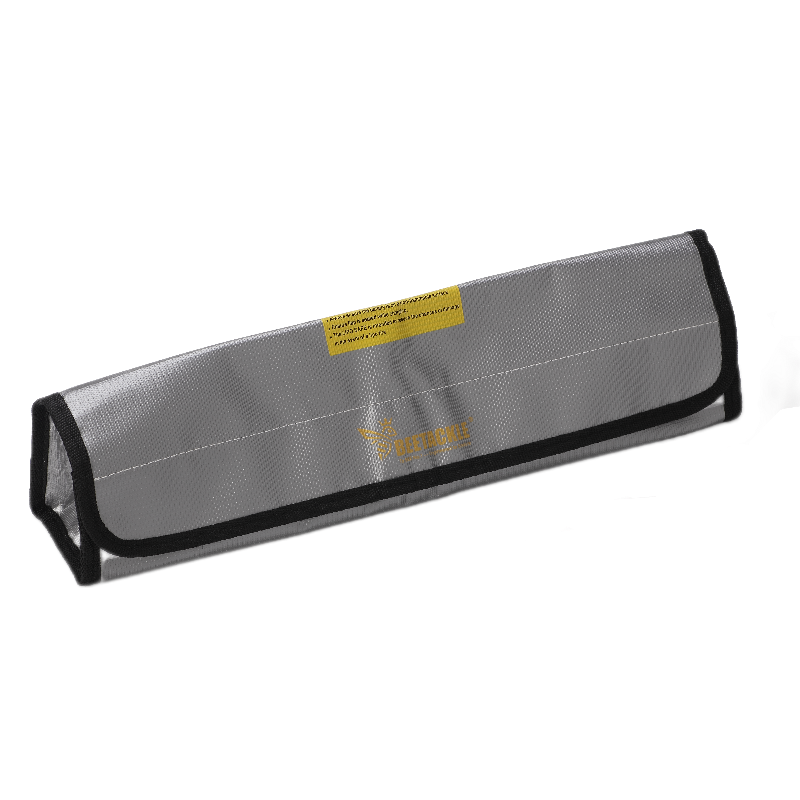 Bank LifeBattery Safety Storage Bag↗
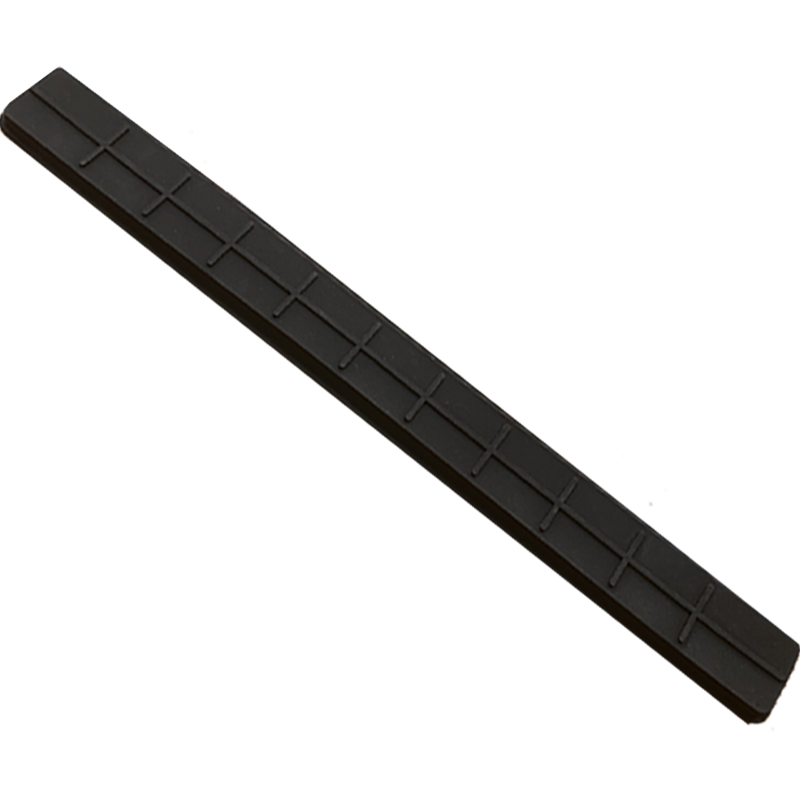 Accessories2 * rubber cover for boat↗
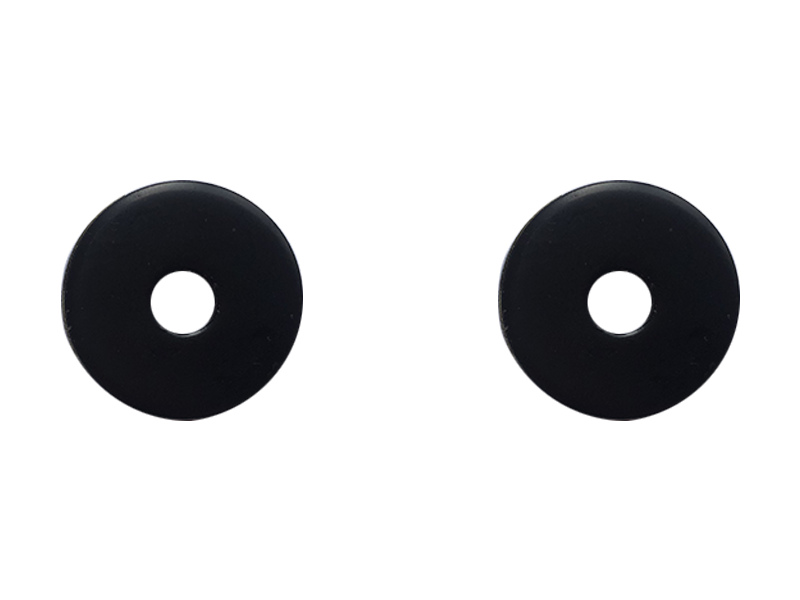 Accessories2 Hopper weights↗
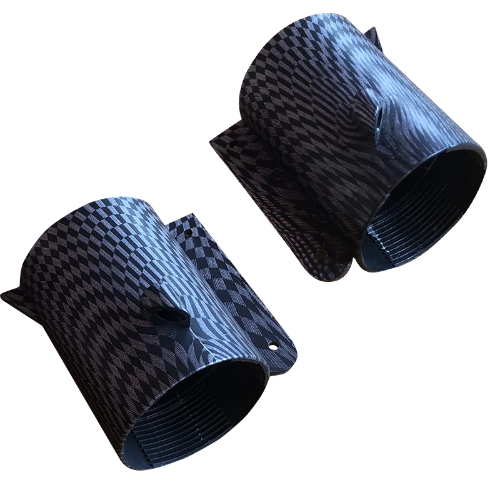 Accessoriesleft motor housing for boat2↗
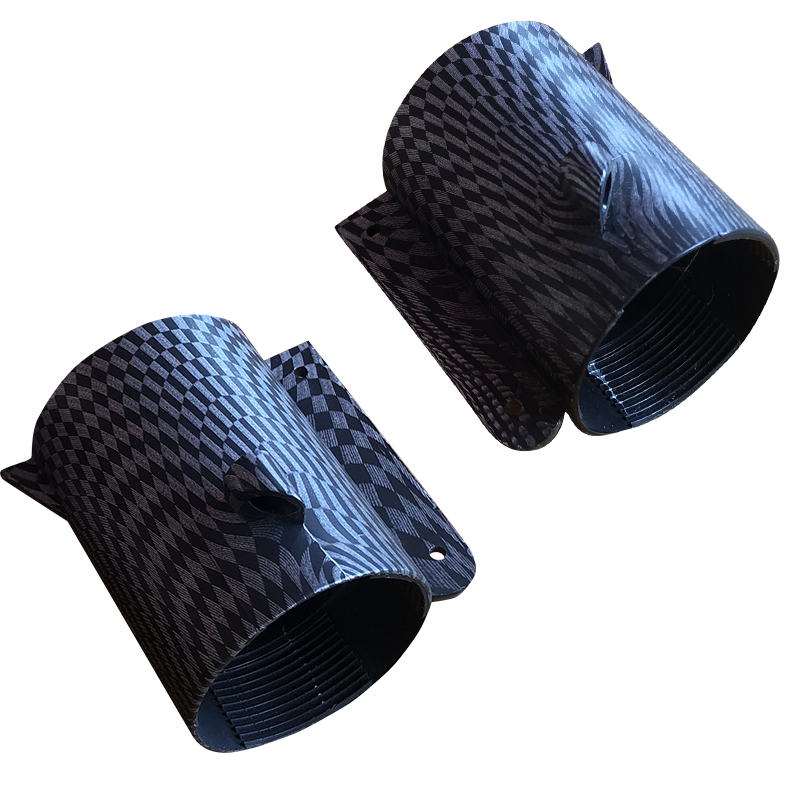 Accessoriesright motor housing for boat↗
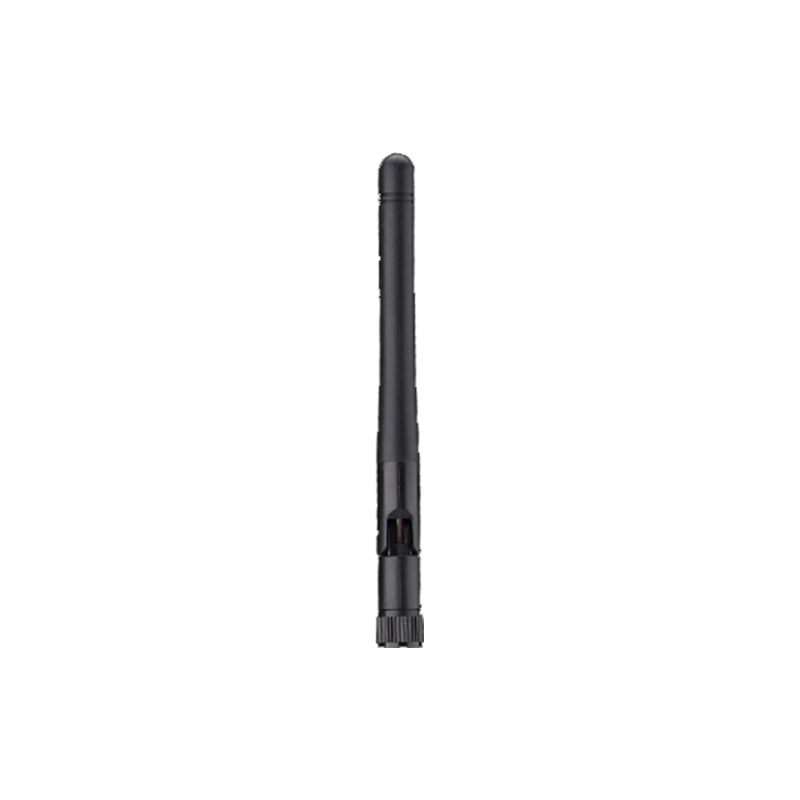 Accessoriesantenna for boat↗
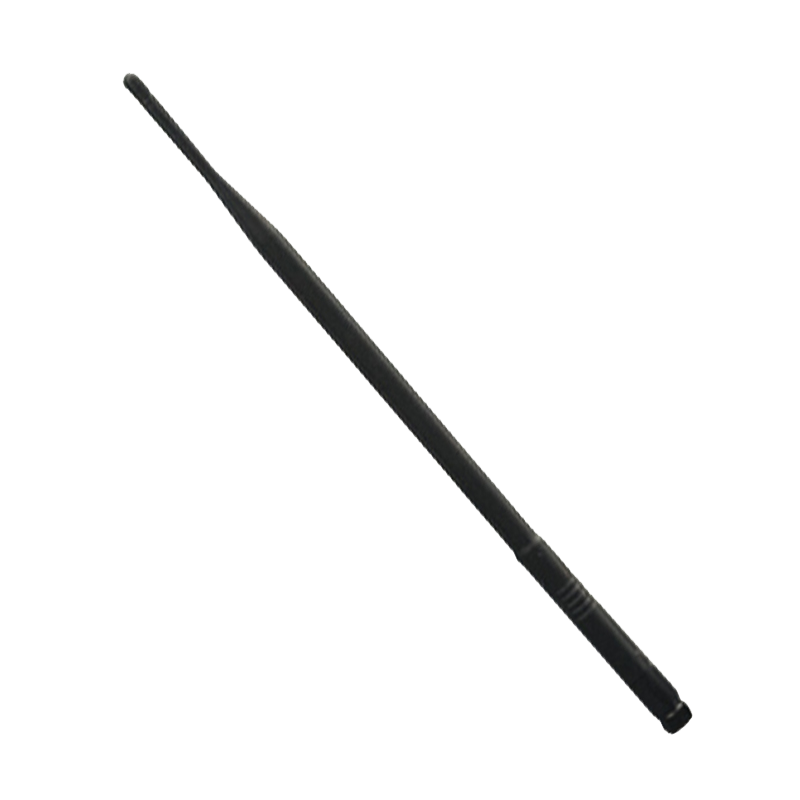 AccessoriesSonar Antenne↗
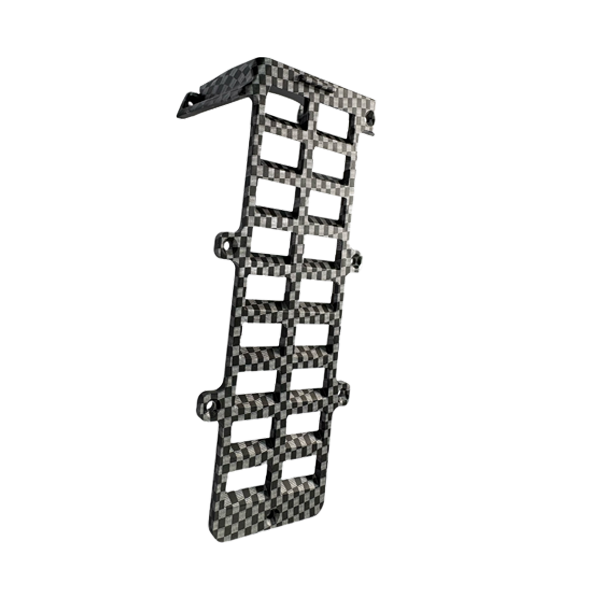 AccessoriesLeft right weed guard↗
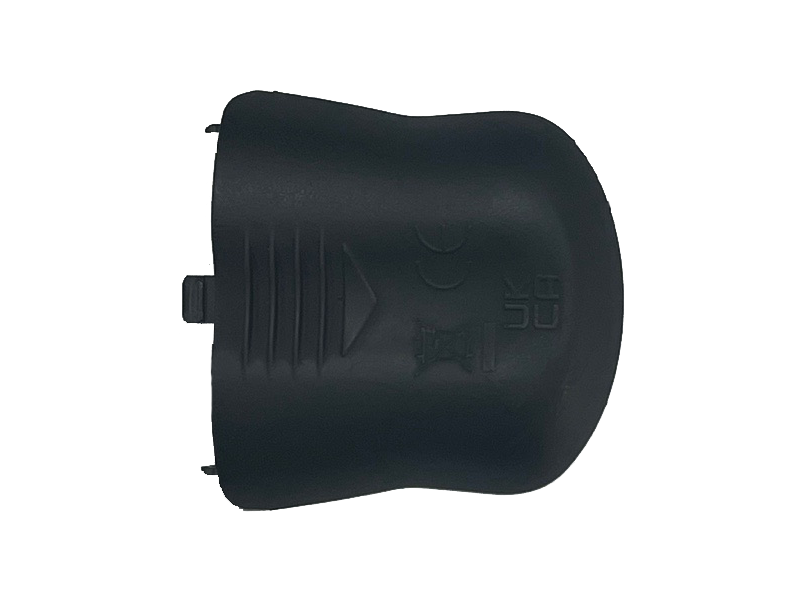 Accessories2 back cover for K9s↗
 AccessoriesSpeed kit↗
 AccessoriesVS knobs for K9s↗
 Accessories2Rubber band for P8↗
- Products
- Timeline
- Support
- About us
- Login
BEETACKLE NK9S Bite Alarm
Overview
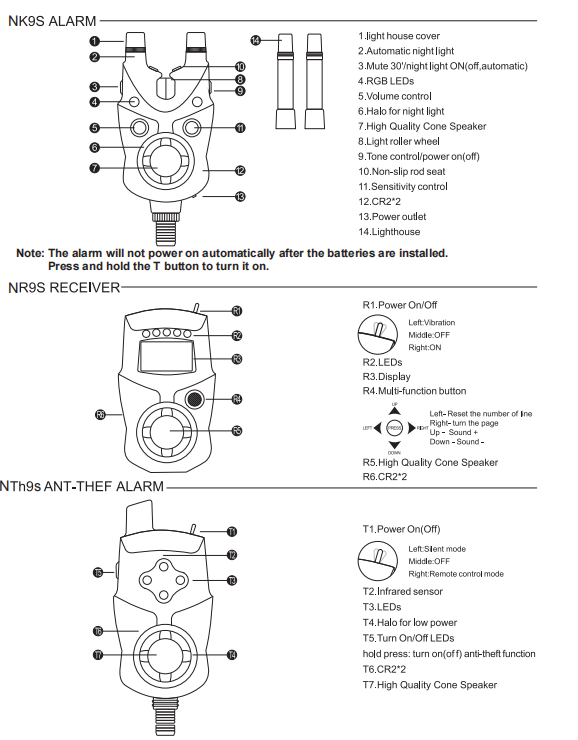
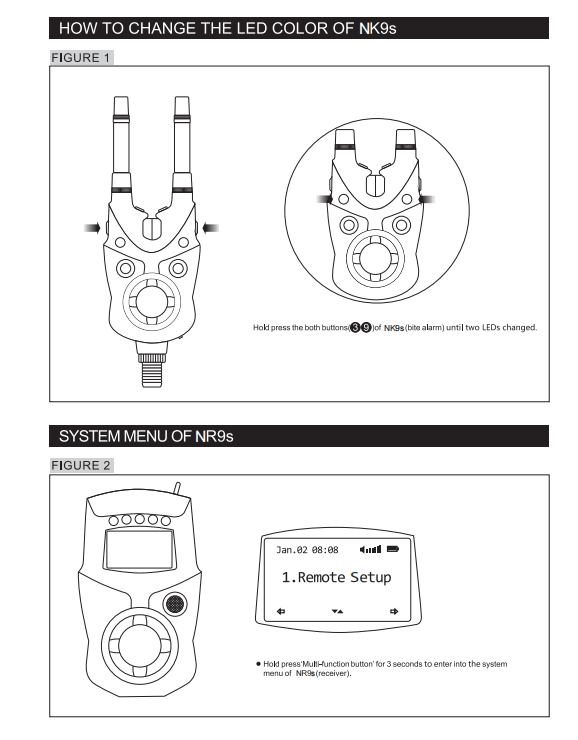
HOW TO REGISTER BITE ALARMS WITH RECEIVER
1. Press and hold the 'multifunction button' to enter the system menu of NR9s receiver.
2. Scroll down to select the 'register alarm' menu.
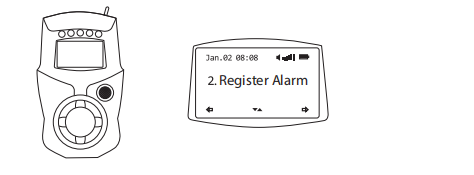
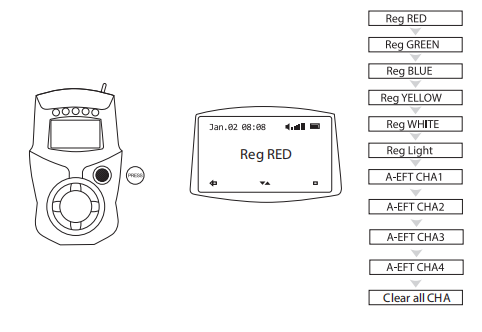
3. Select the colour you want to register.
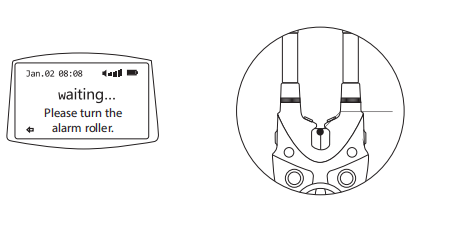
4. Turn the roller wheel of NK9s bite alarm.
5. Registration was successful when the display shows 'Reg SUCCESS'.
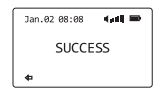
Note: The colour of the alarm will change according to the registered colour.
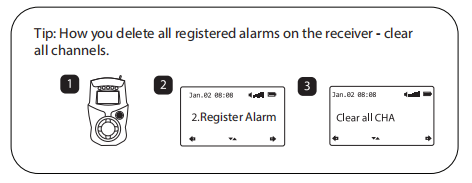
HOW TO REGISTER ANTI-THEFT ALARM NTH9s
1. Press and hold the 'multifunction button' to enter the system menu of NR9s receiver.
2. Scroll down to select the 'Register Alarm' menu.
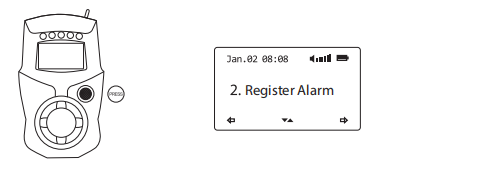
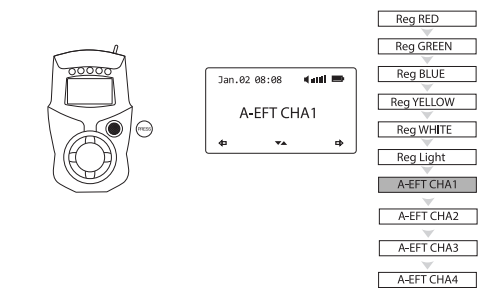
3. Choose one of the A-EFT channels (A-EFT CHA1, A-EFT CHA2, A-EFT CHA3, A-EFT CHA4). We recommend to start with A-EFT CHA1.
Press the button down to select the channel.
4. Turn on the NTH9s Anti-Theft Alarm.
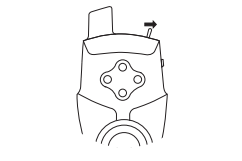
5. Press the right button on the NTH9s twice.
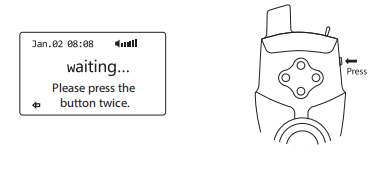
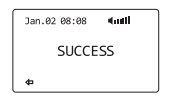
6. Registration was successful when the display shows 'SUCCESS'.
HOW TO REMOTE CONTROL FUNCTIONS OF NK9s/NTH9s via NR9s
1. Press and hold the 'multifunction button' to enter the system menu of NR9s receiver.
2. Scroll down to select the 'Remote Setup' menu.
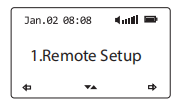
3. Scroll up and down to select the device you want to remote control.
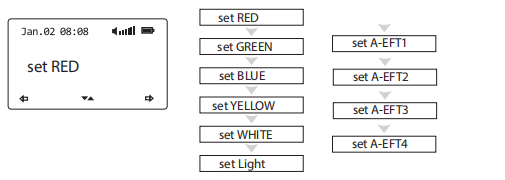
4. Up and down to select the function, confirm with the multifunction knob and then up and down again to set the values
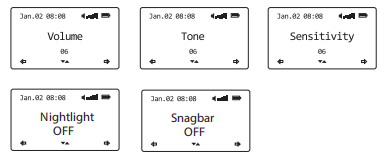
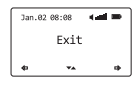
5. Choose ‘Exit’ menu to return main menu.
DROP BACK
1. Press and hold the 'multifunction button' to enter the system menu of NR9S receiver.
2. Scroll down to select the 'Receiver Setup' menu.
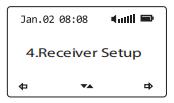
3. Scroll up and down to switch the dropback on/off.
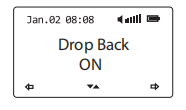
Note: After turning the dropback function on and off, the alarm must be registered again.
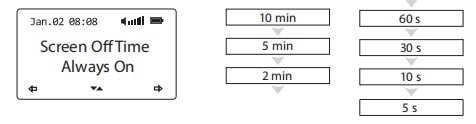
SCREEN OFF TIME
1. Press and hold the 'multifunction button' to enter the system menu of NR9S receiver.
2. Scroll down to select the 'Receiver Setup' menu.
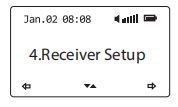
3. Scroll up and down to set the screen switch-off time.
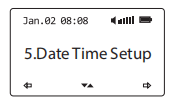
1. Press and hold the 'multifunction button' to enter the system menu of NR9S receiver.
2. Scroll down to select the 'Date time set' menu and confirm by pressing the button down to enter the menu.
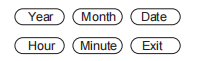
3. Left/right to choose Year/Month/Date/Hour/Minute/Exit, up/down to set the value.
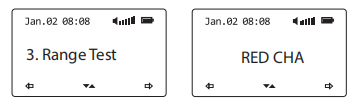
RANGE TEST
The Range test function does not test the maximum range of the bite alarms to the receiver, but how far the remote-control mode reaches. There is a difference between the range from the bite indicator to the receiver and from the receiver to the bite indicator. The real range of the bite alarms depends on environmental conditions. This range can only be tested manually by turning the roller wheel.
APP SETUP
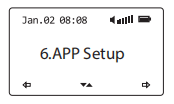
1. Press and hold the 'multifunction button' to enter the system menu of NR9S receiver.
2. Scroll down to select the 'APP Setup' menu and confirm by pressing the button down to enter the menu.
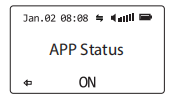
3. Scroll up/down to switch ON/OFF the APP Setup. When turned on, the App connection Icon will be displayed on the screen.
4. Make sure that you have switched on Bluetooth on your smartphone.
5. Open the bite alarm app. The connection is established automatically after a few seconds. Manual pairing is generally not necessary
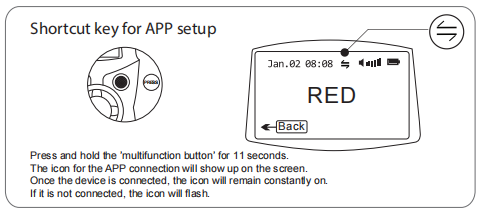
Most smartphones connect automatically without you having to enter a PIN code. If your phone requires a PIN, enter 000000 to try