- Startpagina
- ProductenBrowse collectionAll productsView all ↗
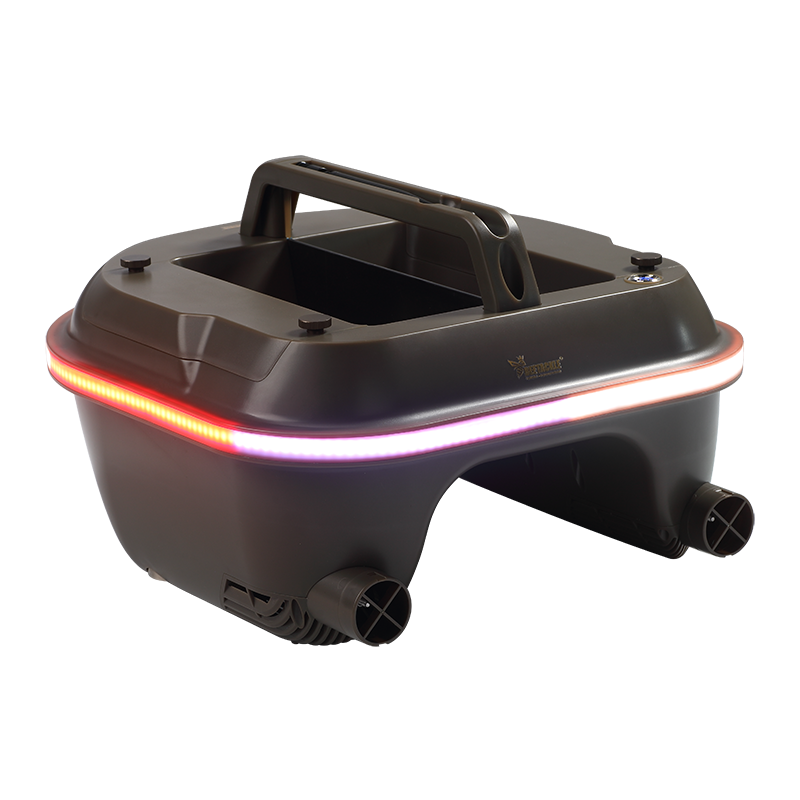 AasbotenBait boat mini BT19↗
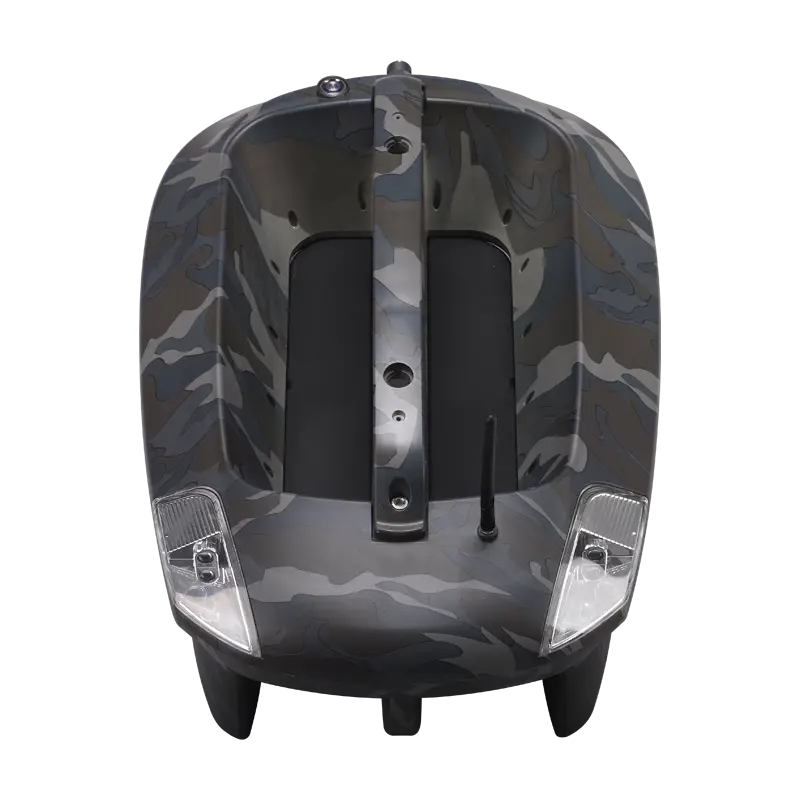 AasbotenStandaardboot (Urban Camo)↗
 AasbotenAasboot BT2 (Camo)↗
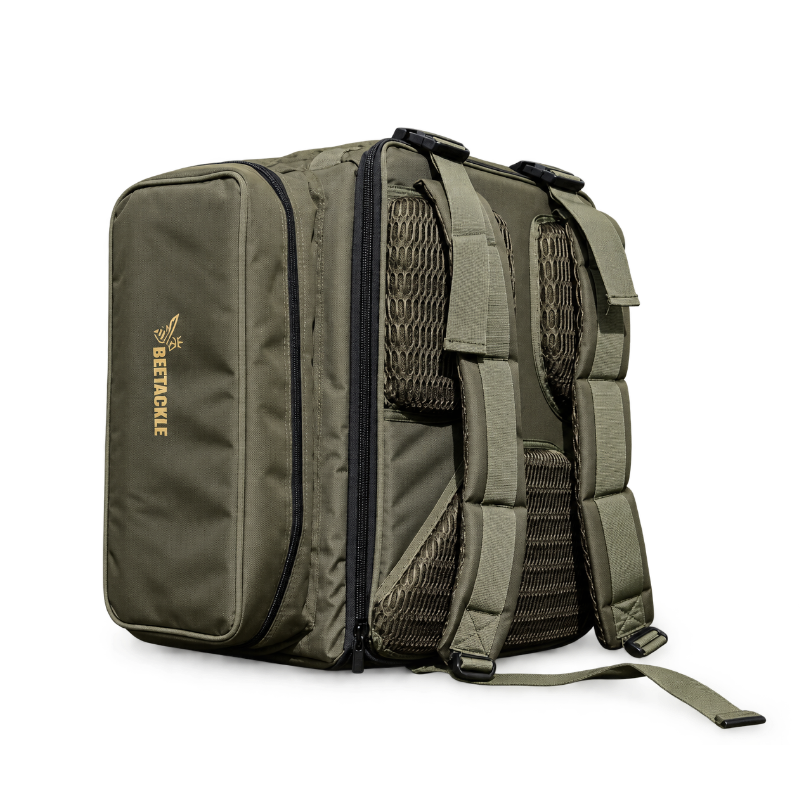 AasbotenBT19 Boat Bag↗
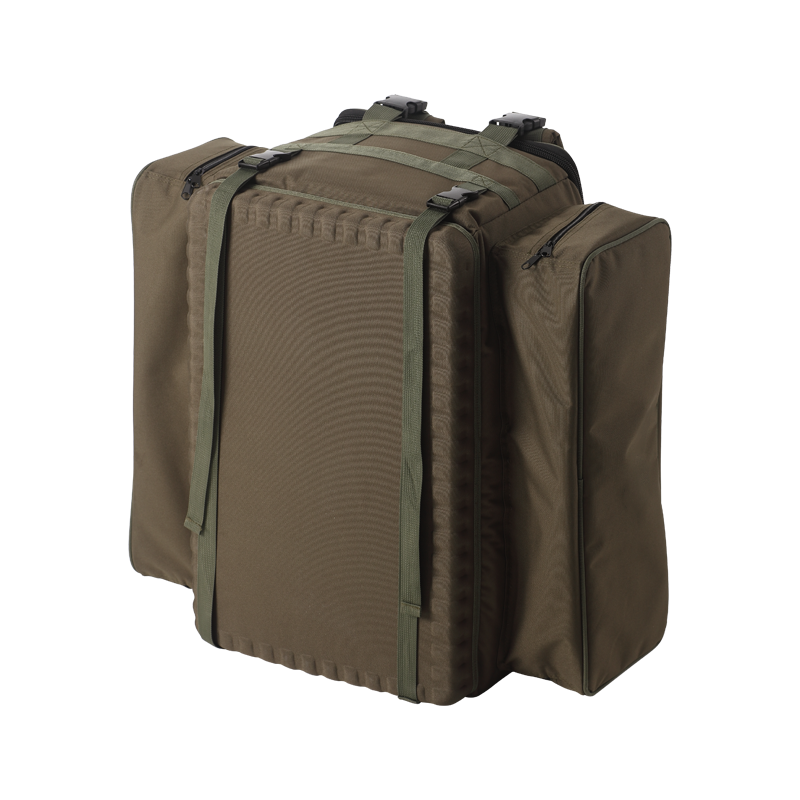 AasbotenBaitboat Bag↗
 (1).png) AasbotenGeïntegreerde sonar voerboot (BT8 Camo)↗
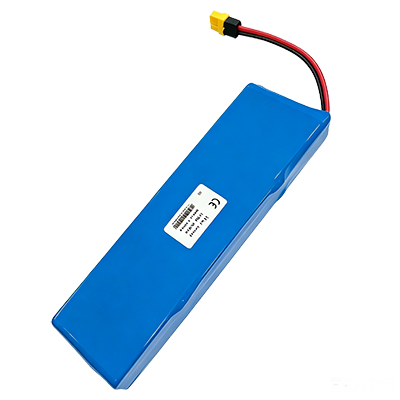 Aasboten16 * accupakket voor boot↗
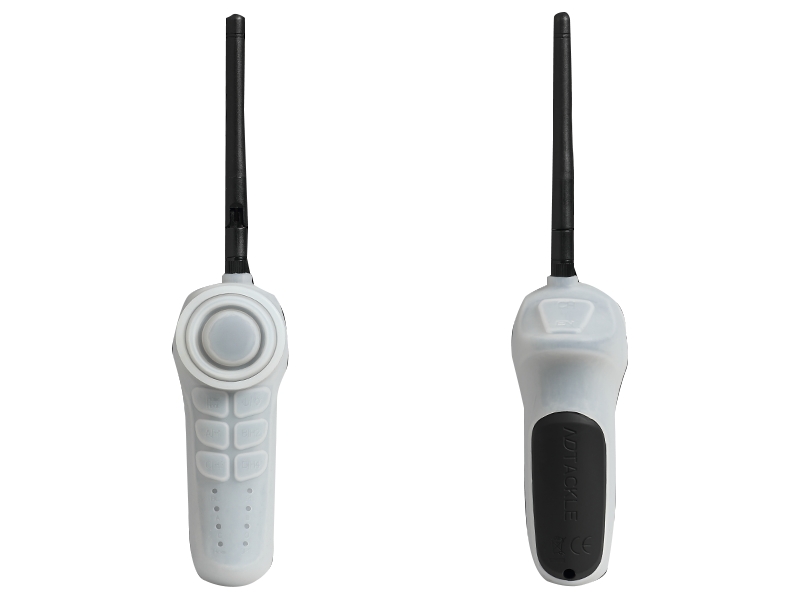 AasbotenHandset rubberen behuizing↗
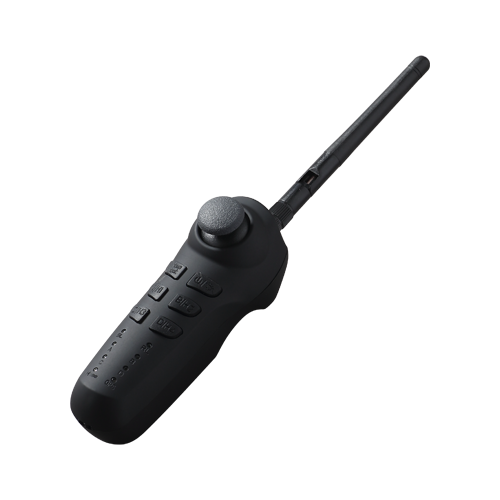 AasbotenHandset voor voerboot V3↗
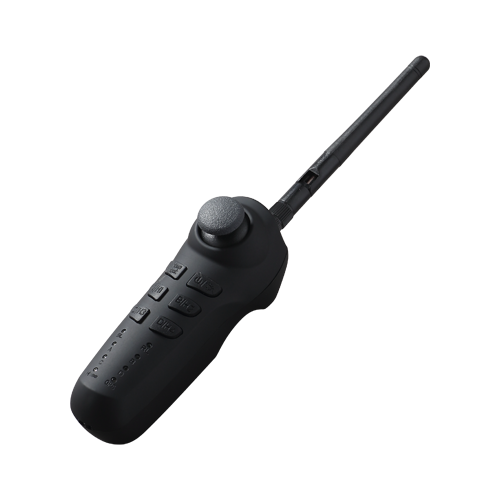 AasbotenHandset voor voerboot V2↗
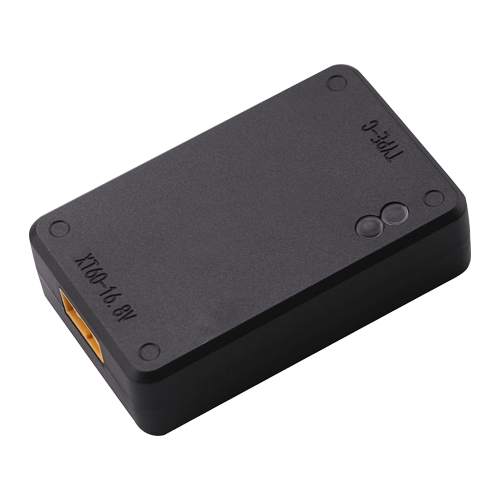 AasbotenUSBCHARGER↗
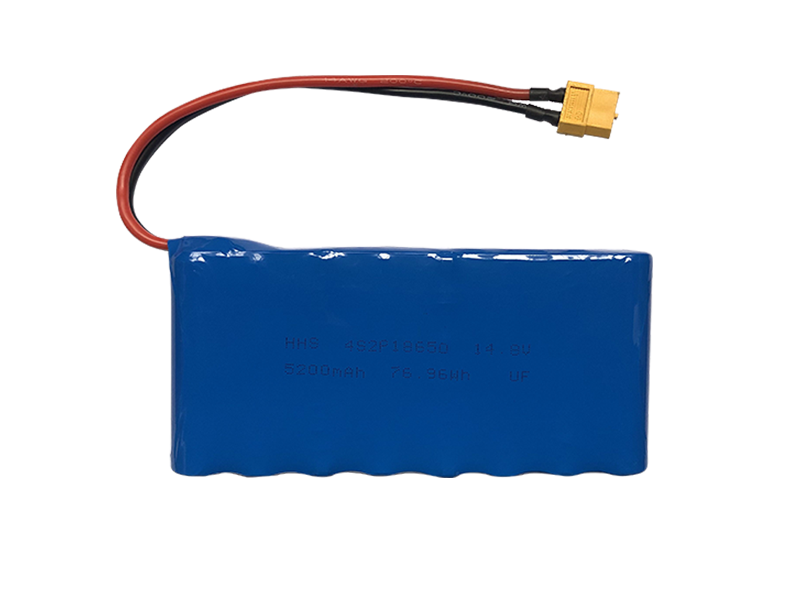 Aasboten8 batterijpakket voor boot2↗
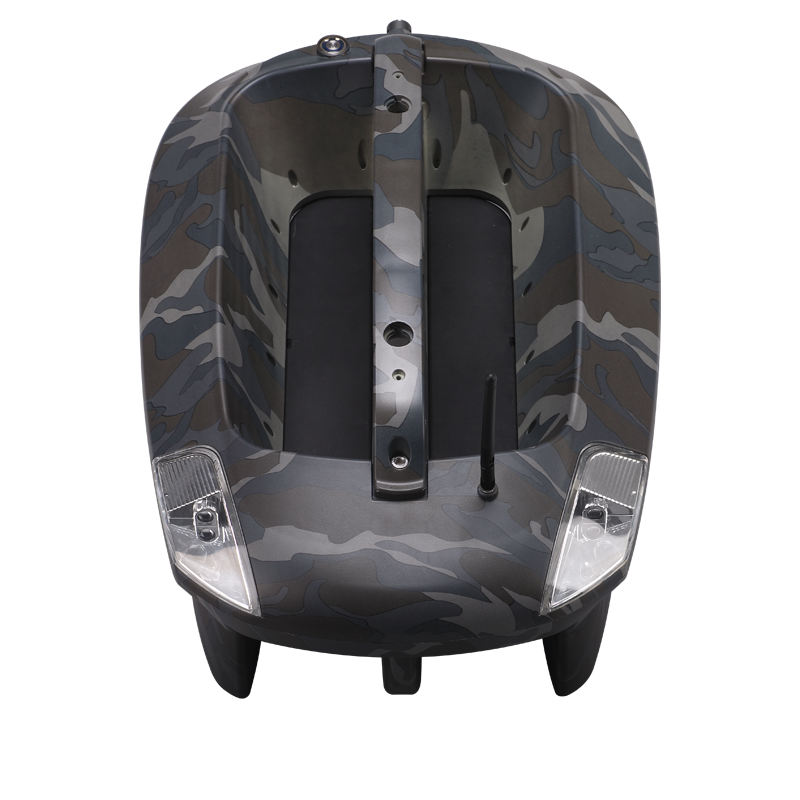 VisfinderGeïntegreerde Sonar BaitBoat (BT7)↗
 VisfinderBT12 Werpbare Sonar↗
 VisfinderSonarbevestiging (BT5)↗
 VisfinderIngebouwde sonarkit (BT6)↗
 VisfinderWiFi-versterker (BT4)↗
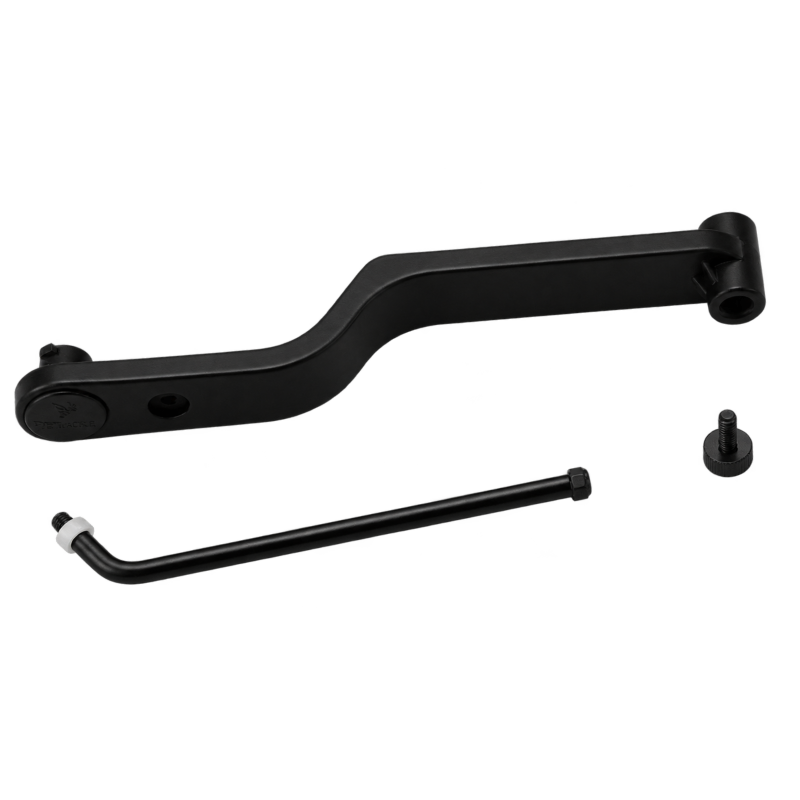 VisfinderFishfinderhouder voor voerboten V2/V3/V4↗
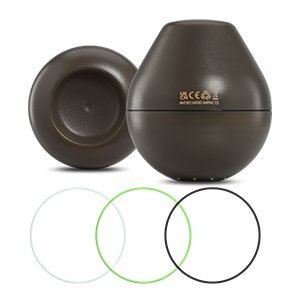 VisfinderWerpbare Sonar-kleurring↗
 VisfinderTelefoon- en controllerhouder (BT10)↗
 VisfinderPad & controller tri-stand (BT11)↗
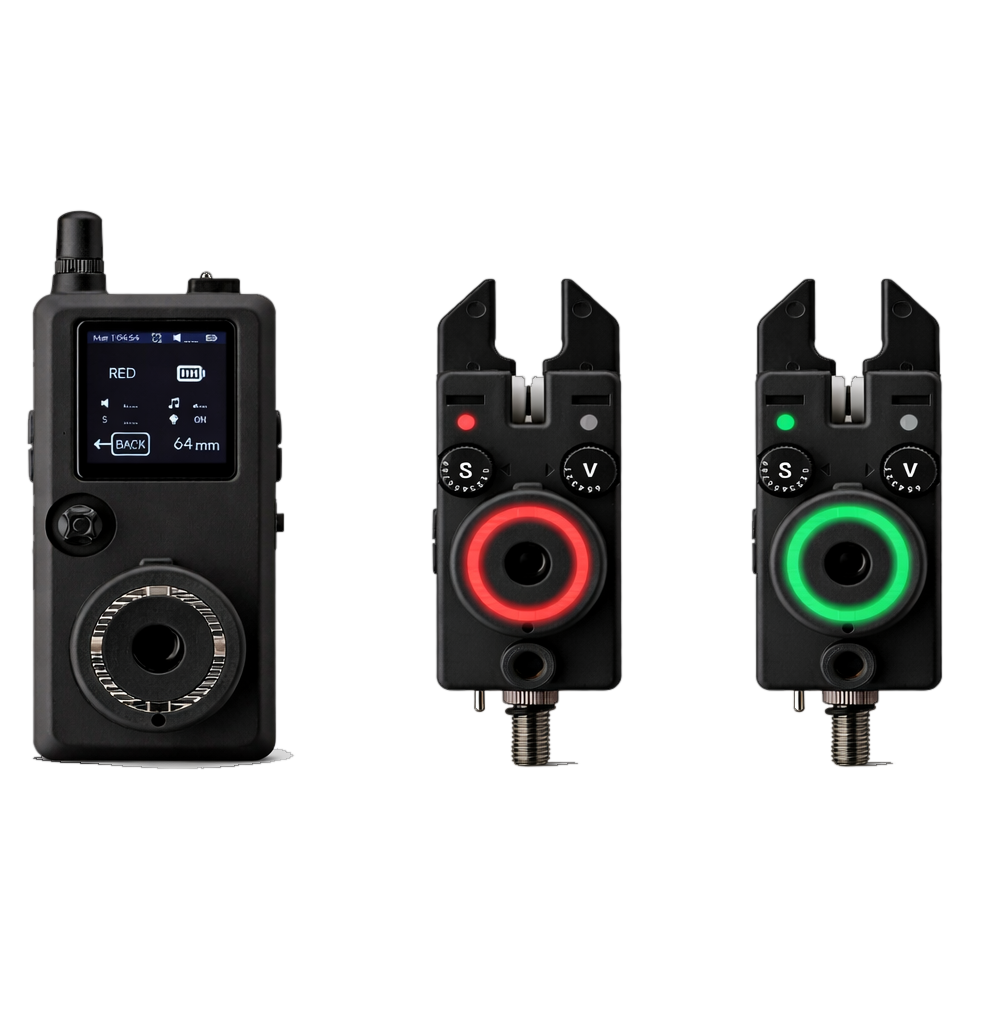 BeetmelderK15/R15 Bite alarm set↗
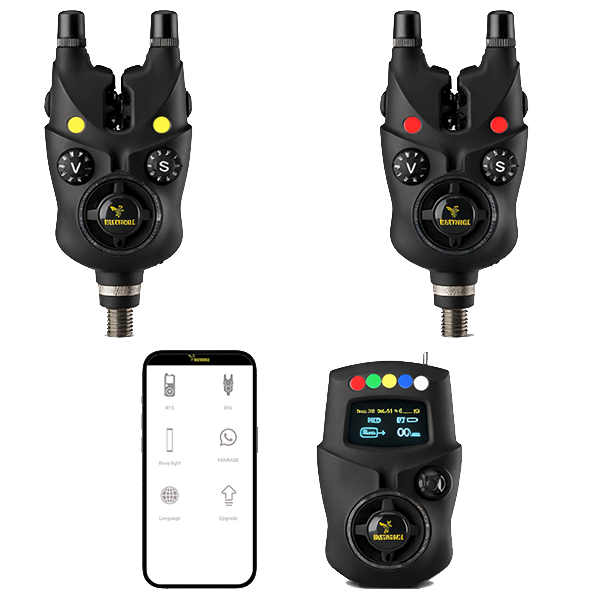 BeetmelderNK9S Bite alarm↗
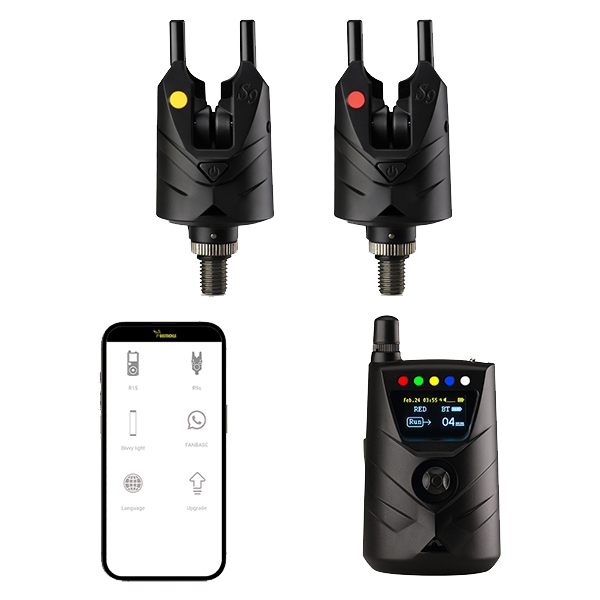 BeetmelderNS9pro Bite alarm↗
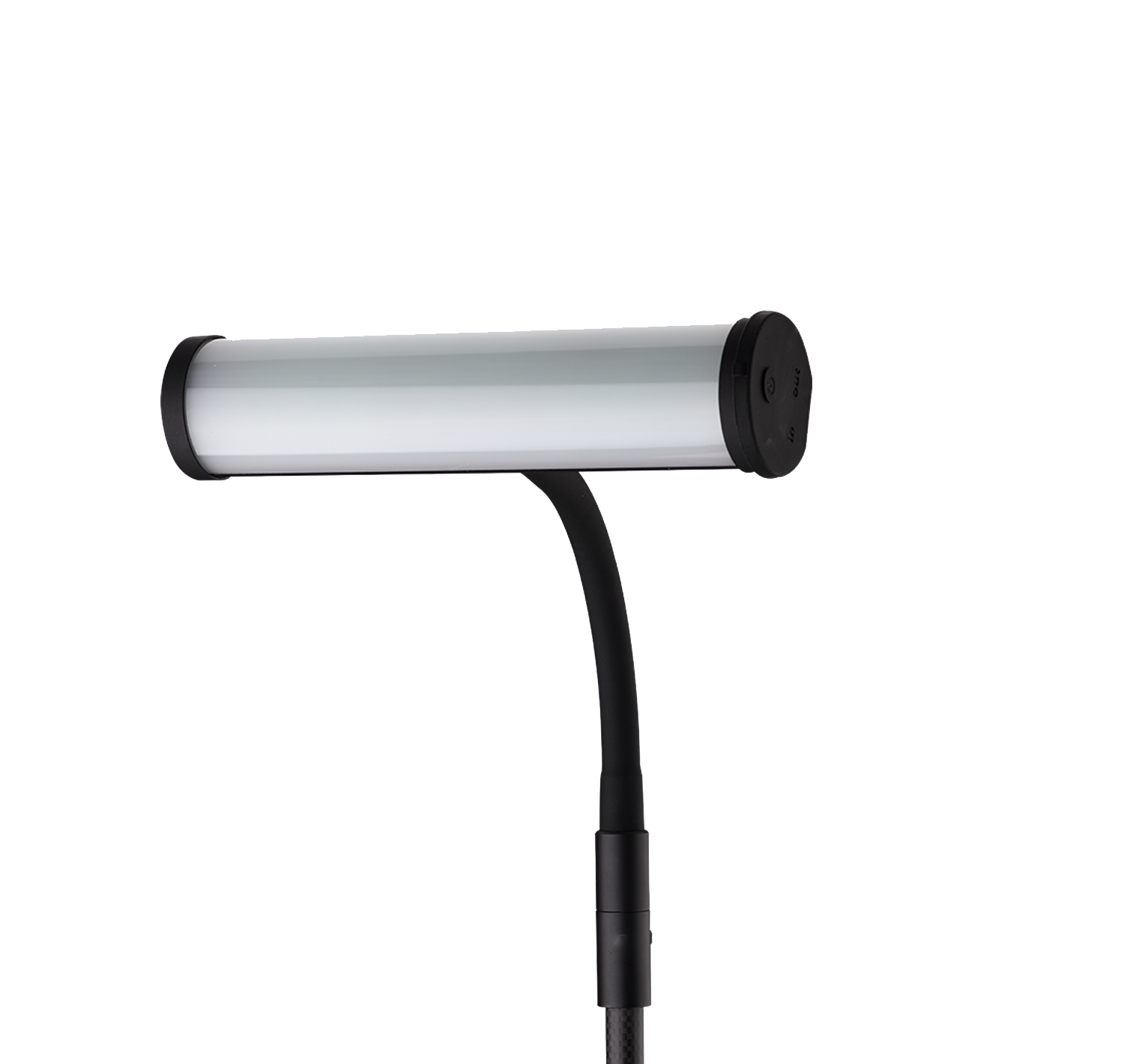 BeetmelderSmart Bivvy Light Ultra K16↗
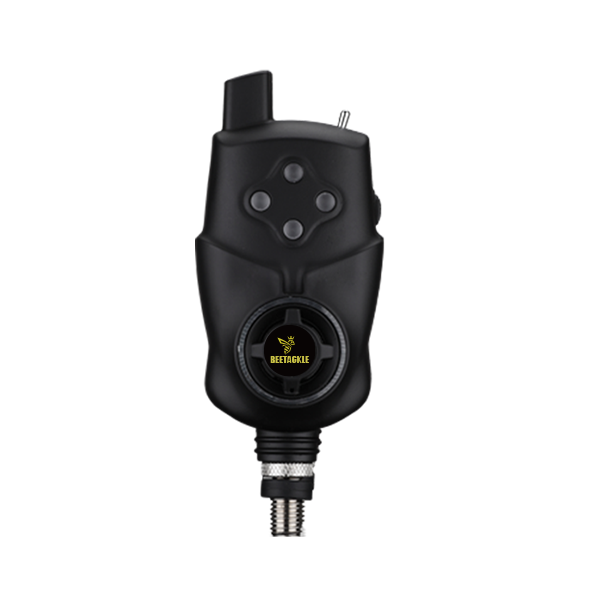 BeetmelderAnti-diefstal Alarm NTH9S↗
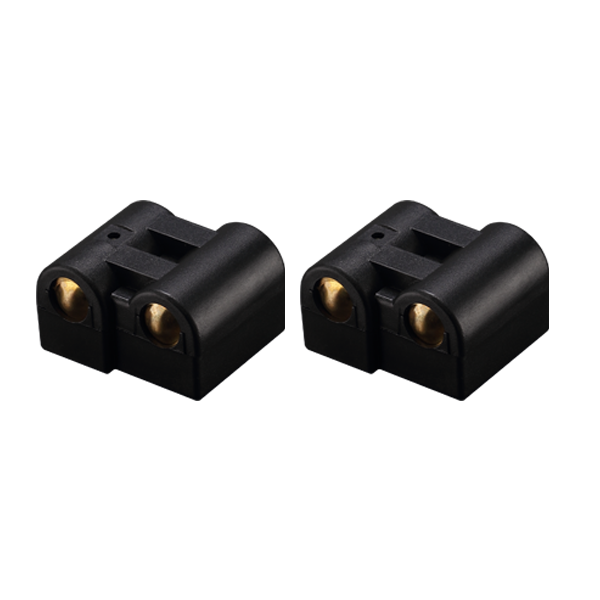 BeetmelderKleine accu voor NK9S beetmelder↗
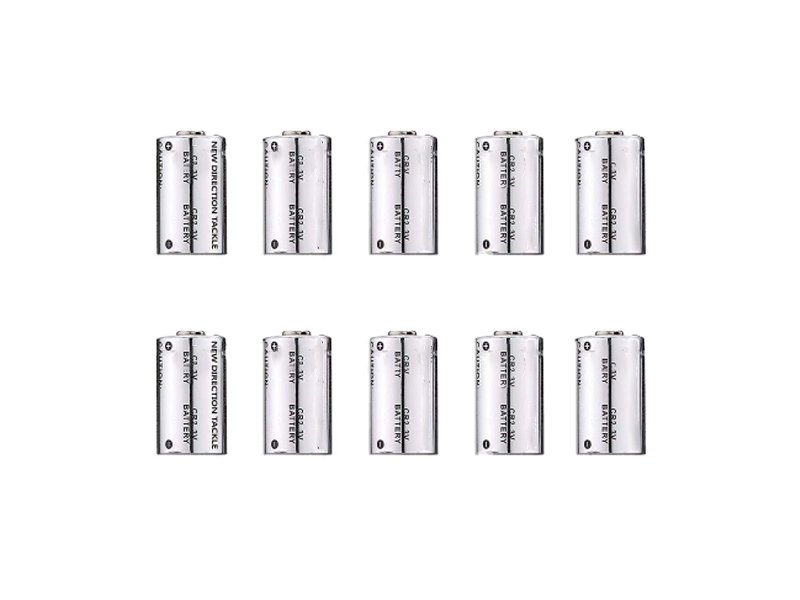 BeetmelderCR2 * 10 for NK9S/NR9S/NTH9S↗
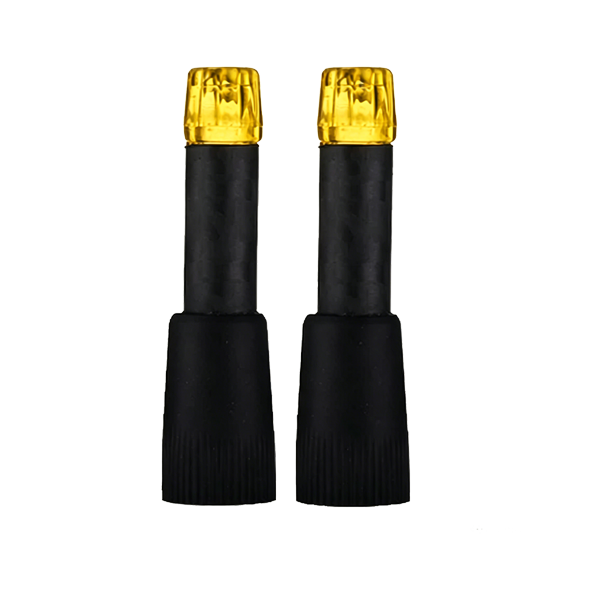 BeetmelderYellow snagear↗
 BeetverklikkerT9 - kettingbobijn↗
 BeetverklikkerT8 - Zwenkarm↗
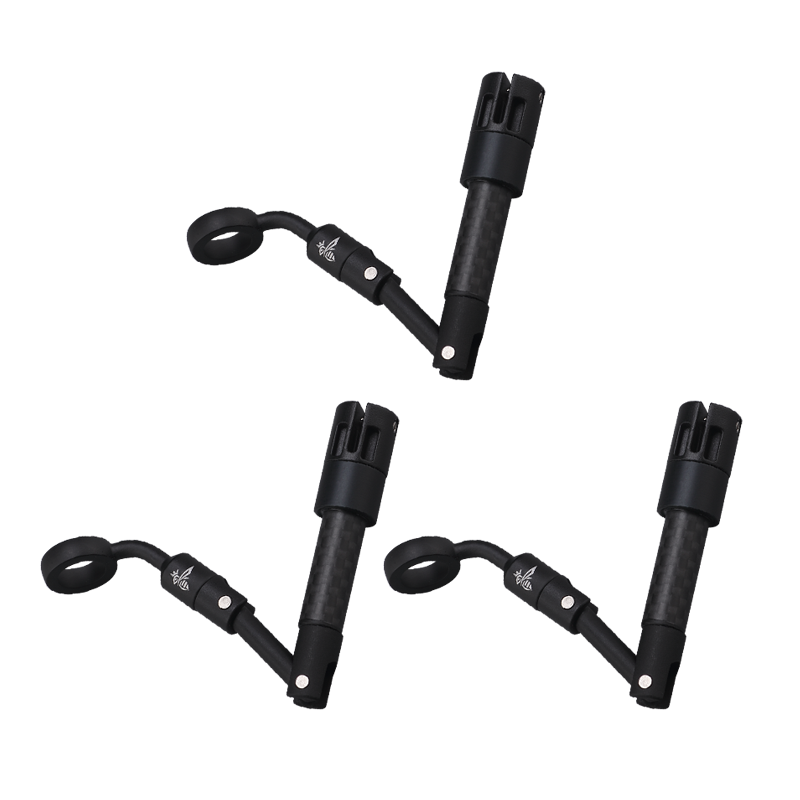 BeetverklikkerT7 – Veerswinger↗
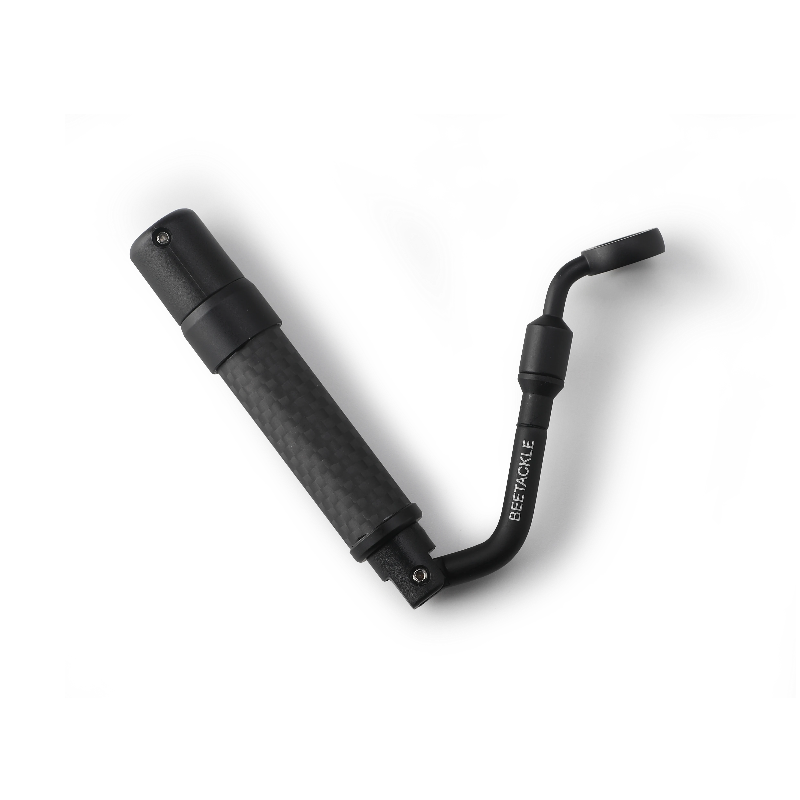 BeetverklikkerT7 Plus↗
 BeetverklikkerT6 - Verlichte indicator↗
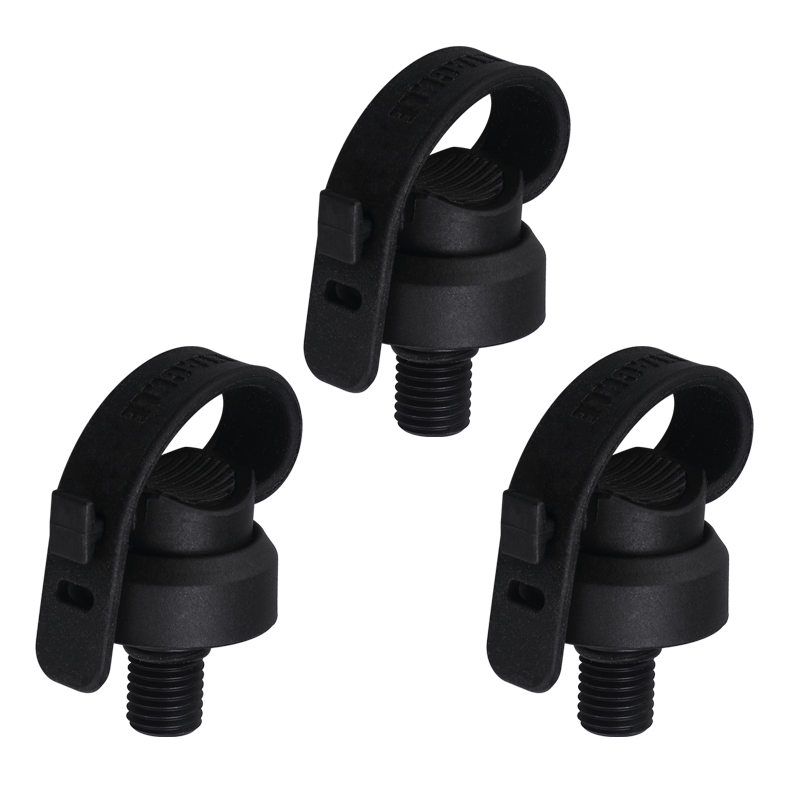 HengelsteunP8mini↗
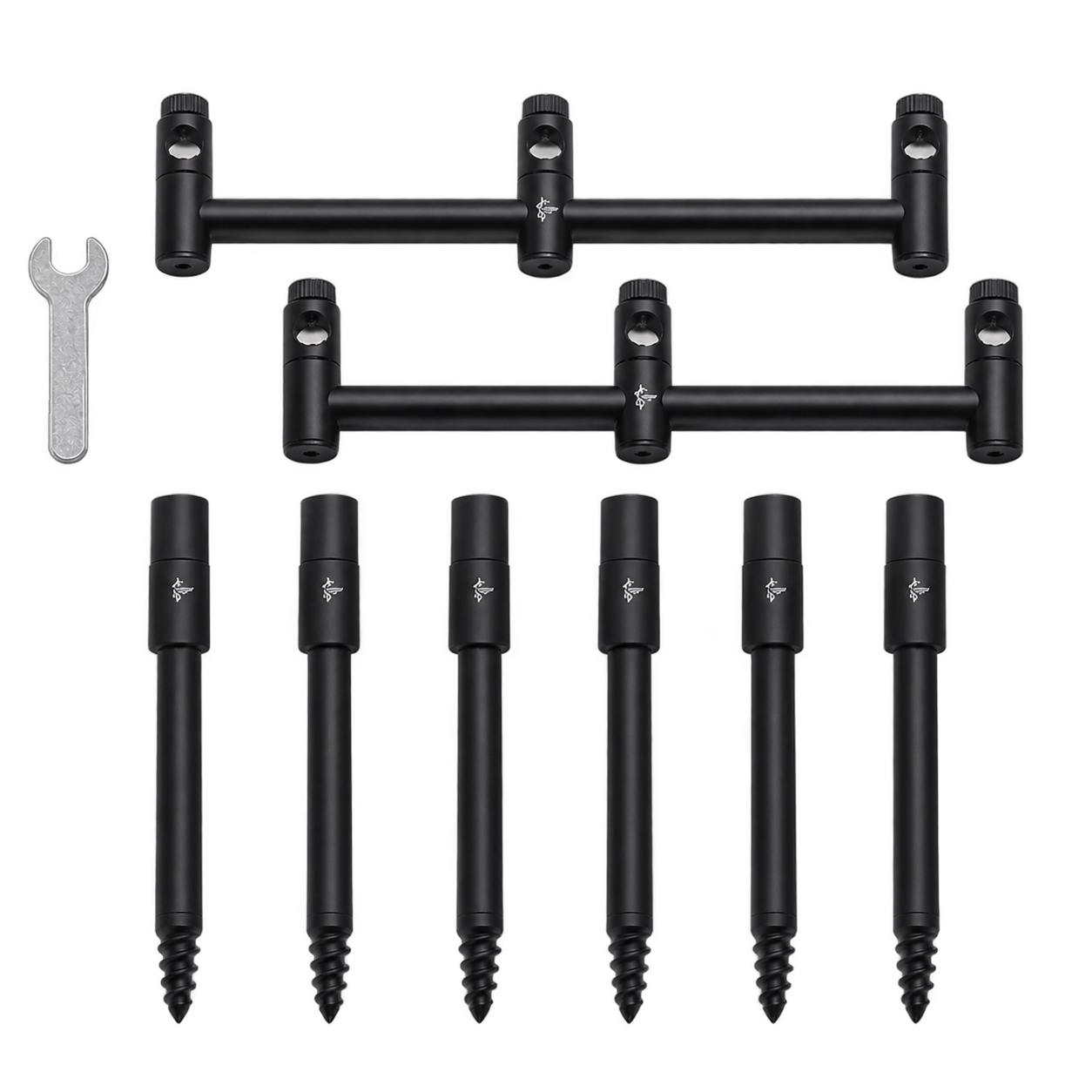 HengelsteunGo Pod P30 - 3 Hengels↗
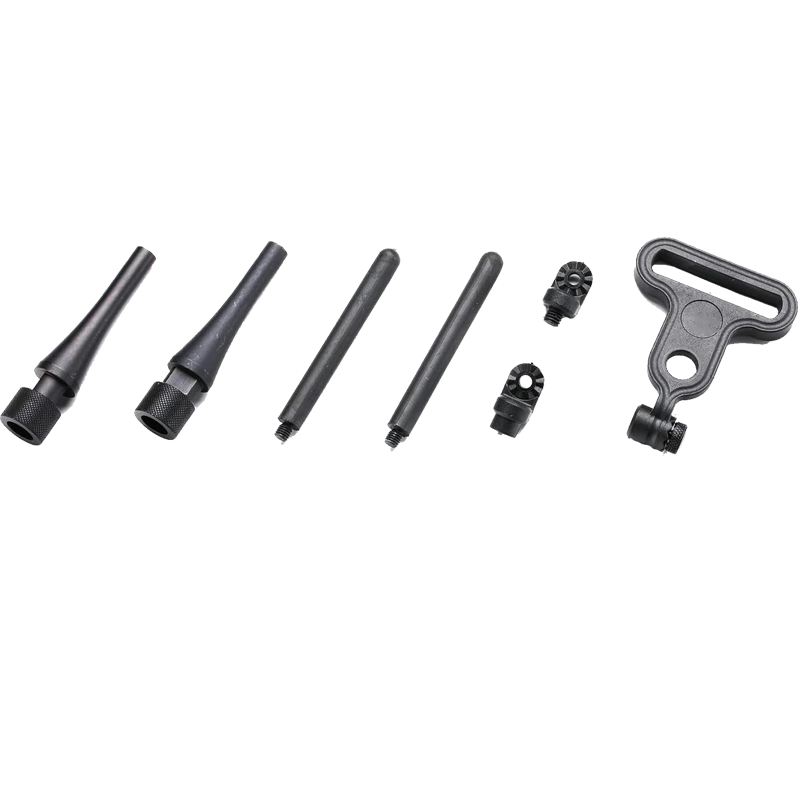 HengelsteunSnag bars↗
 Leven aan de waterkantHoodie- en petten set↗
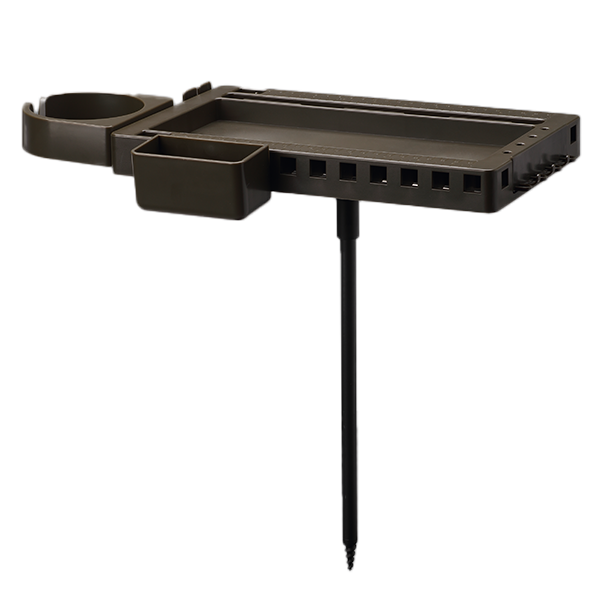 Leven aan de waterkantBankstick & Bedchair Organiser↗
 Leven aan de waterkantIntelligente beker↗
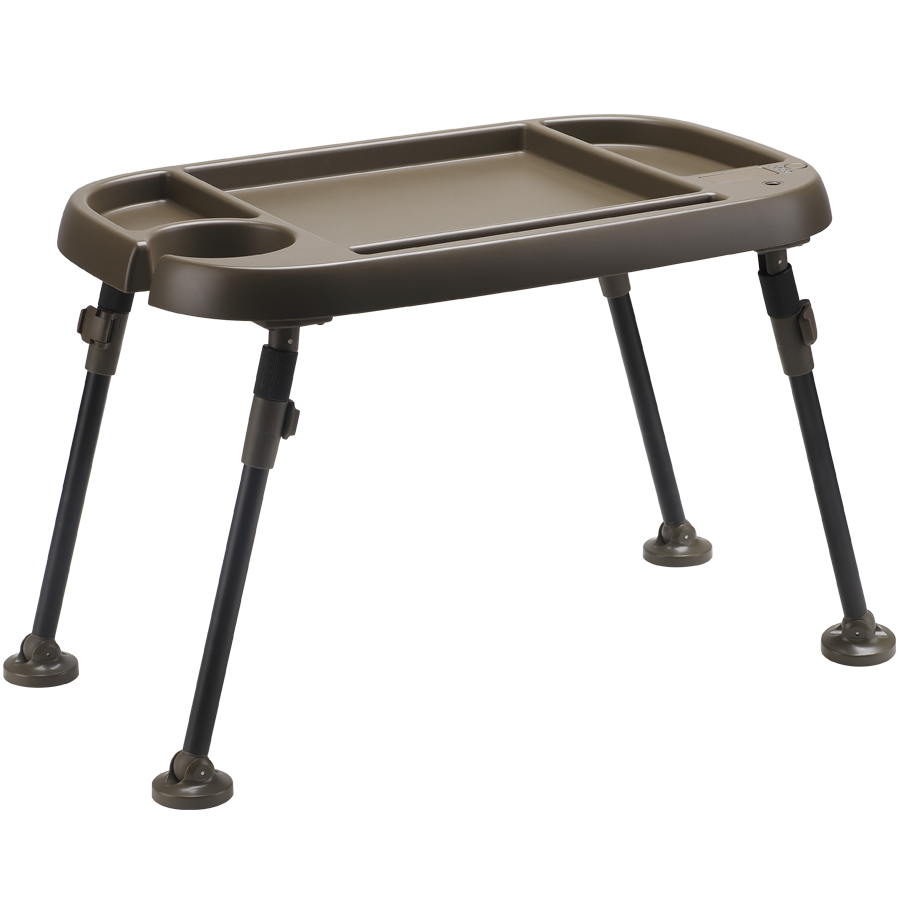 Leven aan de waterkantBivvytafel↗
.png) Leven aan de waterkantPowerbank - V9bp↗
 Leven aan de waterkantBivvy fan↗
 Leven aan de waterkantPVC Bucket↗
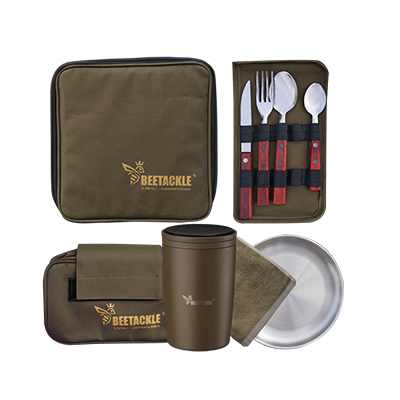 Leven aan de waterkantBank Life Kit↗
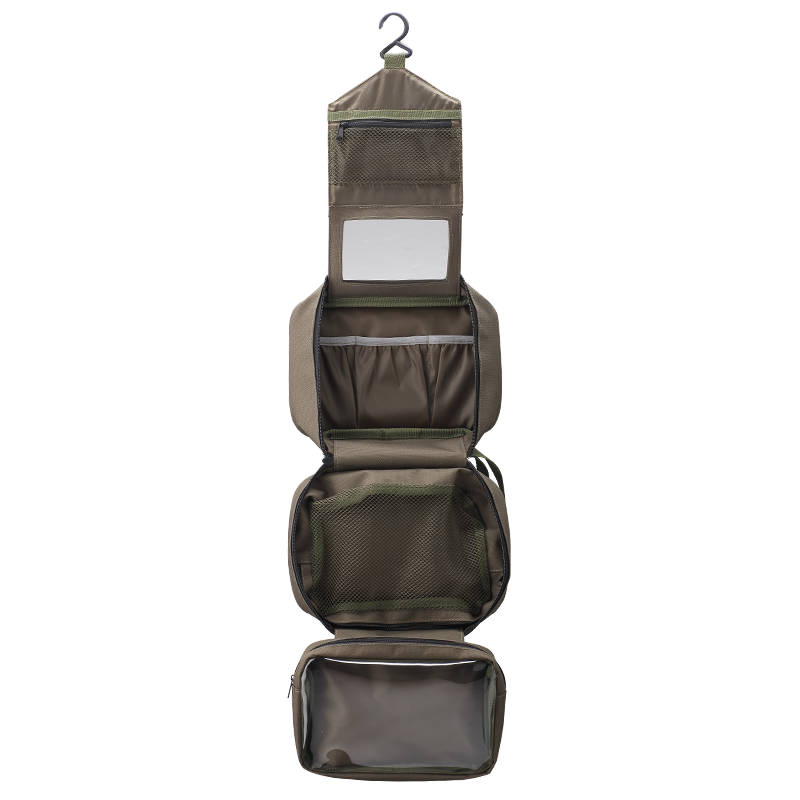 Leven aan de waterkantBank Wash Bag↗
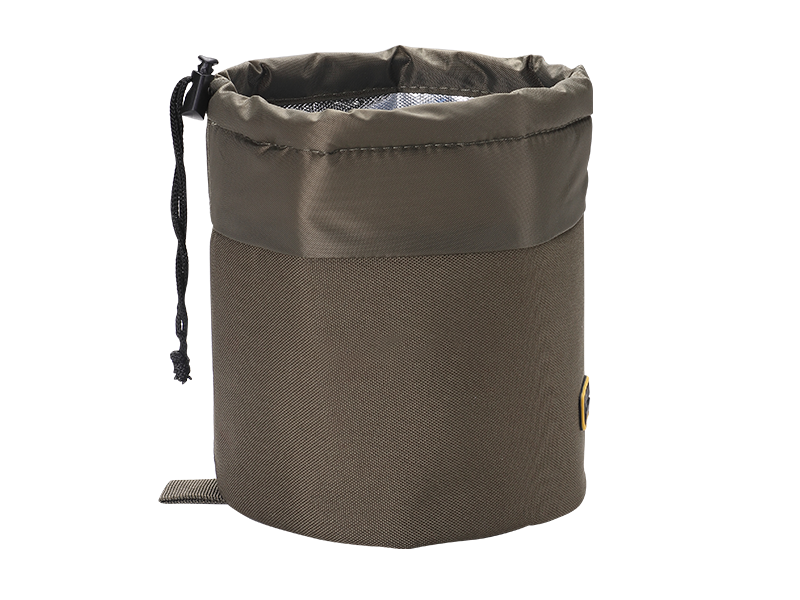 Leven aan de waterkantHeated Gas Canister cover↗
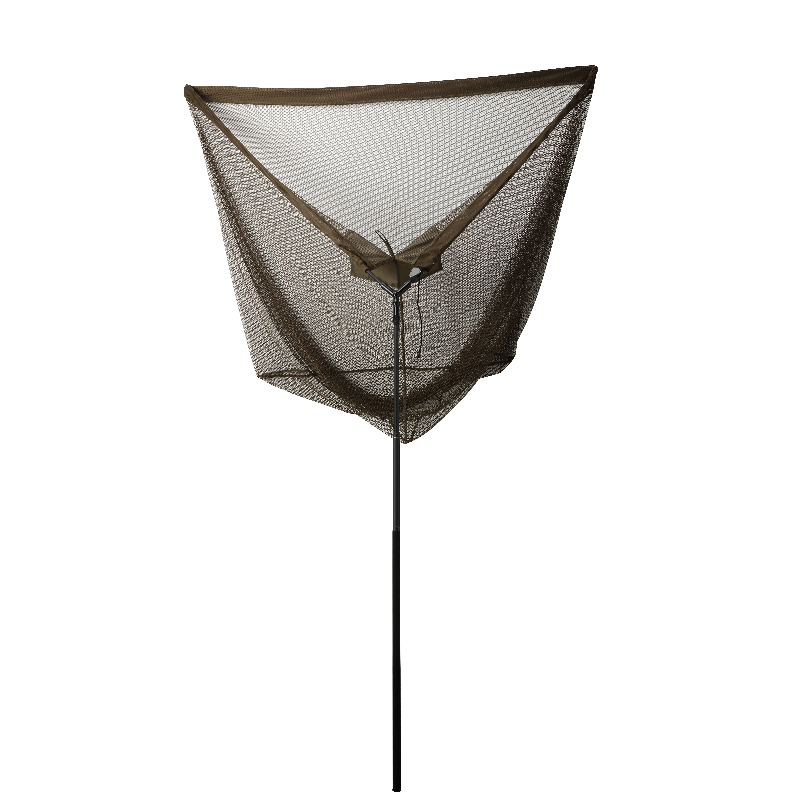 Leven aan de waterkantSchepnet 1↗
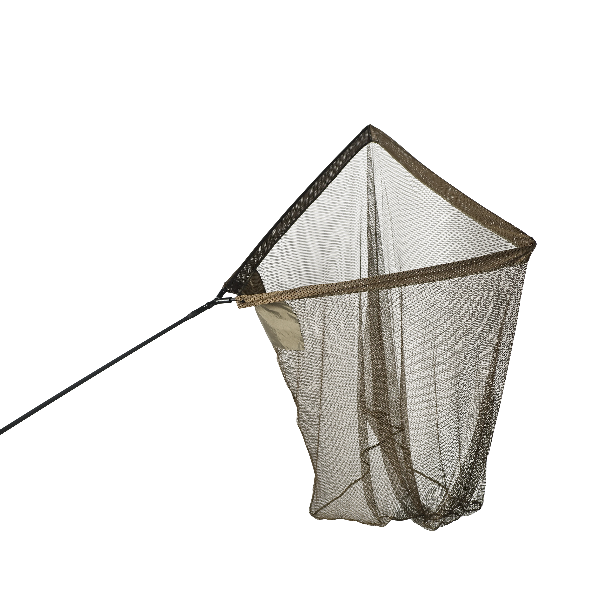 Leven aan de waterkantSchepnet 2↗
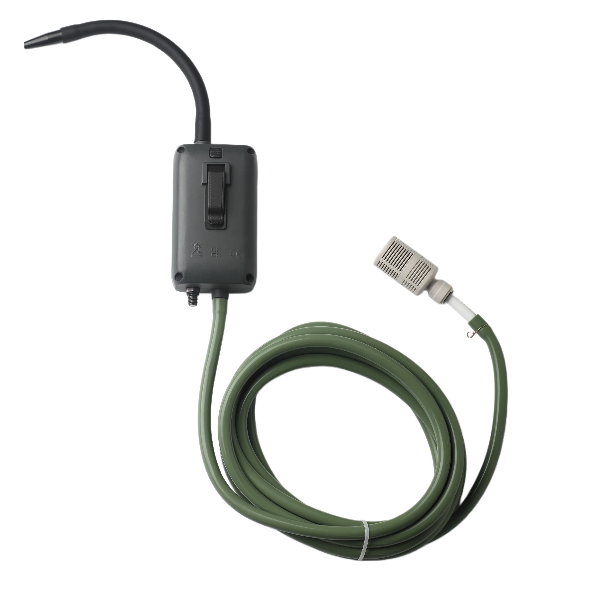 Leven aan de waterkantWaterpomp↗
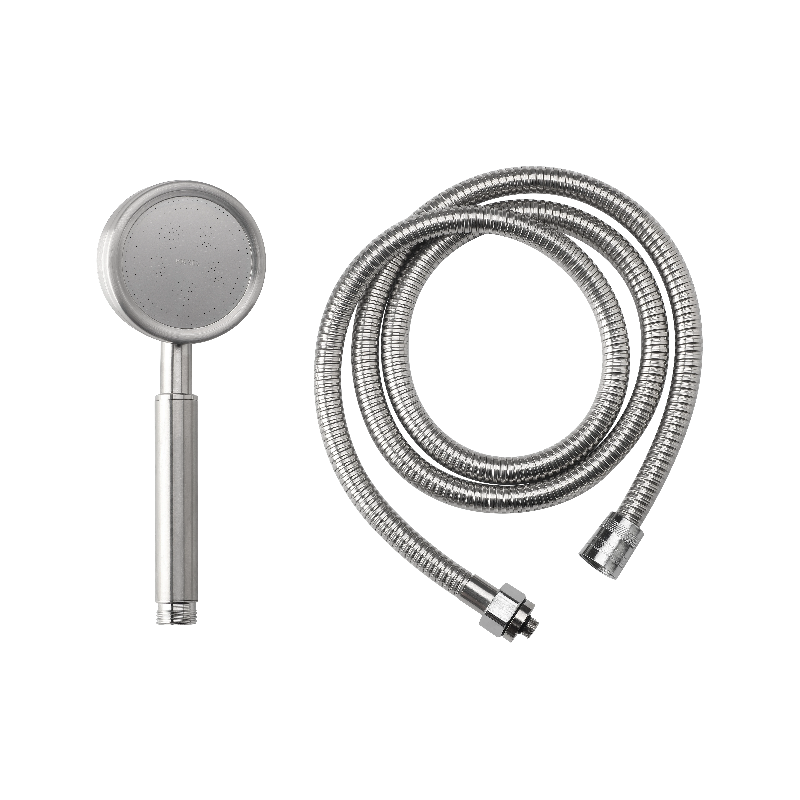 Leven aan de waterkantDouchekop voor waterpomp↗
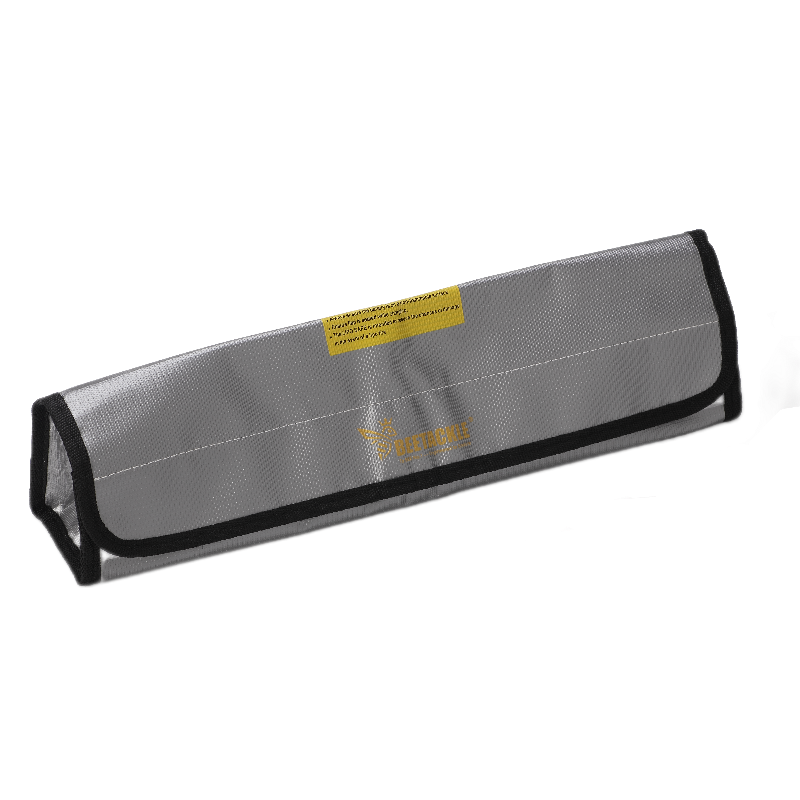 Leven aan de waterkantAccu-opbergtas↗
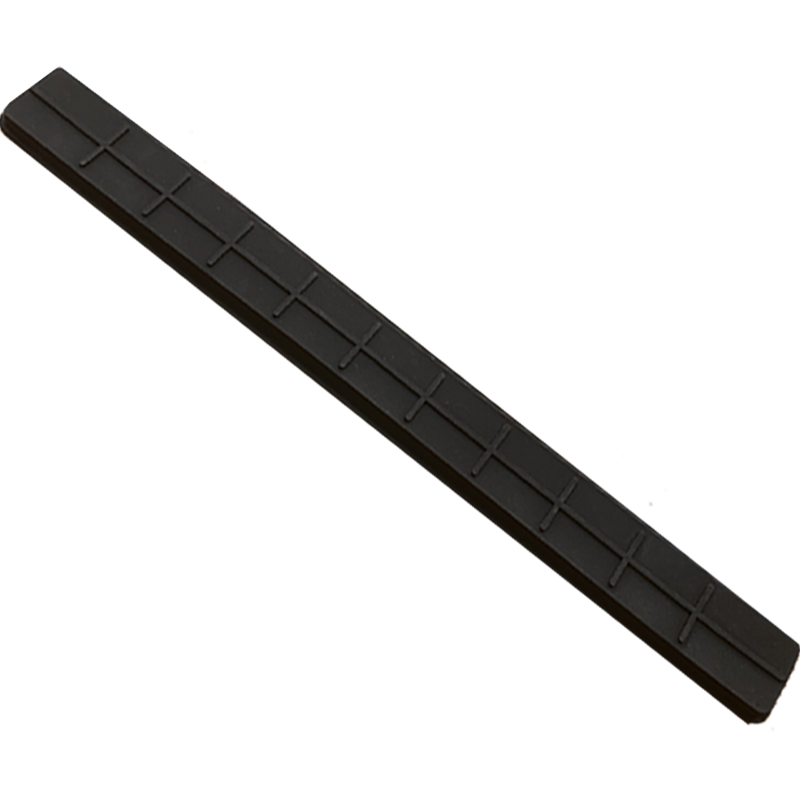 Accessoires2 * rubberen hoes voor boot↗
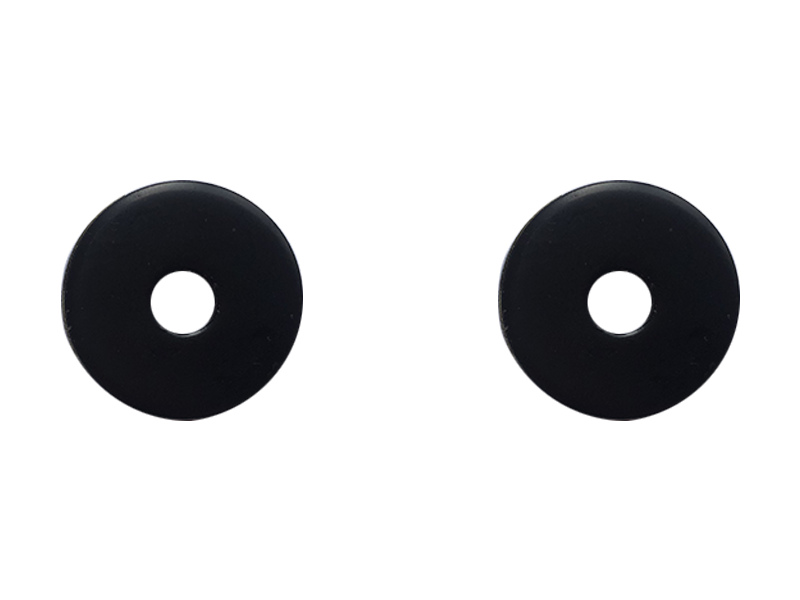 Accessoires2 trechtergewichten↗
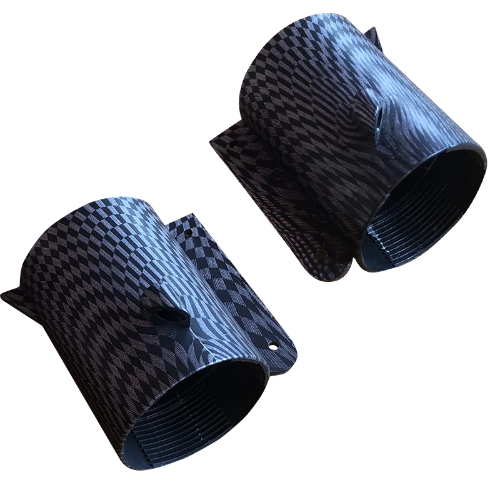 AccessoiresLinker motorhuis voor boot↗
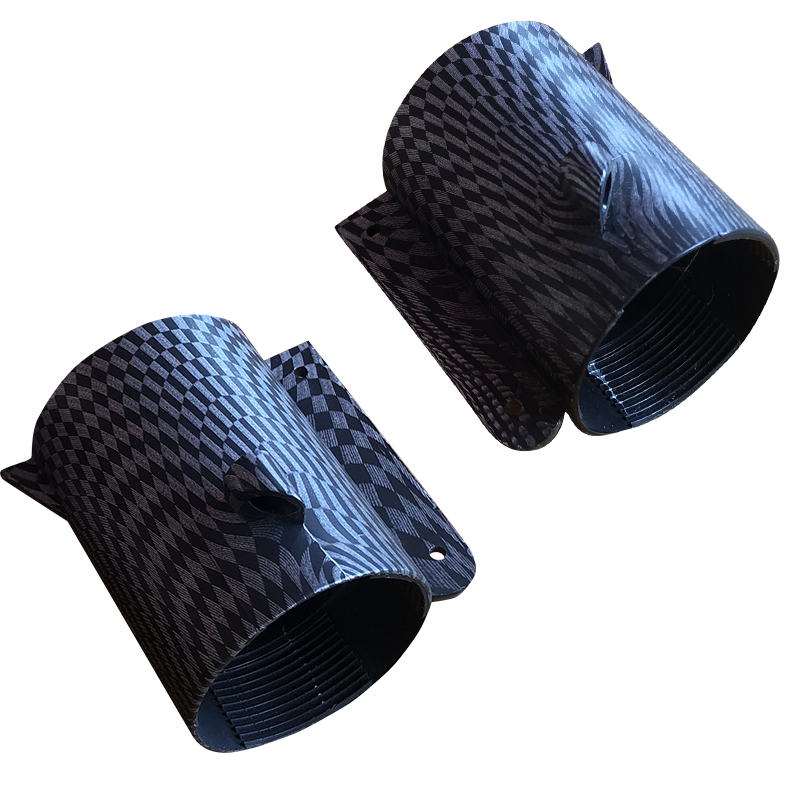 AccessoiresRechter motorhuis voor boot↗
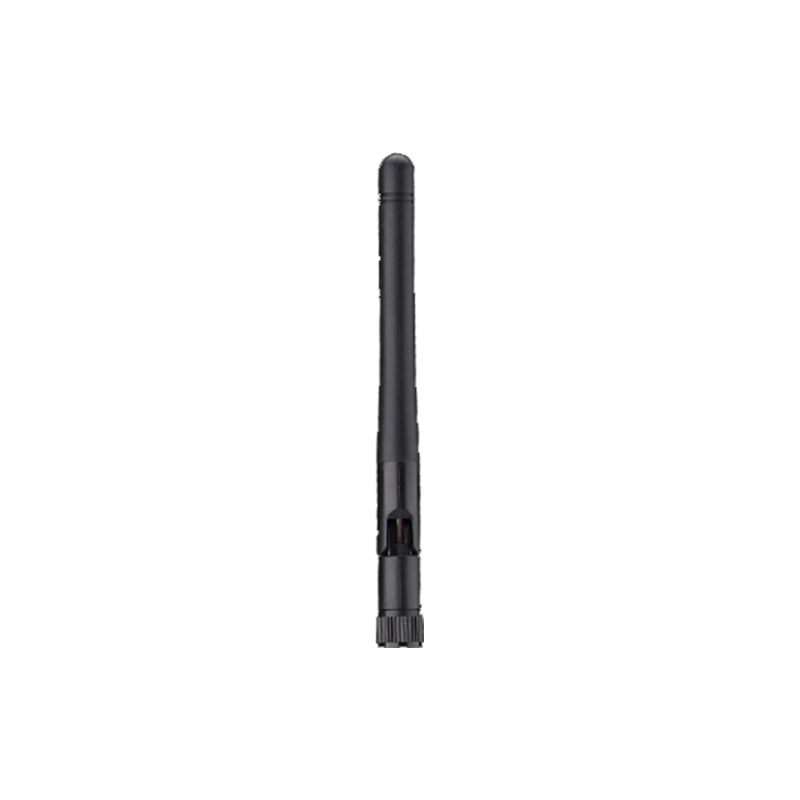 AccessoiresAntenne voor boot↗
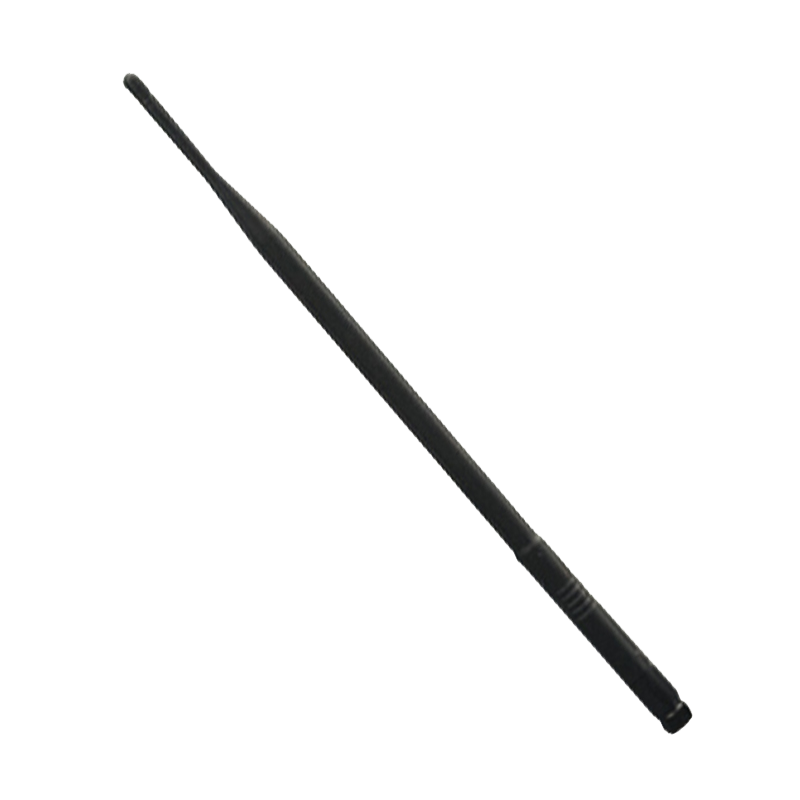 AccessoiresSonar Antenne↗
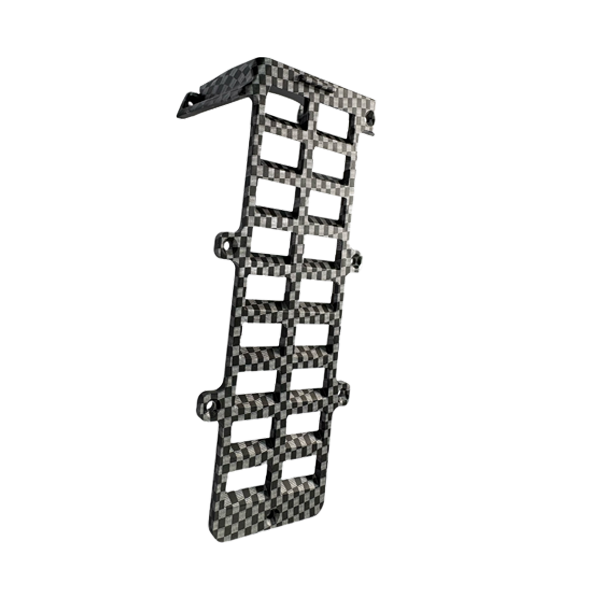 AccessoiresLeft right weed guard↗
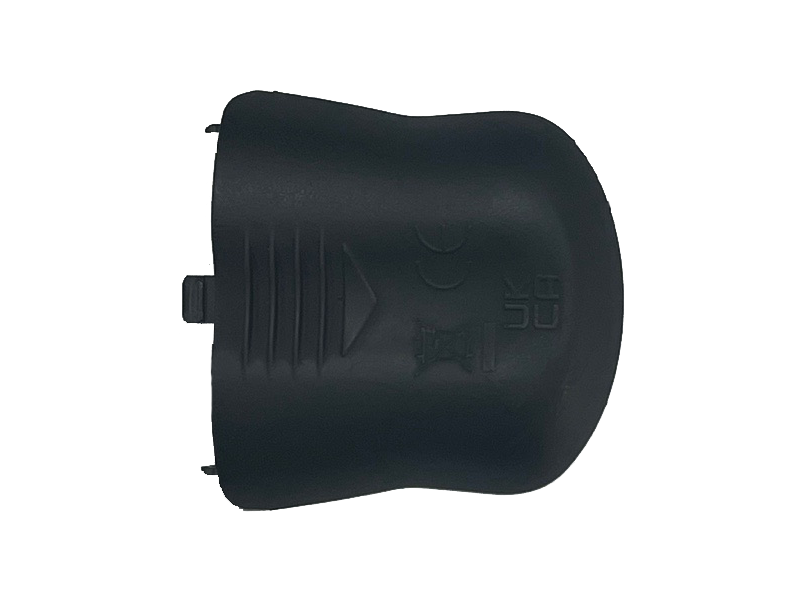 Accessoires2 back cover for K9s↗
 AccessoiresSpeed kit↗
 AccessoiresVS knobs for K9s↗
 Accessoires2Rubber band for P8↗
- Producten
- Tijdlijn
- Ondersteuning
- Over ons
- Inloggen
BEETACKLE NS9pro+ Bite Alarm
Overview
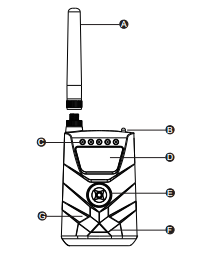
1. Snag Bars (antenna)
2. RGB LED / Nightlight
3. Roller Wheel
4. Power ON/OFF & Mute 30’
5. High Quality Cone Speaker
6. Type-C USB
7. Lithium-ion battery (500mAh) NS9Rpro+ Receiver
BEETACKLE NS9rpro+ Receiver
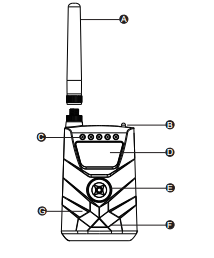
A. Antenna
B. Power ON/OFF

C. LEDs
D. Display
E. Multi-function Button
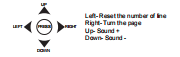
F. High Quality Cone Speaker
G. Lithium-ion Battery(1000mAh)
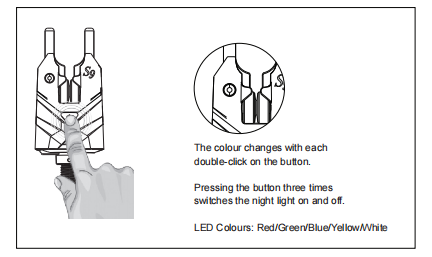
HOW TO CHANGE THE LED COLOUR OF THE NS9pro+ AND TURN ON THE NIGHTLIGHT
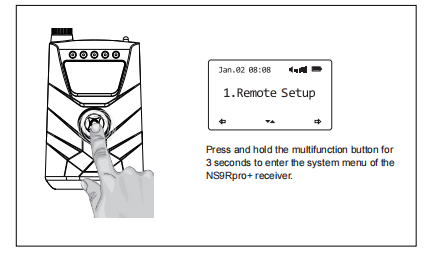
SYSTEM MENU OF NS9Rpro+
HOW TO REGISTER BITE ALARMS WITH RECEIVER
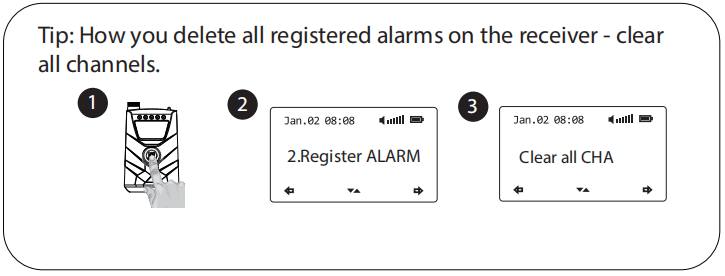
1. Press and hold the 'multifunction button' to enter the system menu of NS9Rpro+ receiver.
2. Scroll down to select the 'register alarm' menu.
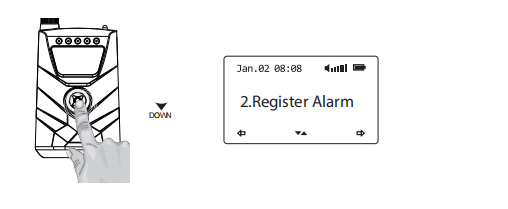
3. Select the colour you want to register.
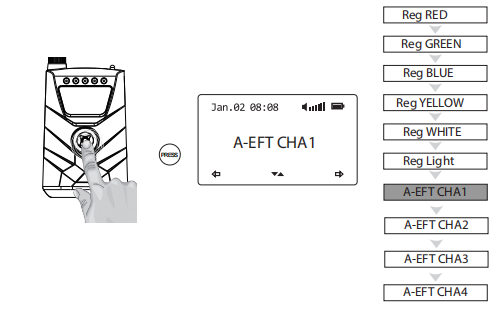
4. Turn the roller wheel of NS9pro+ bite alarm.
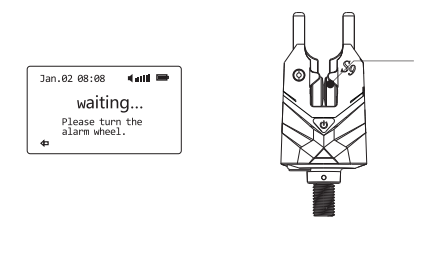
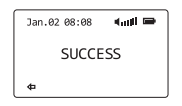
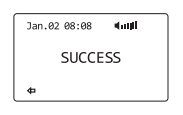
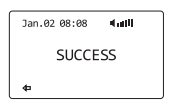
5. Registration was successful when the display shows 'SUCCESS'.
HOW TO REGISTER ANTI-THEFT ALARM NTH9s
1. Press and hold the 'multifunction button' to enter the system menu of NS9Rpro+ receiver.
2. Scroll down to select the 'register alarm' menu.
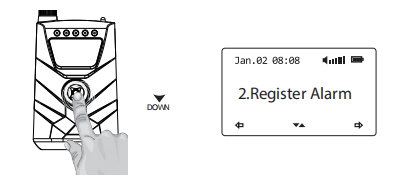
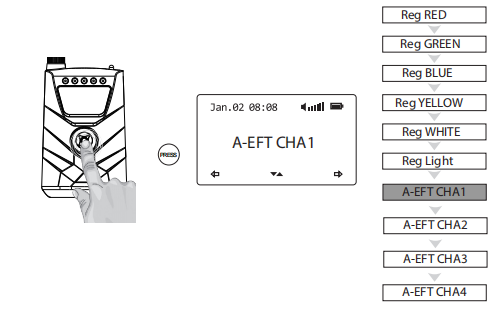
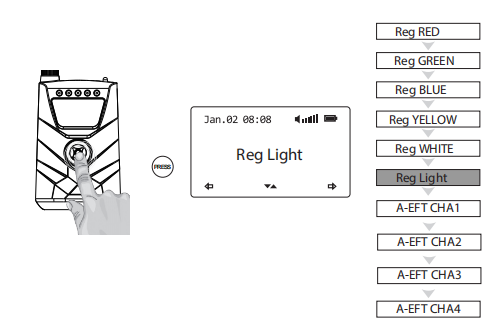
3. Choose one of the A-EFT channels (A-EFT CHA1, A-EFT CHA2, A-EFT CHA3, A-EFT CHA4). We recommend to start with A-EFT CHA1.
Press the button down to select the channel.
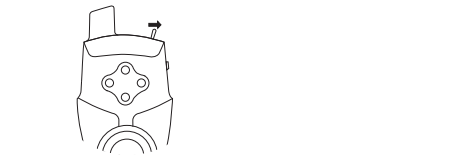
4. Turn on the NTH9s Anti-Theft Alarm.
5. Press the right button on the NTH9s twice.
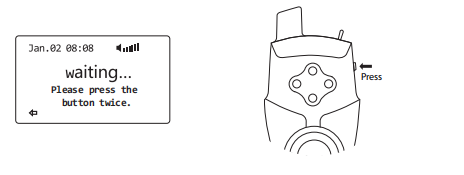
6. Registration was successful when the display shows 'SUCCESS'.
HOW TO REGISTER SMART BIVVY LIGHT ULTRA
1. Press and hold the 'multifunction button' to enter the system menu of NS9Rpro+ receiver.
2. Scroll down to select the 'register alarm' menu.
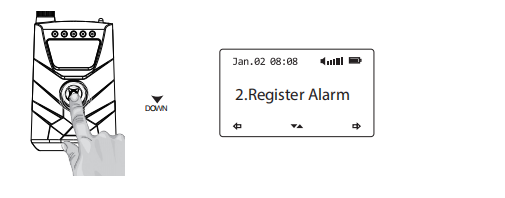
3. Scroll down to 'Reg Light' and confirm by pressing the button on the receiver down.
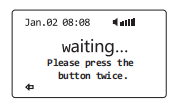
4. The display shows 'waiting...Please press the button twice'.
5. Switch on the Smart Bivvylight Ultra by pressing and holding the button on the Bivvy Light.

6. Then press the button on the Bivvy Light once and again.
7. Registration was successful when the display shows 'SUCCESS'.
HOW TO REMOTE CONTROL FUNCTIONS OF NS9Pro+/NTH9s via NS9Rpro+
1. Press and hold the 'multifunction button' to enter the system menu of NS9Rpro+ receiver.
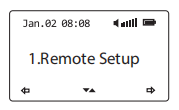
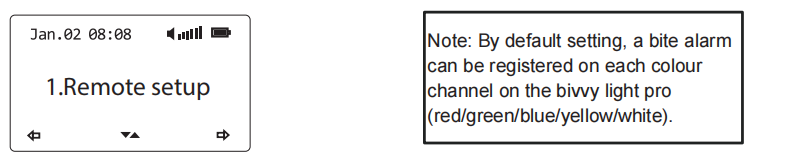
2.Scroll down to select the 'Remote setup' menu.
3. Scroll up and down to select the device you want to remote control.
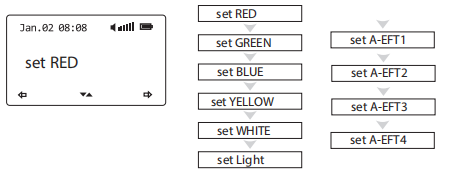
4. Up and down to select the function, confirm with the multifunction knob and then up and down again to set the values.
*Some functions depend on the type of bite alarm. Not every bite alarm has all functions.
For example, the NS9Pro+ bite alarms do not have illuminated snag ears.

5. Pressing left always takes you to the previous menu.
HOW TO DEFINE FUNCTIONS OF Smart Bivvy Light Ultra via NS9Rpro+
1. Press and hold the 'multifunction button' to enter the system menu of NS9Rpro+ receiver.
2. Scroll down to select the 'Remote setup' menu.
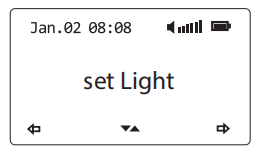
3. Scroll up and down to select 'set Light'.
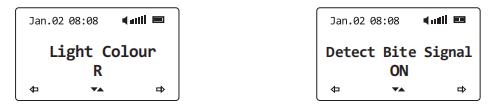
4. Left/right to select the function, up/down to set the value.
You can set the colour of the bivvy light to switch on the bivvy light for all bite alarms when a bite is detected or switch the function off.
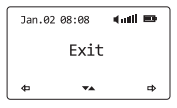
5. Select 'EXIT' to return main menu.
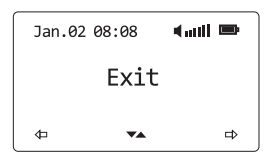
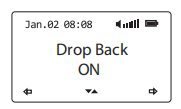
DROP BACK
1. Press and hold the 'Multi-function button' to access the NS9Rpro+ receiver system menu.
2. Scroll down to select the 'Receiver Setup' menu.
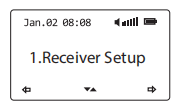
3. Scroll up and down to switch the dropback on/off.
Note: After turning the dropback function on and off, the alarm must be registered again.
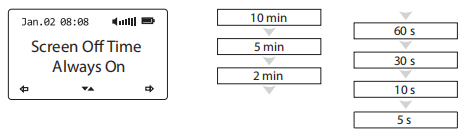
SCREEN OFF TIME
1. Press and hold the multifunction button to enter the NS9Rpro+ receiver system menu.
2. Scroll down to select the 'Receiver Setup' meau.
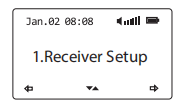
3. Scroll up and down to set the screen switch-off time.
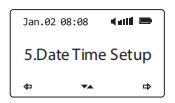
DATE TIME SET
1. Press and hold the 'multifunction button' to enter the system menu of NS9Rpro+ receiver.
2. Scroll down to select the 'Date time set' menu and confirm by pressing the button down to enter the menu.
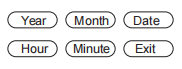
3. Left/right to choose Year/Month/Date/Hour/Minute/Exit, up/down to set the value.
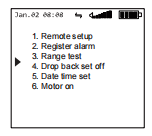
RANGE TEST
The Range test function does not test the maximum range of the bite alarms to the receiver,
but how far the remote-control mode reaches. There is a difference between the range from the bite indicator to the receiver and from the receiver to the bite indicator. The real range of the bite alarms depends on environmental conditions. This range can only be tested manually by turning the roller wheel.
APP SETUP
1. Press and hold the 'multifunction button' to enter the system menu of NS9Rpro+ receiver.
2. Scroll down to select the 'Date time set' menu and confirm by pressing the button down to enter the menu.
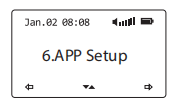
3. Scroll up/down to switch ON/OFF the APP Setup. When turned on, the App connection Icon will be displayed on the screen.
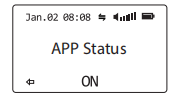
4. Make sure that you have switched on Bluetooth on your smartphone.
5. Open the bite alarm app. The connection is established automatically after a few seconds. Manual pairing is generally not necessary.
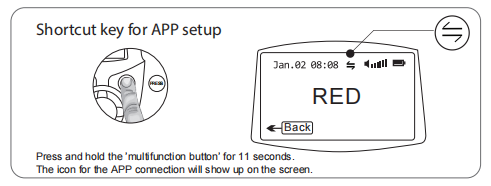
Most smartphones connect automatically without you having to enter a PIN code. If your phone requires a PIN, enter 000000 to try.